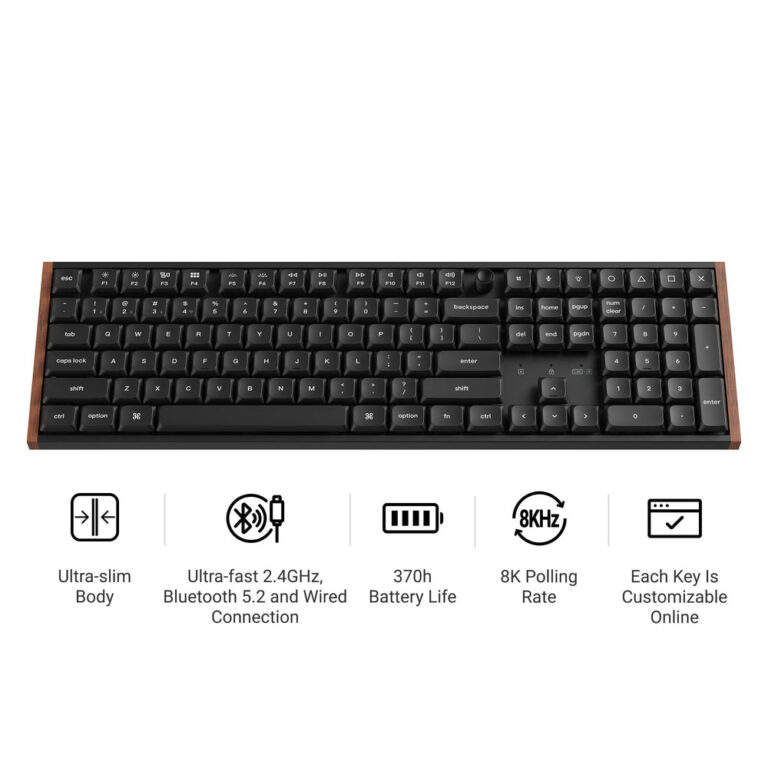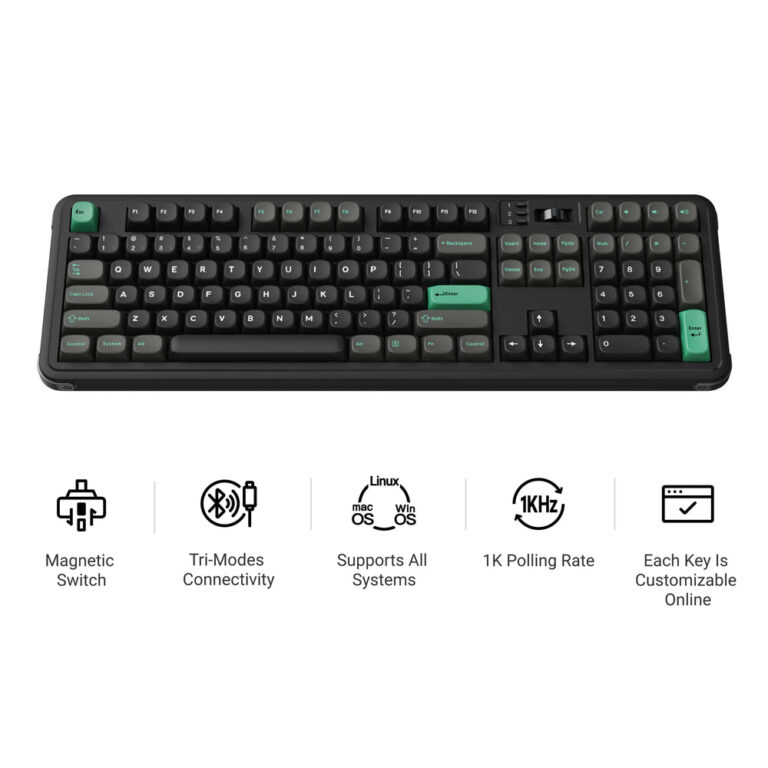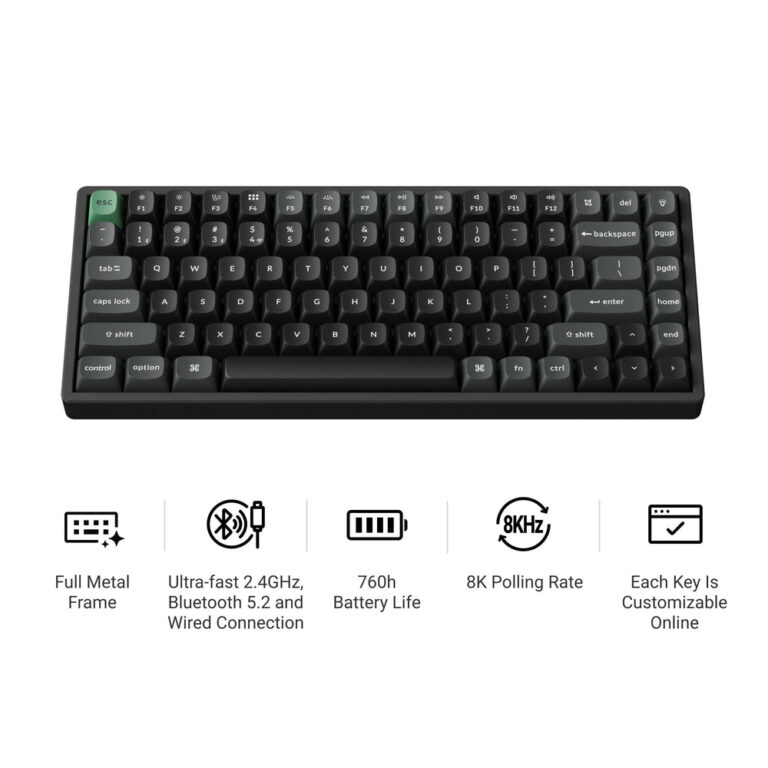
Keychron offers a wide range of switches for custom builds, from linear and tactile to magnetic and silent types. The brand provides switch testers and multi-pack options to help you evaluate feel and sound before committing to a full set. Your choice depends on your preferred switch profile (normal or low), actuation feel, and compatibility with your keyboard model.
If you are wondering how to choose switches for your mechanical keyboard, Keychron’s extensive catalog provides a good starting point. Based on the brand’s published specs, the selection process involves understanding switch profiles, actuation types, and compatibility.
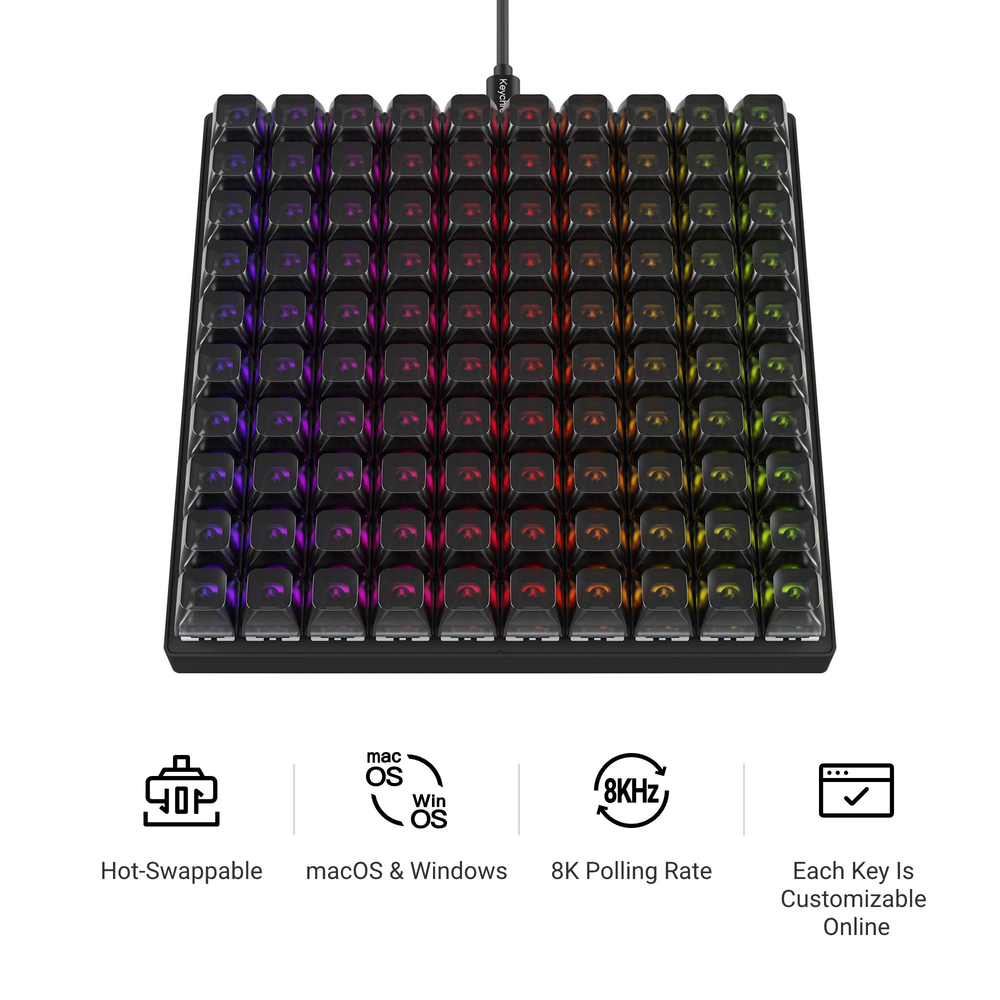
This guide uses only the information provided by Keychron to help you navigate their switch offerings, from the Silent and Super switches to the specialized magnetic and low-profile options. Whether you are building a full keyboard or customizing a macro pad like the C100 8K, knowing the differences is key.
Who This Guide Is For
This guide is for anyone looking to purchase switches directly from Keychron’s catalog. It is intended for builders who want to understand the differences between switch types, profiles, and pack sizes based solely on the brand’s own product descriptions.
Key Criteria for Choosing a Switch
Based on the product data, here are the main factors to consider:
- Switch Profile: Keychron offers Normal Profile and Low Profile switches. Low profile switches, like the Keychron Milk POM Low Profile Switch, are designed for specific build heights.
- Actuation Type: Choose between Linear (e.g., Haimu Midnight Linear Switch), Tactile (e.g., Kailh Box Winter Tactile Switch), Silent (e.g., Keychron Silent Switch), and Magnetic switches (e.g., Keychron Ultra-Fast Lime Magnetic Switch).
- Compatibility: Some switches, like the Gateron Double-Rail Magnetic Switch, are only compatible with specific keyboard series (Q HE, K HE, Lemokey P HE, L1 HE). Always check the product description for compatibility notes.
- Pack Size: Switches are sold in sets, typically 45 or 110 switches per pack, depending on the model.
Common Mistakes to Avoid
When browsing Keychron’s switch catalog, avoid these common pitfalls based on the available data:
- Ignoring compatibility: Magnetic switches are not universally compatible. For example, the Keychron Ultra-Fast Lime Magnetic Switch is not compatible with mechanical keyboards or Lemokey L1 HE keyboards.
- Forgetting to test first: Keychron offers switch testers (e.g., Keychron Switch Tester 100 Max Edition, Gateron Switch Tester) to evaluate feel and sound before buying a full set.
- Overlooking switch components: Some switches, like the Keychron Camo Switch, have specific bottom cases and top cases that are not interchangeable with other switch types.
Questions to Ask the Brand
Since Keychron does not state its warranty, shipping, or returns policies in the provided data, you should contact the brand directly to ask:
- What is the warranty period for individual switches?
- What is the return policy for switch sets?
- Are there any shipping restrictions for switch components?
Examples from the Brand's Catalog
Here are specific products mentioned in the data that illustrate the variety of switches available:
- keychron-switch-tester-100-max-edition: A tester set with 100 switches (88 mechanical, 12 magnetic) from multiple brands, allowing you to compare feel and sound before buying.
- keychron-ultra-fast-lime-magnetic-switch: A magnetic switch set specifically for Keychron HE series and Lemokey L0/L5 HE keyboards.
- haimu-midnight-linear-switch: A linear switch set available in 45 or 110 switch packs.
- kailh-box-winter-tactile-switch: A tactile switch set from Kailh, available in 45 or 110 switch packs.
Checklist Before You Order
Before completing your purchase, review this checklist based on the brand’s published information:
- Have you confirmed the switch profile (Normal or Low) matches your keyboard plate?
- Is the switch type (Linear, Tactile, Silent, Magnetic) compatible with your keyboard model?
- Have you checked if a switch tester is available to try the feel first?
- Do you need the 45-switch or 110-switch pack size?
- Have you verified the compatibility of switch components (e.g., Camo switch top and bottom cases)?
Keychron Switch Tester 100 Max Edition
Keychron Ultra-Fast Lime Magnetic Switch
Frequently asked questions
What switch types does Keychron offer?
Based on the product data, Keychron offers several switch types including Linear (e.g., Haimu Midnight Linear), Tactile (e.g., Kailh Box Winter Tactile), Silent (e.g., Keychron Silent Switch), and Magnetic switches (e.g., Keychron Ultra-Fast Lime Magnetic Switch). They also offer Normal Profile and Low Profile mechanical switches.
How many switches come in a pack?
Most Keychron switch sets are available in 45-switch or 110-switch pack options. Some sets, like the Gateron Switch Tester, come with 35 switches. The Keychron Switch Tester 100 Max Edition includes 100 switches.
Are Keychron switches compatible with all keyboards?
No, compatibility varies. For example, the Keychron Ultra-Fast Lime Magnetic Switch is compatible with Keychron HE 8K series and Lemokey L0 HE and L5 HE keyboards, but not with mechanical keyboards or Lemokey L1 HE keyboards. Always check the product’s compatibility notes.
Can I test Keychron switches before buying a full set?
Yes, Keychron offers switch testers. The Keychron Switch Tester 100 Max Edition includes 100 switches from Huano, Keychron, Gateron, and Kailh. Gateron and Kailh also have their own dedicated switch testers with 35 switches each.
What is the warranty on Keychron switches?
The warranty policy for Keychron switches is not stated in the brand’s published information provided. It is recommended to contact Keychron directly for warranty details.