Choosing a slim keyboard involves balancing layout size, connectivity options, and switch type. Keychron’s slim lineup offers layouts from 60% to 100%, wireless or wired connections, and hot-swappable mechanical or magnetic switches. Battery life varies significantly, so matching the keyboard to your workflow and device ecosystem is key.
If you are searching for ‘how to choose slim keyboards’, you are likely looking for a compact, portable input device that doesn’t sacrifice functionality. The Keychron brand offers a wide range of slim keyboards, from ultra-portable 60% layouts to full-size 100% options.
This guide uses only Keychron’s published specifications to help you understand the key differences between their models. It breaks down the factors that matter most, such as layout size, connectivity, switch type, and battery life, so you can make an informed decision based on your specific needs.
Who this guide is for
This guide is for shoppers looking for a slim, portable keyboard who want to understand the trade-offs between size, features, and connectivity based on Keychron’s lineup. It is for users who prioritize desk space, portability, or a specific layout standard (ANSI vs ISO) and want to compare models using only the brand’s published information.
Key criteria for choosing a slim keyboard
- Layout Size: Keychron offers 60% (K9 Max), 65% (B11 Pro), 75% (K3, B1/B3 Pro), 80% (K1, K13 Max), 96% (B2/B4 Pro, K17 Max), and 100% (K5, B5/B6 Pro). Smaller layouts save desk space but may have a learning curve.
- Connectivity: Most models support 2.4 GHz, Bluetooth (5.1/5.2/5.3), and wired connections. Tri-mode connectivity allows switching between up to 3 devices. Polling rates range from 1000 Hz to 8000 Hz (8K) on models like the K1, K3, and K5 Ultra 8K.
- Switch Type: Keychron uses hot-swappable switches. Options include mechanical switches (Milk POM, Gateron) and magnetic switches (Ultra-Fast Lime Low-Profile Magnetic Switch with adjustable actuation). The switch type affects the typing feel and customization.
- Battery Life: Varies greatly. The B Pro series (B1-B6) offers up to 300 hours from an 800 mAh battery. The K3 HE offers up to 55 hours. The K3 Ultra 8K offers up to 550 hours. Consider your usage patterns.
- Build and Keycaps: Materials include ABS, Aluminum, and Wood. Keycaps are typically double-shot PBT, ABS, or shine-through ABS. The K3 HE features a tray mount with an Aluminum + Wood build.
Common mistakes to avoid
- Overlooking the layout percentage: A 60% or 75% layout lacks a number row and function row, which might be essential for your workflow.
- Ignoring battery capacity: A very slim keyboard might have a smaller battery (e.g., 250 mAh in B11 Pro vs 2600 mAh in K3 HE). Check the stated battery life.
- Assuming all ‘slim’ keyboards are mechanical: The B Pro series uses ABS keycaps and is described as ultra-slim, but the K series offers hot-swappable mechanical or magnetic switches.
- Forgetting software compatibility: While most work with macOS, Windows, and Linux, some models like the B Pro series explicitly list iOS and Android support.
Questions to ask the brand
- What is the exact layout size (percentage) and key count?
- What is the stated battery life and charging time? (Charging time is not stated in the provided data).
- Is the switch hot-swappable, and what switch options are available?
- Does the keyboard support QMK, VIA, or ZMK firmware for customization?
- What is the warranty and return policy? (Not stated by the brand in the provided data).
Examples from the brands in the DATA
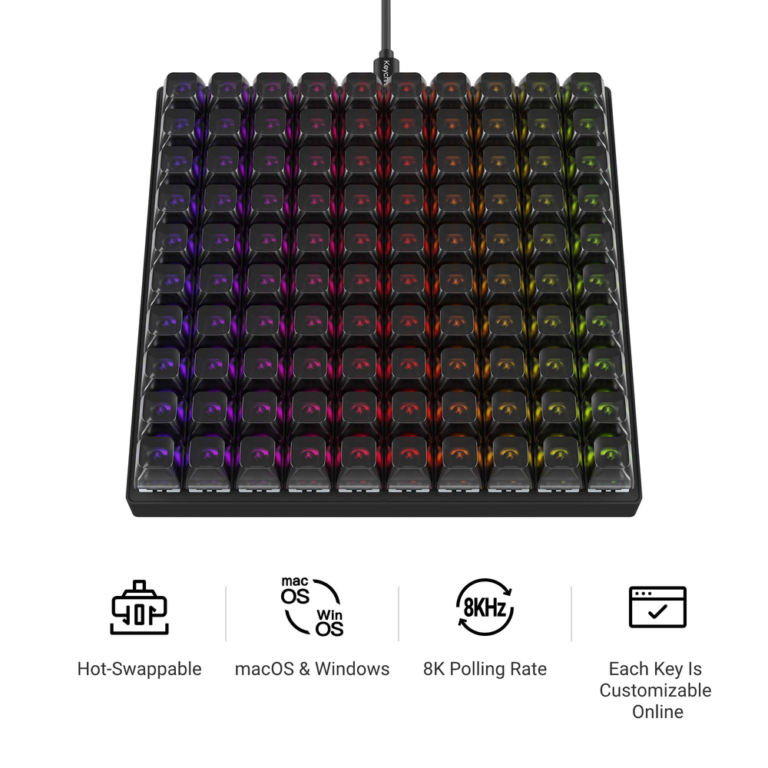
- For maximum portability: The Keychron B11 Pro Ultra-Slim Wireless Foldable Keyboard is a 65% foldable layout weighing 258 g. It uses a 250 mAh battery and is non-backlit.
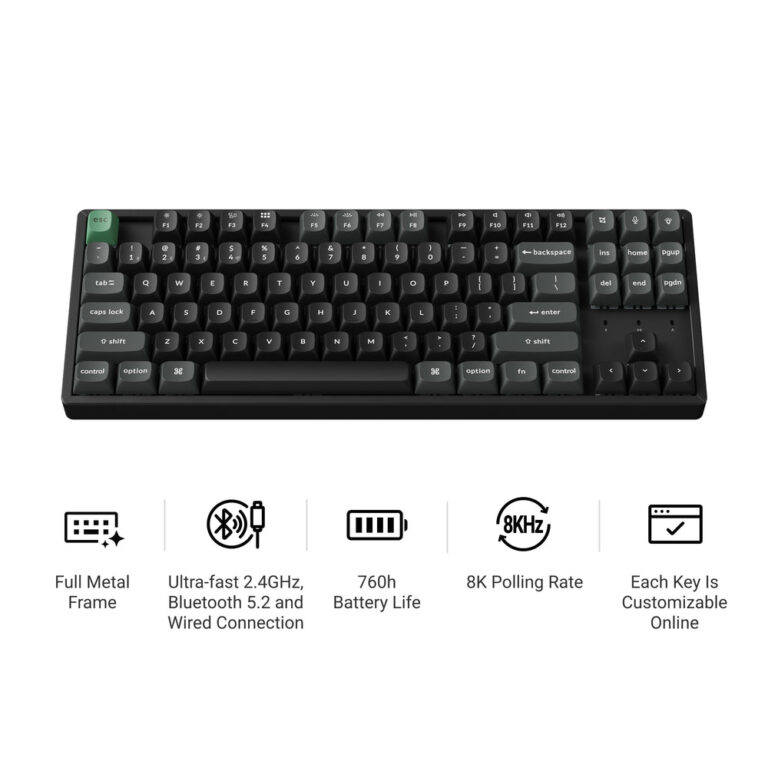
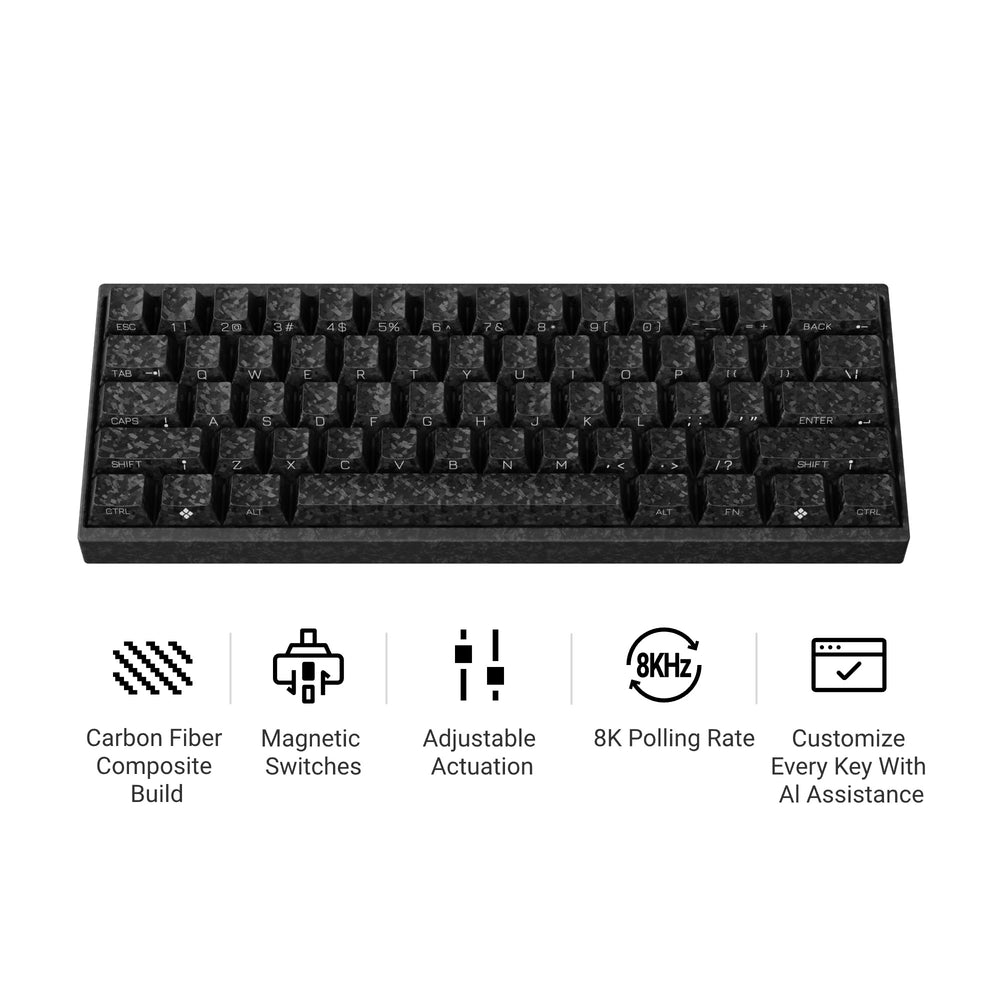
- For a mechanical typing experience: The Keychron K3 HE Wireless Magnetic Switch Custom Keyboard features a 75% layout with hot-swappable magnetic switches and an Aluminum + Wood build.
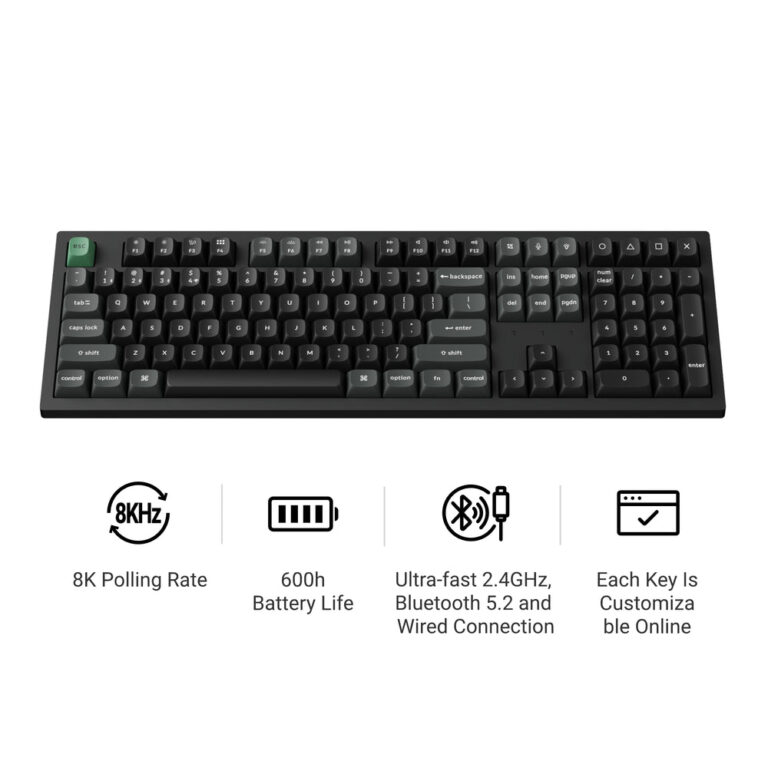
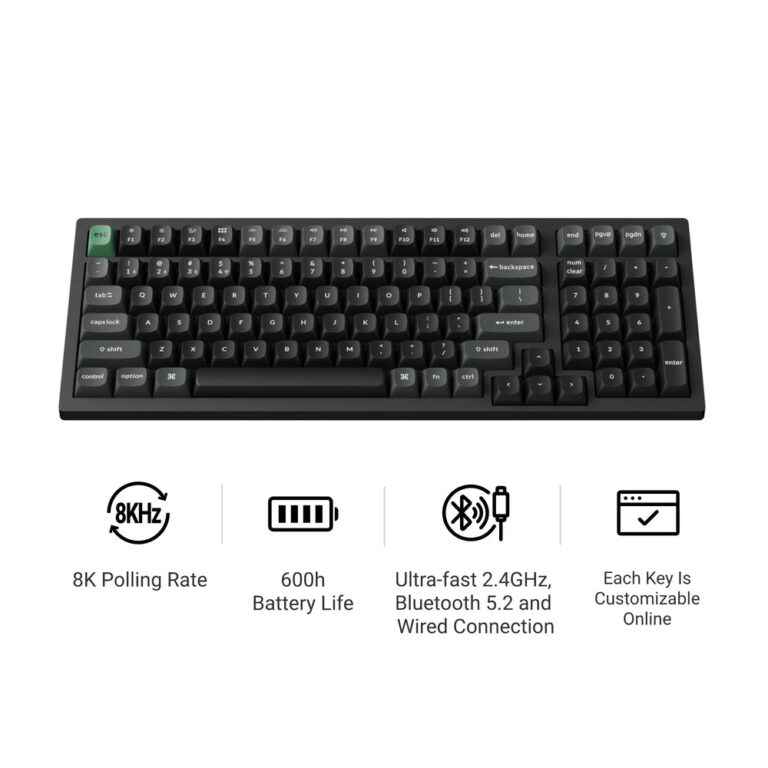
- For full-size layout with high polling rate: The Keychron K5 Ultra 8K Wireless Custom Mechanical Keyboard offers a 100% layout, 8K polling rate, and up to 370 hours of battery life.
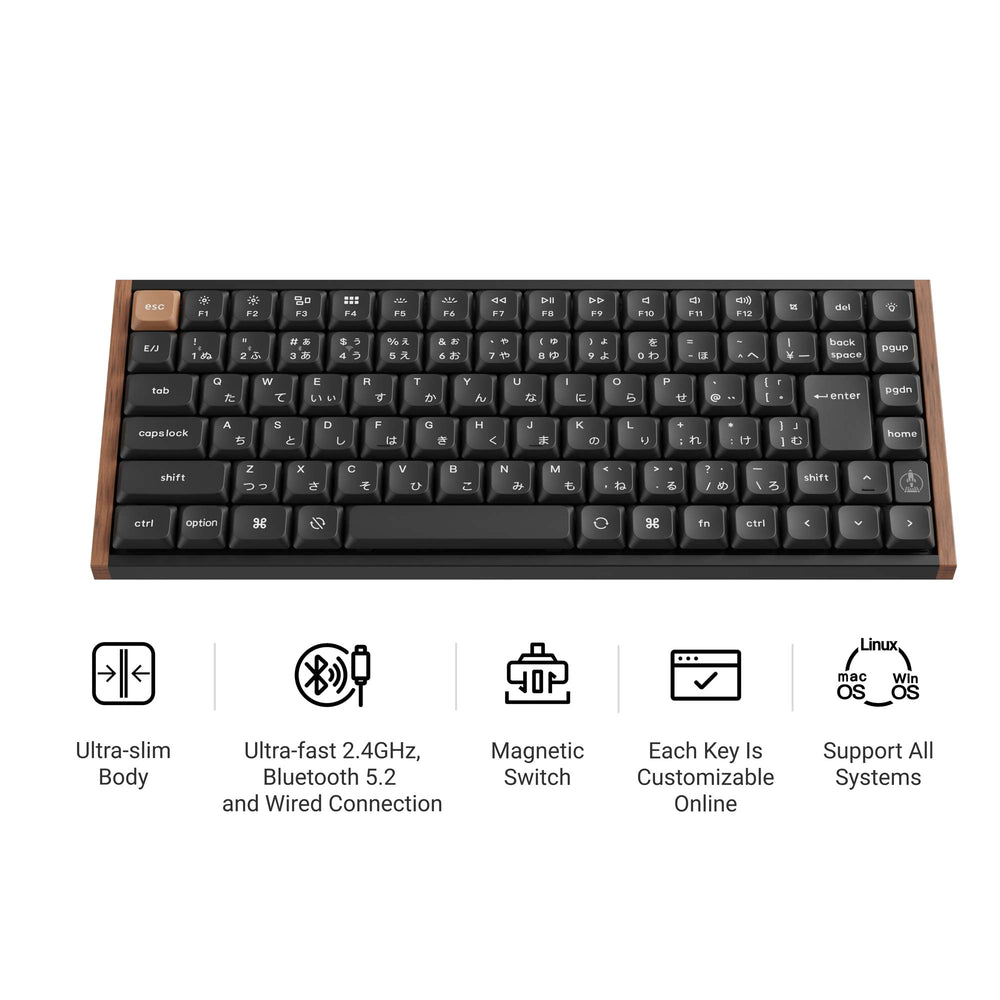
- For a balance of size and features: The Keychron B3 Pro Ultra-Slim Wireless Keyboard is a 75% ultra-slim keyboard with an ABS build, 800 mAh battery, and Keychron Launcher support.
Checklist before you order
- Confirm the layout size (60% to 100%) matches your need for dedicated keys.
- Check the connectivity options (2.4 GHz, Bluetooth version, wired).
- Verify the switch type (mechanical, magnetic) and if it is hot-swappable.
- Review the battery capacity and estimated battery life.
- Ensure the operating system (macOS, Windows, Linux, iOS, Android) is supported.
- Check the physical dimensions and weight to ensure it fits your setup.
- Look for the warranty and return policy on the brand’s website (not stated in the provided data).
Keychron B11 Pro Ultra-Slim Wireless Foldable Keyboard
Keychron K3 HE Wireless Magnetic Switch Custom Keyboard
Keychron K5 Ultra 8K Wireless Custom Mechanical Keyboard
Keychron B3 Pro Ultra-Slim Wireless Keyboard
Frequently asked questions
What is the difference between the Keychron K series and B series slim keyboards?
Based on the published specs, the K series (e.g., K3, K5) typically features hot-swappable mechanical or magnetic switches and higher battery capacities (up to 2600 mAh). The B series (e.g., B3 Pro, B5 Pro) is described as ultra-slim with ABS builds and fixed switches, offering up to 300 hours of battery life from an 800 mAh battery.
What layout sizes are available for Keychron slim keyboards?
Keychron offers several layout sizes in their slim category: 60% (K9 Max), 65% (B11 Pro), 75% (K3, B1/B3 Pro), 80% (K1, K13 Max), 96% (B2/B4 Pro, K17 Max), and 100% (K5, B5/B6 Pro).
Can I customize the key mapping on these keyboards?
Yes, many models support customization. Keyboards with QMK or ZMK firmware allow key remapping and macros through the Keychron Launcher web app. This includes models like the K3 HE, K5 Ultra 8K, and B3 Pro.
Do these keyboards work with multiple devices?
Yes, most Keychron slim keyboards support tri-mode connectivity (2.4 GHz, Bluetooth, wired) and can connect to up to 3 devices. They are stated to work with macOS, Windows, and Linux, with some B series models also listing iOS and Android support.
What is the warranty and return policy for Keychron slim keyboards?
The warranty and return policy details are not stated in the provided data. You should check the specific product page or contact Keychron directly for this information.