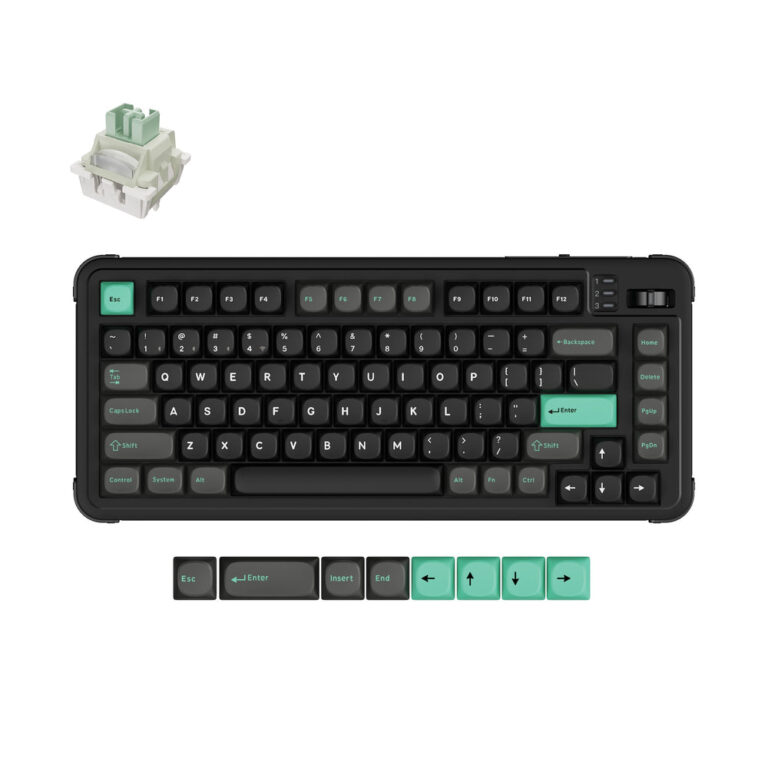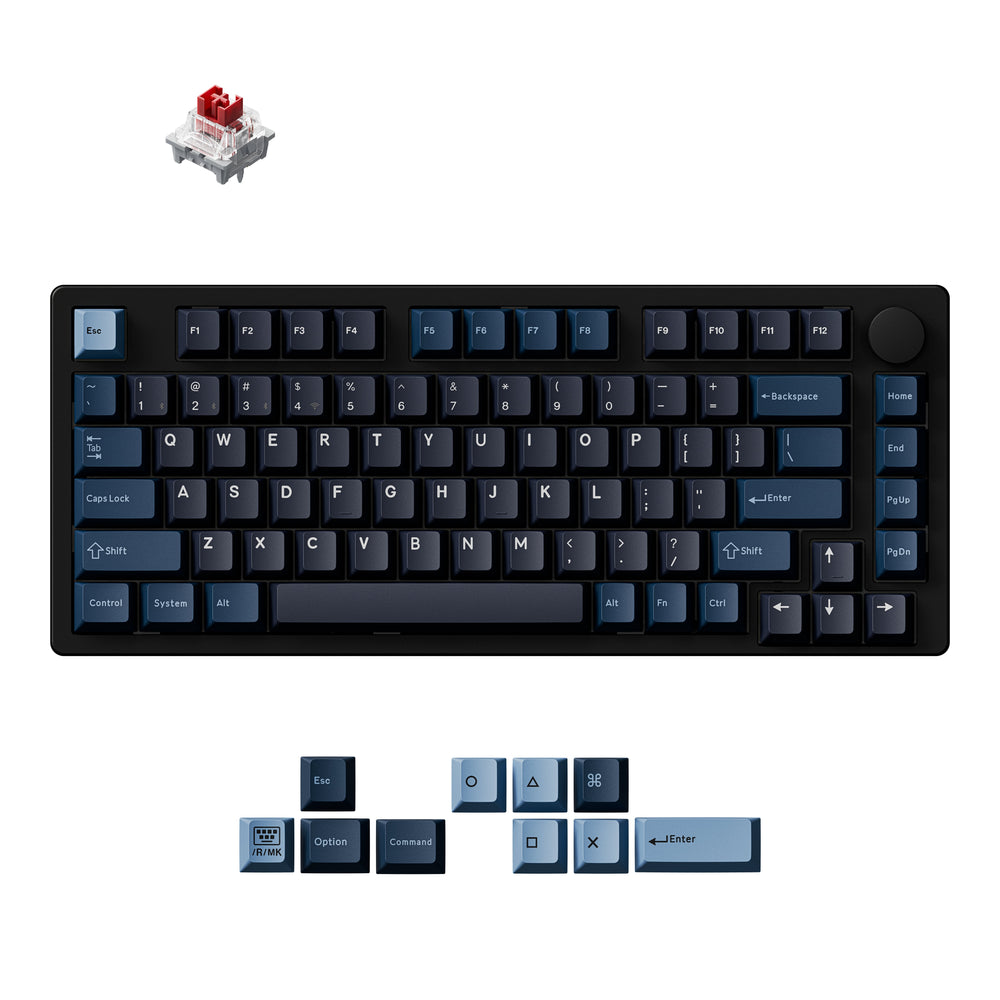
Choosing a custom keyboard comes down to deciding on layout, switch type, connectivity, and build materials. Keychron offers options from compact 75% to full-size 100%, with mechanical or magnetic switches, wireless or wired, and materials like plastic, aluminum, or wood. Based on published specs, the best choice depends on your typing habits, workspace, and whether you want features like adjustable actuation or hot-swappable switches.
If you’re searching for ‘how to choose custom keyboards’, this guide will walk you through the key decisions using only the specifications Keychron publishes for its own products. Whether you’re new to custom keyboards or upgrading from a standard model, understanding the core criteria can help you narrow down the options.
Keychron’s lineup includes over 240 custom keyboard models, so focusing on layout, switch type, connectivity, and build will help you find a match for your workflow. All information below comes directly from Keychron’s product listings.
Who This Guide Is For
This guide is for anyone looking to buy their first or next custom mechanical keyboard. It’s especially useful if you want to understand the main differences between models without getting overwhelmed by technical jargon. The criteria here are based on Keychron’s own published specs, so you can apply them directly when browsing their catalog.
Key Criteria to Compare
Based on Keychron’s published data, these are the most important factors when choosing a custom keyboard:
- Layout: Keychron offers sizes from 75% (no numpad, compact), 80% (TKL, no numpad but arrow keys), 96% (numpad included, compact), to 100% (full-size with numpad and function row). Some models also have a knob.
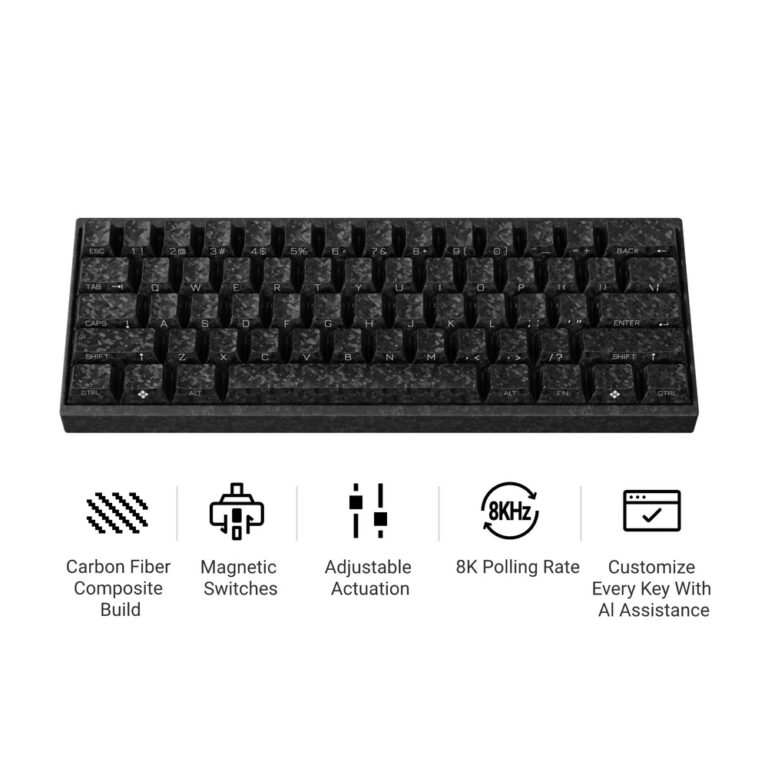
- Switch Type: Mechanical switches (e.g., Keychron Apex, Silk POM) are traditional tactile/linear. Magnetic Hall-effect switches (e.g., Gateron Double-Rail Magnetic Nebula, Keychron Ultra-Fast Lime) offer adjustable actuation points (0.2–3.8 mm) and Rapid Trigger. Many boards are hot-swappable.
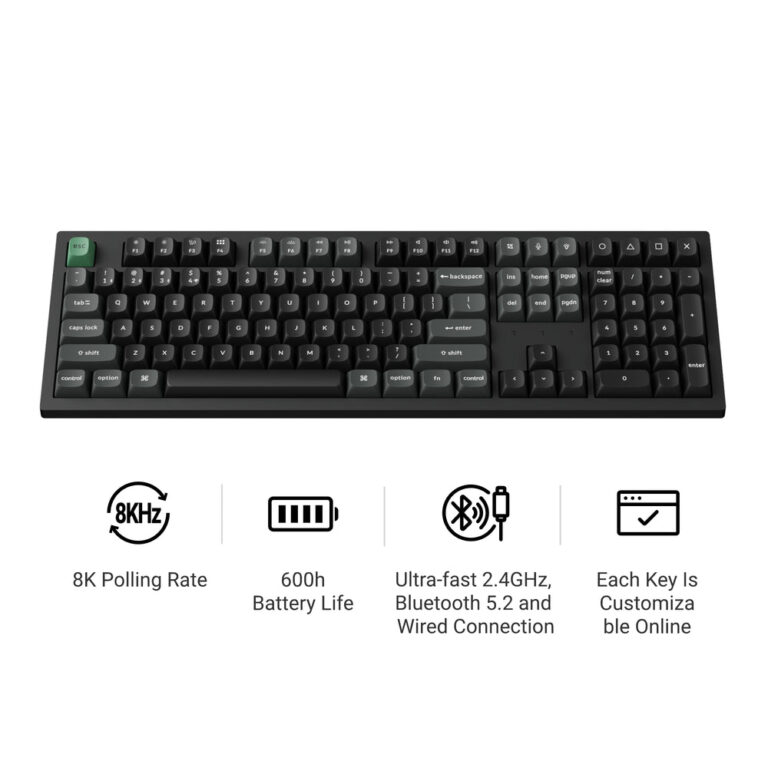
- Connectivity & Polling Rate: Most wireless models offer tri-mode (2.4 GHz, Bluetooth, wired). Polling rates range from 1000 Hz to 8000 Hz on some ‘Ultra’ models. Wired-only models often have lower latency.
- Build Materials: Cases come in plastic, CNC aluminum, or walnut wood (like the All-Wood Special Edition). Keycaps are typically double-shot PBT (durable, not shine-through) or ABS. Gasket mount is common for sound dampening.
- Software: Many boards support QMK or ZMK firmware with remapping via the Keychron Launcher web app. Some models have on-board storage for macros.
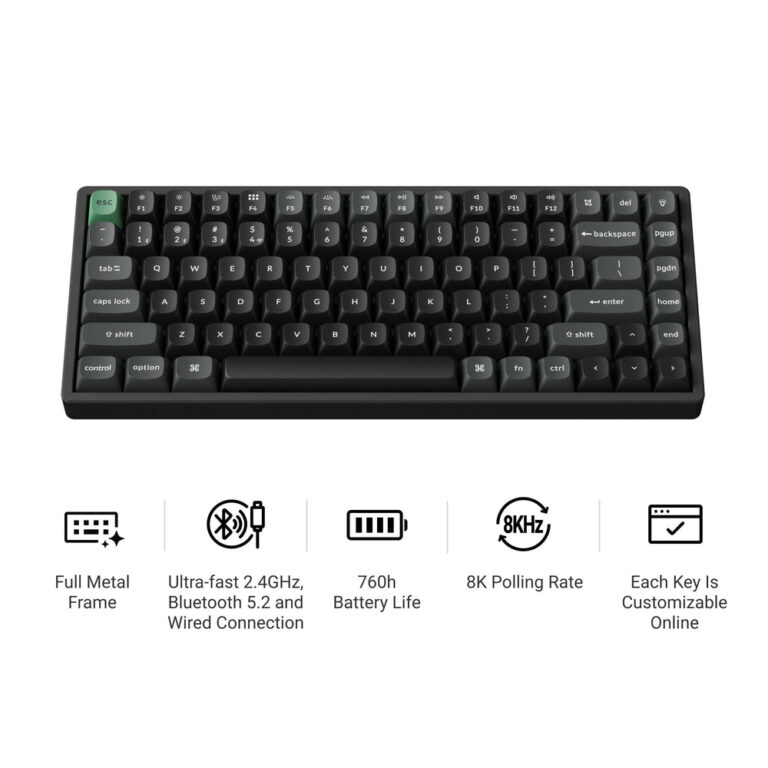
- Battery Life: Varies from 330 hours (B40) to 760 hours (K2 Ultra 8K) with backlight off, depending on model and wireless mode.
Common Mistakes to Avoid
Choosing the wrong layout: Make sure you need a numpad before picking a 100% or 96% board. A 75% or TKL saves desk space but lacks dedicated number keys.
Ignoring switch compatibility: Not all switches work with every board. While many Keychron models are hot-swappable with standard MX switches, magnetic switch boards (like the J15 HE) require compatible magnetic switches. Check the product description.
Overlooking connectivity needs: If you need ultra-low latency for gaming, prioritize wired or 2.4 GHz with a higher polling rate (e.g., 8000 Hz). Bluetooth is convenient but may have higher latency (stated as 125 Hz on some models like the J3 SE).
Forgetting keycap profile: Keycaps come in different profiles (OSA, Cherry, KSA, low-profile). Make sure the profile feels comfortable to you – it’s a personal preference not stated by the brand beyond listing it.
Questions to Ask the Brand
Based on what Keychron does and does not publish, here are questions you should check on the product page or contact support about:
- Is the keyboard fully assembled or a barebone kit? (Some models list ‘Fully Assembled’ in tags – check the product description.)
- What is the warranty policy? (Not stated by the brand in the data provided.)
- Are replacement keycaps or switches available separately? (Keychron sells keycaps and switches as separate categories – but compatibility per model is not always detailed.)
- Does the board support VIA for customization, or only Keychron Launcher? (Some models mention QMK/VIA support in tags.)
Examples from Keychron's Lineup
These product examples from the data show how the criteria differ:
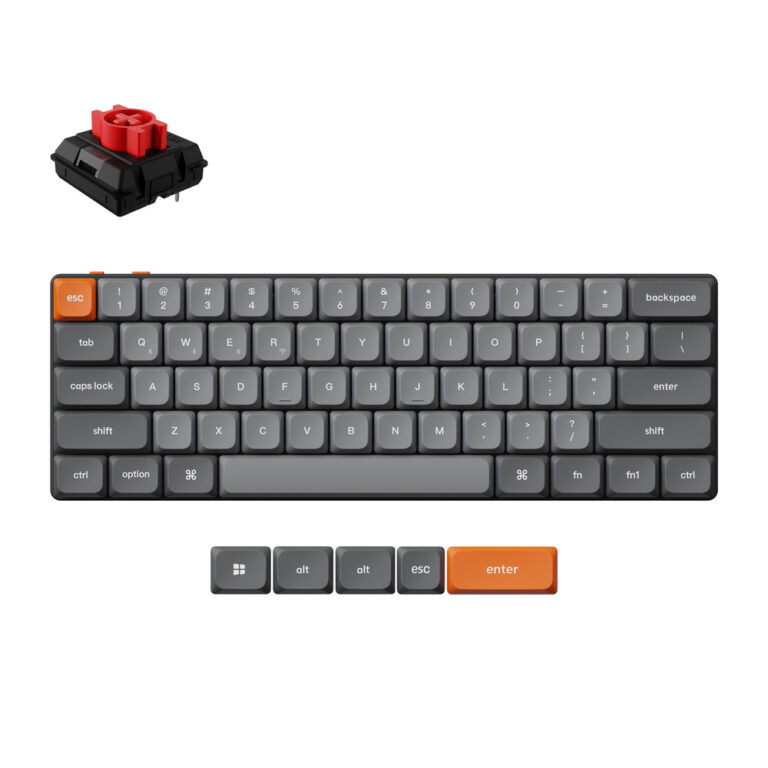
- keychron-j10-ultra-wireless-mechanical-switch-keyboard – 75% layout, mechanical switches (hot-swappable APEX), tri-mode with 8K polling, plastic build, double-shot PBT keycaps, ZMK firmware.
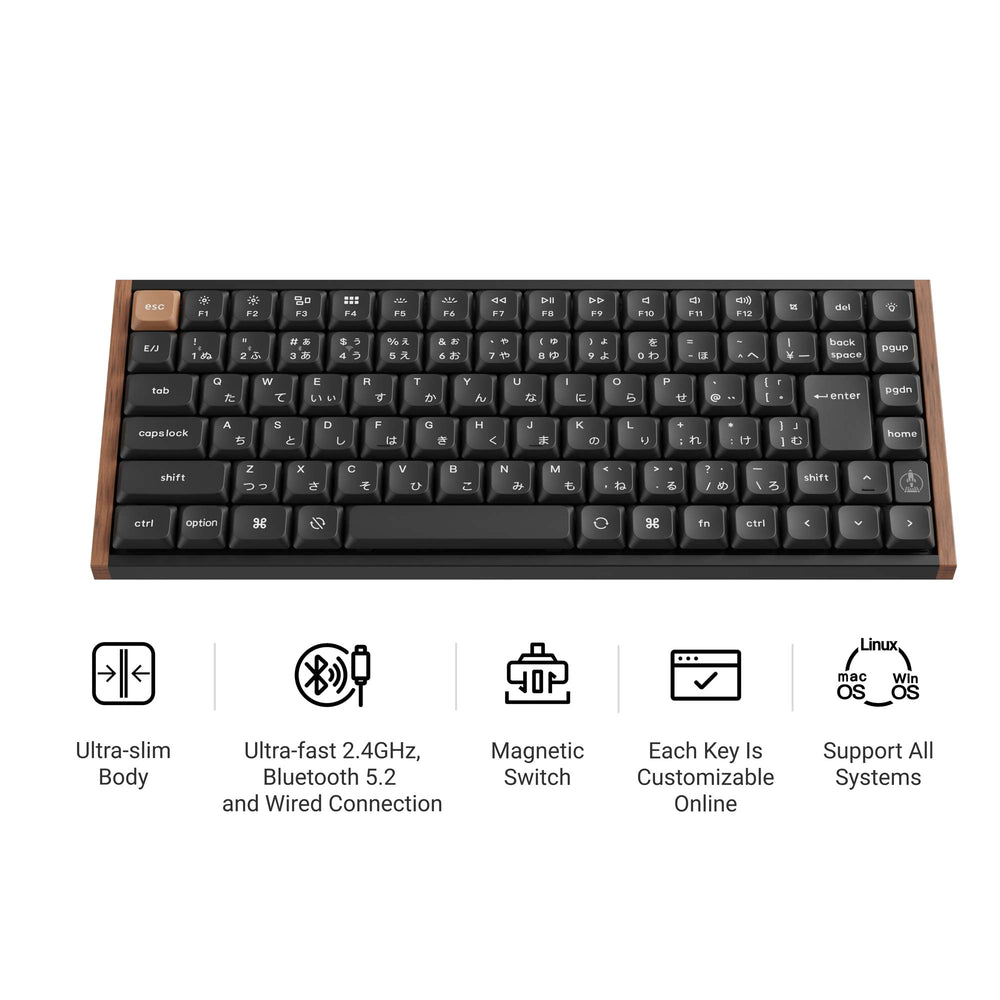
- keychron-k8-he-wireless-magnetic-switch-custom-keyboard-all-wood-special-edition – 80% TKL layout, magnetic switches (Gateron Double-Rail Magnetic Nebula) with adjustable actuation, walnut wood case, OSA double-shot PBT keycaps, QMK firmware.
- keychron-q11-ultra-8k-wireless-custom-mechanical-keyboard – 75% split ergonomic layout, mechanical switches (Keychron Silk POM), all-aluminum gasket mount, 8K polling, KSA double-shot PBT keycaps, ZMK firmware.
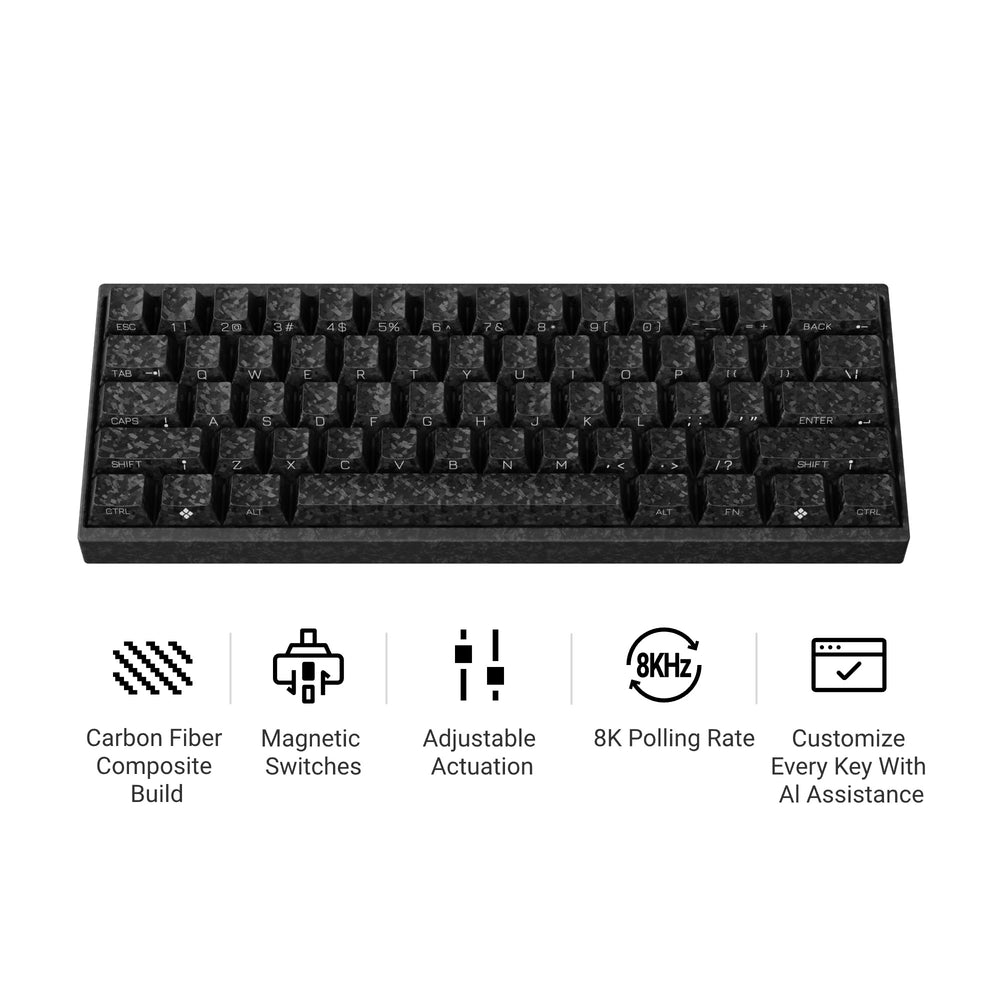
- keychron-c3-he-magnetic-switch-keyboard – 100% full-size wired, magnetic switches (Keychron Ultra-Fast Lime) with 256KHz scanning, plastic gasket mount, normal profile double-shot PBT keycaps, QMK firmware.
Checklist Before You Order
Before adding a custom keyboard to your cart, verify these points using the product page:
- ☐ Layout size matches your desk and needs (75%, 80%, 96%, 100%).
- ☐ Switch type (mechanical or magnetic) and whether hot-swappable.
- ☐ Connectivity method: wired only, or tri-mode wireless (2.4 GHz, Bluetooth, wired).
- ☐ Polling rate if gaming: 1000 Hz or 8000 Hz stated.
- ☐ Build material: plastic, aluminum, wood – affects weight and feel.
- ☐ Keycap material and profile: double-shot PBT is common; shine-through ABS on some models.
- ☐ Software compatibility: QMK, ZMK, or Keychron Launcher for remapping.
- ☐ Battery life estimate (if wireless) with backlight off.
- ☐ Availability: some models are pre-order or region-limited (see notes).
Keychron J10 Ultra 8K Wireless Custom Mechanical Keyboard
Keychron K8 HE Wireless Magnetic Switch Custom Keyboard – All-Wood Special Edition
Keychron Q11 Ultra 8K Wireless Custom Mechanical Keyboard
Keychron C3 HE Wired Magnetic Switch Keyboard
Frequently asked questions
What is the difference between a mechanical switch and a magnetic switch in Keychron keyboards?
Mechanical switches use physical metal contacts to register keystrokes, while magnetic switches use Hall-effect sensors and magnets for contactless actuation. Keychron’s magnetic switches (e.g., Gateron Double-Rail Magnetic Nebula, Keychron Ultra-Fast Lime) offer adjustable actuation points (0.2–3.8 mm) and Rapid Trigger, which are not available on mechanical versions.
Do all Keychron custom keyboards support wireless connectivity?
No. Some models are wired-only (e.g., Keychron C3 HE, V6 HE, J8 HE). Many wireless models offer tri-mode connectivity (2.4 GHz, Bluetooth, wired), but check the product description for the exact connection options. Bluetooth can connect up to 3 devices on some models.
What is the warranty on Keychron keyboards?
Not stated by the brand in the data provided. You should check the official Keychron website or contact customer support for warranty terms.
Can I change the keycaps and switches on any Keychron custom keyboard?
Most Keychron custom keyboards listed are hot-swappable, meaning you can remove and replace switches without soldering. Keycaps can also be changed, but compatibility depends on the stem type (MX compatible for mechanical boards). Magnetic switch boards may require compatible magnetic switches. Always check the product description for specifics.
What software do Keychron keyboards use for customization?
Keychron keyboards typically use either QMK or ZMK firmware, and many can be customized via the Keychron Launcher web app (for key remapping, macros, and lighting). Some models also support VIA. The software is compatible with macOS, Windows, and Linux as stated in product listings.