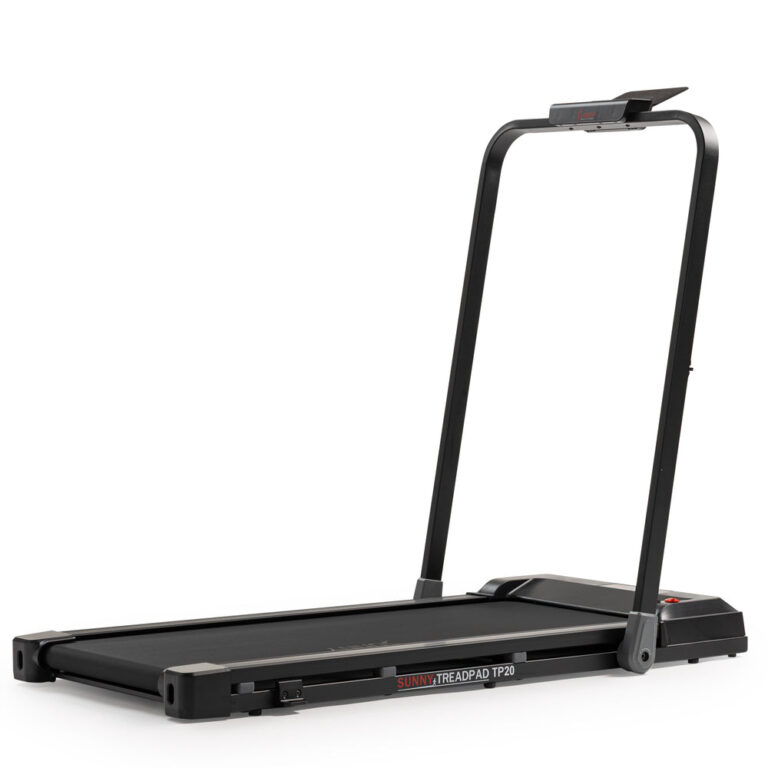
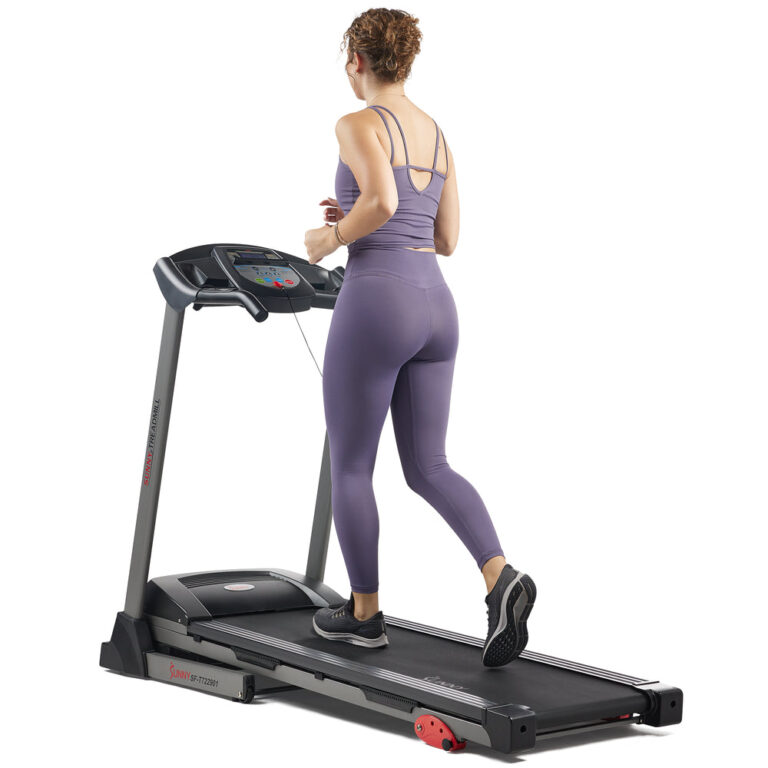
Choosing a treadmill depends on your space, fitness goals, and preferred features. Sunny Health & Fitness offers models ranging from compact under-desk walkers to heavy-duty incline/decline machines with Wi-Fi connectivity. Key factors include running surface, motor power, incline range, and smart app integration.
If you are searching ‘how to choose treadmills’, you want a machine that fits your home, your body, and your workout style. This guide uses only Sunny Health & Fitness’ published specifications to help you compare their 30 treadmill models.
Sunny Health & Fitness describes itself as a brand offering everything for a home gym. Their treadmill lineup includes standard, smart, and commercial-grade options. We focus on the specs that matter most for informed decisions.
Who this guide is for
This guide is for anyone looking to buy a treadmill for home use. Whether you need a compact walking treadmill for under a desk or a heavy-duty machine for running, Sunny Health & Fitness offers models with varying specs. Use this guide to match your priorities to their published features.
Key criteria to compare
Running surface (length x width in inches) affects stride comfort. For example, the Premium Ultimate Incline Decline Treadmill SF-X7210 has a 51.2″ x 19.7″ deck, while the TP10 Smart Treadmill SF-T724964 has 39.8″ x 16.1″. Motor peak HP ranges from 1HP to 4HP. Incline options: manual or automatic, with some models like SF-X7200 offering 56 auto incline levels up to 50%. Max user weight varies up to 330 lb. Connectivity: many models offer Bluetooth or Wi-Fi for SunnyFit app integration. Warranty: 3 years structural frame + 180 days parts for most models.
Common mistakes
- Overlooking deck dimensions – a short or narrow deck can restrict stride.
- Not checking max user weight – ensure the model supports your weight.
- Assuming all treadmills are foldable – some are not.
- Ignoring incline/decline range if you want terrain simulation.
- Forgetting to verify assembly requirements – some models like SF-T725067 arrive fully assembled.
Questions to ask the brand
- What is the exact running surface for this model?
- Is the incline manual or automatic?
- What is the peak horsepower?
- Does it require assembly?
- What is the warranty coverage?
- Does it connect to the SunnyFit app?
- What is the deck-to-floor height?
- Are transportation wheels included?
Examples from the brand's lineup
The following product handles represent different use cases based on published specs:
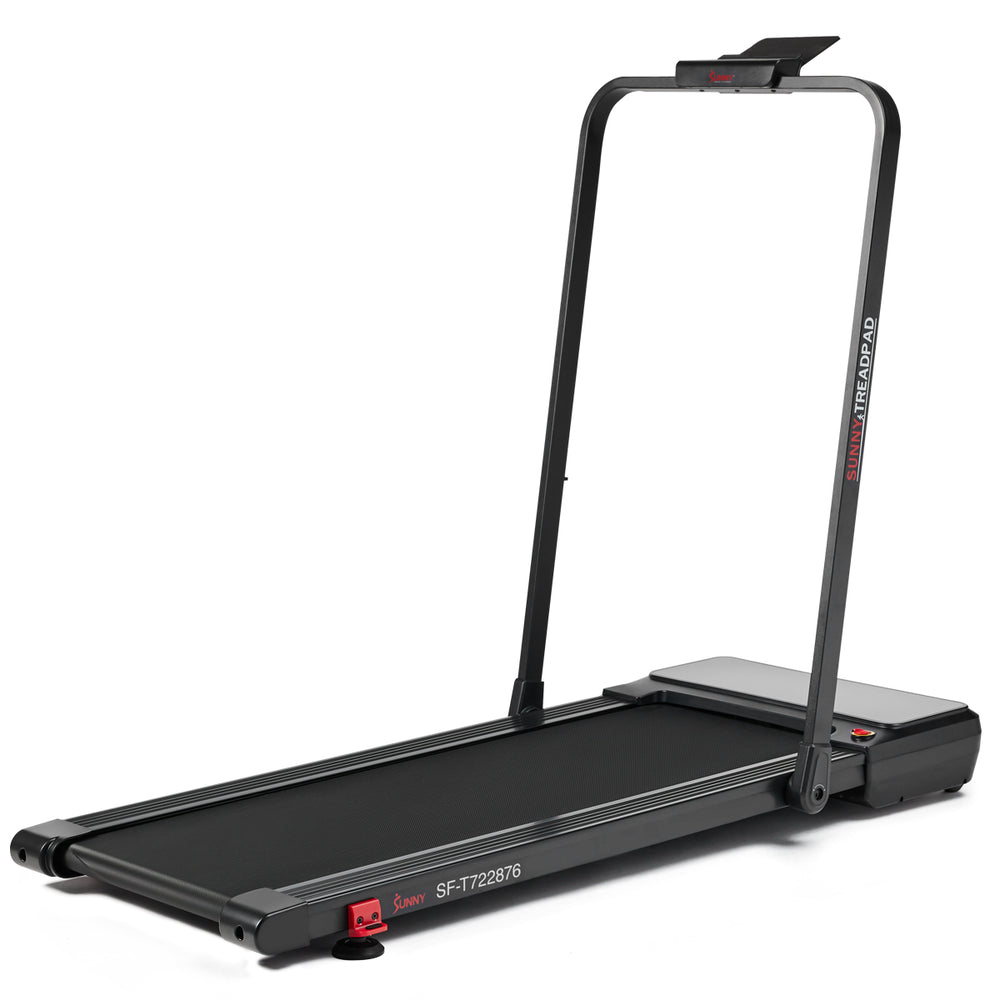
sf-t722876 – 2-in-1 Auto-Incline Walking & Running Treadmill. Foldable, 45.7″ x 16″ running surface, auto incline, Bluetooth, 79.4 lb product weight.
sf-t724964 – TP10 Smart Treadmill. Under-desk design, 39.8″ x 16.1″ deck, 1HP motor, max user 245 lb, 45.3 lb product weight.
sf-t723017 – Excel Smart Incline/Decline 20” Deck Treadmill. 55″ x 20.1″ deck, 4HP peak motor, up to 12 MPH, 22 auto incline/decline levels, 300 lb capacity, Wi-Fi.
sf-x7200 – Commercial Level Ultimate Incline Decline Treadmill. 43.9″ x 20.1″ deck, 56 auto incline levels up to 50%, -5% decline, max speed 5 MPH, Bluetooth, 303.8 lb product weight.
Checklist before you order
- Measure your available floor space and compare to product dimensions.
- Note folded dimensions if storage is needed.
- Check the running surface length suits your height.
- Confirm the max user weight.
- Decide on motor strength based on intended use.
- Choose incline type (manual vs auto).
- Consider connectivity features.
- Verify warranty terms.
- Review shipping weight and delivery time.
Frequently asked questions
What is the warranty on Sunny treadmills?
Most Sunny Health & Fitness treadmills come with a 3-year structural frame warranty and 180 days on other parts and components, as stated on the brand’s site. Check the product page for model-specific details.
Do I need to assemble the treadmill?
Some models arrive fully assembled, such as the Platinum Smart SF-T725067, while others require assembly. Each product description on the brand’s site will indicate assembly requirements.
What is the SunnyFit app?
SunnyFit is a free app that connects via Bluetooth or Wi-Fi to compatible treadmills. It provides access to 1,000+ trainer-led workouts, 10,000+ scenic routes, real-time tracking, and workout history. Many Sunny treadmills offer this connectivity.
How much weight can these treadmills support?
Max user weight varies by model, up to 330 lb for the Compact Foldable Manual Treadmill SF-T1407SMART and 300 lb for several heavy-duty models such as the Excel Smart SF-T723017. Always check the spec for your chosen treadmill.
Can I use these treadmills under a desk?
Yes, models like the Treadpad 100 SF-T724064 and TP10 SF-T724964 are designed with low deck-to-floor height and compact dimensions for under-desk use. The Treadpad 100 has a deck-to-floor height of not stated by the brand, but it is described as compact and portable.