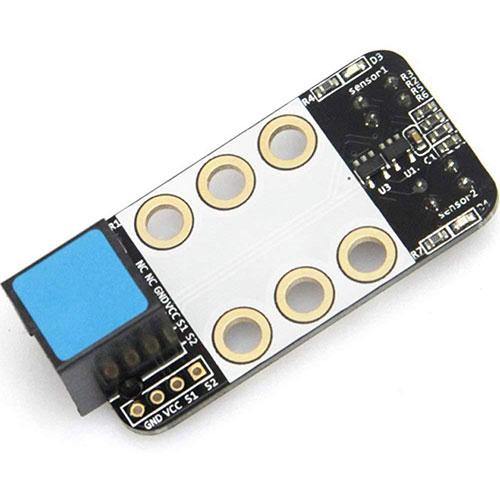
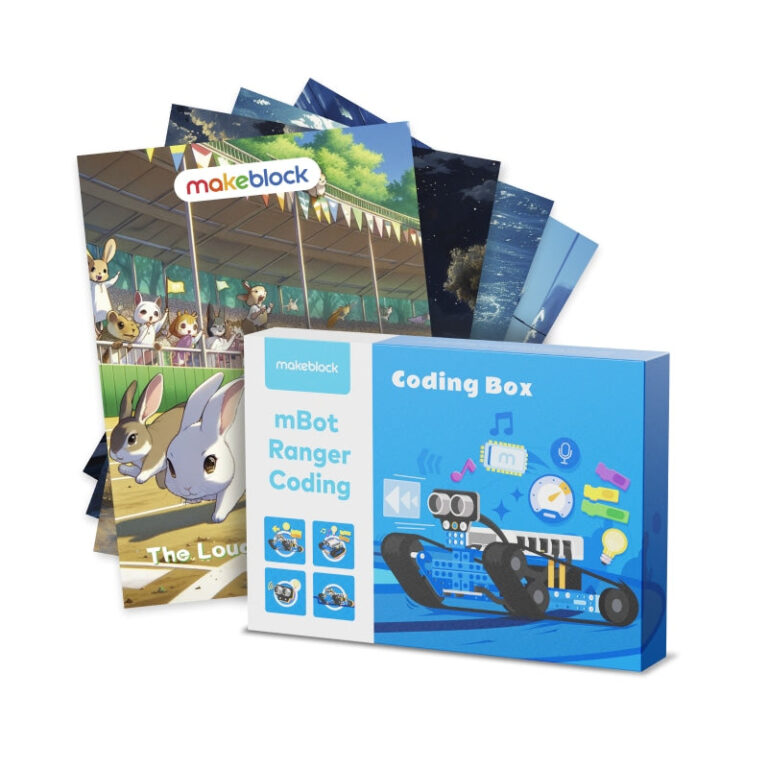
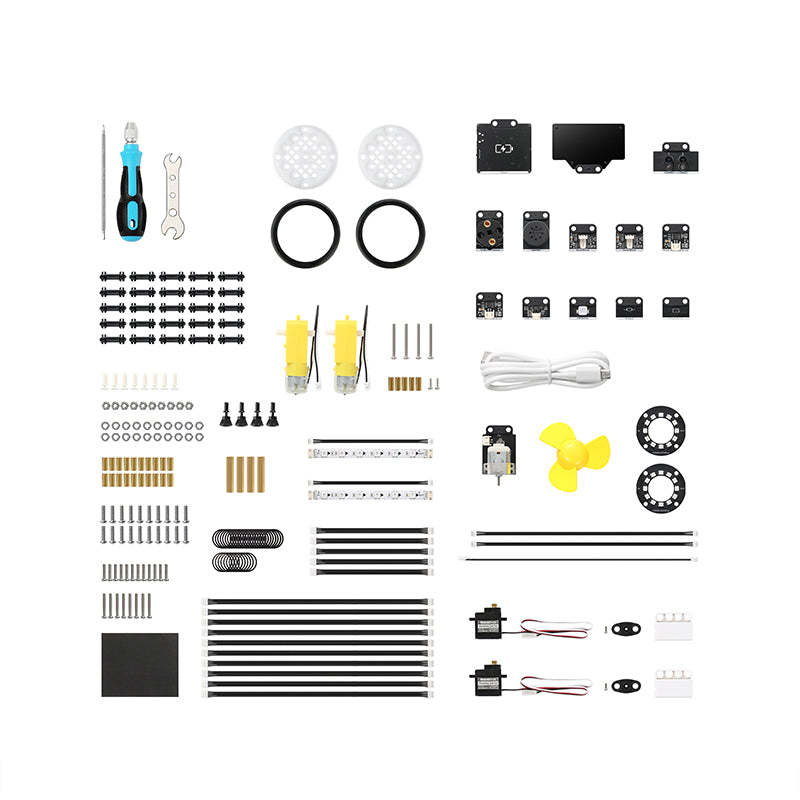
The Makeblock mBuild modules are small, intelligent electronic modules designed to expand the capabilities of mBot2 and CyberPi. With over 30 modules available, they offer a breadboard-free, daisy-chain connection and support for open-source hardware, making them a solid choice for STEAM education. No prior coding experience is required, as the free mBlock 5 platform handles both block-based and text-based programming.
If you are searching for a Makeblock mBuild modules review for mBot2 & CyberPi, you’ve come to the right place. Based on the brand’s published information, these modules are small but highly functional add-ons that let you build custom projects for coding education, maker activities, or robotics competitions.
The mBuild system includes over 30 electronic modules, with more planned. They connect head-to-tail without a breadboard, and are compatible with almost all mainstream open-source hardware. You can use the free mBlock 5 software to program them, so no pre-coding experience is needed to get started.
Published specs
| Spec | As published |
|---|---|
| Number of modules available | Over 30 (stated by the brand) |
| Age recommendation | 12+ (from product tags) |
| Compatibility | Compatible with almost all mainstream open-source hardware |
| Connection method | Head-to-tail daisy chain, breadboard-free |
| Programming platform | mBlock 5 (free, supports block and text coding) |
| Coding experience required | No pre-coding experience needed |
| Category | Coding Toys |
| Shipping availability | Domestic (US) only per brand shipping policy |
Who it suits
- Students and educators – Ideal for K-12 and higher STEAM education, maker education, and robotics competitions.
- Owners of mBot2 or CyberPi – Modules are designed to work seamlessly with these Makeblock controllers.
- Beginners in coding – No pre-coding experience is required thanks to the mBlock 5 platform.
Who should skip
- International buyers – The brand’s store does not currently accept international orders (US only).
- Users looking for standalone kits – mBuild modules require a main controller like mBot2 or CyberPi; they are not standalone devices.
- Those who prefer all-in-one solutions – You need to purchase multiple modules separately to build complex projects.
Pros
- Breadboard-free design – modules connect via a head-to-tail daisy chain for easy assembly.
- High compatibility – works with almost all mainstream open-source hardware platforms.
- No prior coding experience needed – mBlock 5 provides an intuitive block-based interface.
- Over 30 modules available – a wide selection of sensors, actuators and communication modules.
Cons
- International shipping not supported – only domestic US orders are accepted per the brand’s shipping policy.
- Warranty terms not stated – the brand does not publish warranty information for this product.
- Requires a compatible main controller – you need an mBot2 or CyberPi to use the modules.
What it is
The Makeblock mBuild modules are a series of small, intelligent electronic modules designed to extend the functionality of mBot2 and CyberPi. According to the brand, they are intended for creating projects based on fantastic ideas, popularizing programming education, promoting maker education, or participating in robotic competitions. Over 30 modules have been developed so far, with more on the way.
Key features as published
- Breadboard-free – Modules connect directly to each other head-to-tail, eliminating the need for breadboards.
- Highly compatible – Compatible with almost all mainstream open-source hardware platforms.
- No pre-coding experience needed – The free mBlock 5 coding platform supports both block-based and text-based programming.
- Scalable – Over 30 modules available, with future expansion planned.
Size, power or compatibility details as published
Specific dimensions and power requirements are not stated by the brand. However, compatibility details are clear: the modules work with mBot2 and CyberPi and are compatible with almost all mainstream open-source hardware. They connect via a daisy-chain method without a breadboard. The programming is done through mBlock 5, which runs on Windows, macOS, and mobile devices (based on mBlock 5’s general availability). Age recommendation is 12+ per product tags.
Before you buy
Shipping: The brand only ships domestically within the US. Free standard shipping is available on orders over a certain amount (check the brand site for current thresholds). Packages are typically processed in 1–3 business days and delivered in 7–10 business days.
Returns: You can return unused/unopened items in original packaging within 30 days from dispatch for a refund or exchange. Return shipping is your responsibility.
Warranty: The brand does not publish warranty terms for this product.
Note: These modules are not standalone; they require an mBot2 or CyberPi main controller.
Frequently asked questions
Which main controllers are compatible with mBuild modules?
According to the brand, mBuild modules are designed for mBot2 and CyberPi. They are also compatible with almost all mainstream open-source hardware, but the product is specifically marketed for these two controllers.
How many mBuild modules are available?
The brand states that over 30 mBuild electronic modules have been developed, and more will be available soon.
Do I need coding experience to use these modules?
No. The brand says no pre-coding experience is needed, as the free mBlock 5 platform supports both block-based and text-based coding, making it accessible to beginners.
Can I use mBuild modules with Arduino or other open-source boards?
The brand describes the modules as highly compatible with almost all mainstream open-source hardware. However, specific compatibility with Arduino or other boards is not explicitly listed in the product data.
Does Makeblock ship internationally?
No. The brand’s shipping policy states it does not currently accept international orders from its store. International customers are directed to click a link for purchase inquiries (not provided here).