Choosing the right after-sale accessory for your Makeblock build depends on your project’s requirements. Based on published specs, consider the interface type (RJ25), mounting hole spacing, and whether the accessory includes an Arduino library for programming. Always check compatibility with your existing Makeblock parts.
If you’re searching for how to choose after-sale accessories for Makeblock, this guide uses only the brand’s published information to help you decide.
Makeblock offers a range of after-sale accessories including sensors, motors, and communication modules. Understanding compatibility and intended use is key to selecting the right part for your project.
Who This Guide Is For
This guide is for Makeblock users who want to expand their robot or coding project with additional sensors, motors, or modules. It is based solely on information published by Makeblock on their official website.
Key Criteria for Choosing After-Sale Accessories
When selecting an after-sale accessory, consider the following factors from Makeblock’s published specs:
- Interface: Many accessories use a 6-pin RJ25 interface for easy wiring.
- Compatibility: Look for 16mm interval M4 mounting holes to attach to Makeblock beams.
- Programming support: Accessories like the Me Line Follower Sensor and Me Ultrasonic Sensor come with an Arduino library.
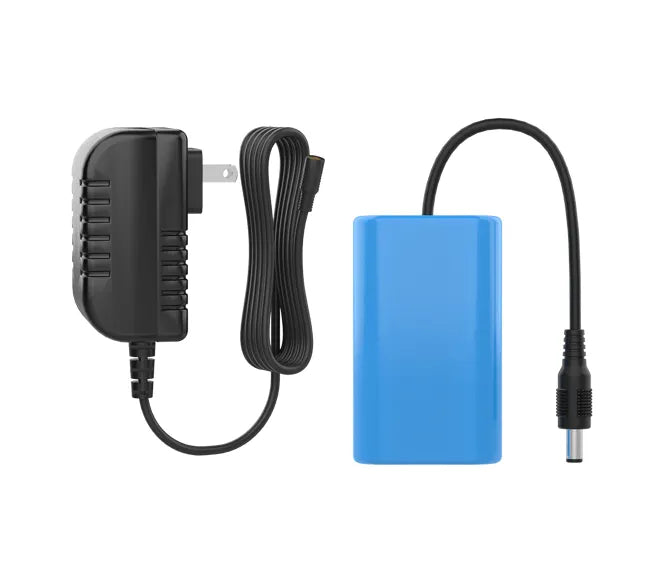
- Power requirements: For example, the encoder motor operates at 9V.
- Communication range: The Bluetooth Module for mBot has a max range of 20-30 meters.
Common Mistakes When Buying After-Sale Accessories
A common mistake is assuming all accessories are compatible with every Makeblock kit. Check the mounting hole spacing and interface type. Another mistake is overlooking the need for programming libraries; some sensors include an Arduino library while others may not. Also, ensure the accessory is designed for your specific Makeblock platform (e.g., mBot vs. other robots).
Questions to Ask Makeblock Before Buying
Before purchasing, you may want to ask Makeblock:
- Is this accessory compatible with my specific robot kit?
- Does it require additional software or programming knowledge?
- What is the expected power consumption?
- Are there any known limitations with the RJ25 interface?
- Does the accessory come with mounting hardware?
Examples of After-Sale Accessories from Makeblock
Here are examples of after-sale accessories from Makeblock based on their published information:
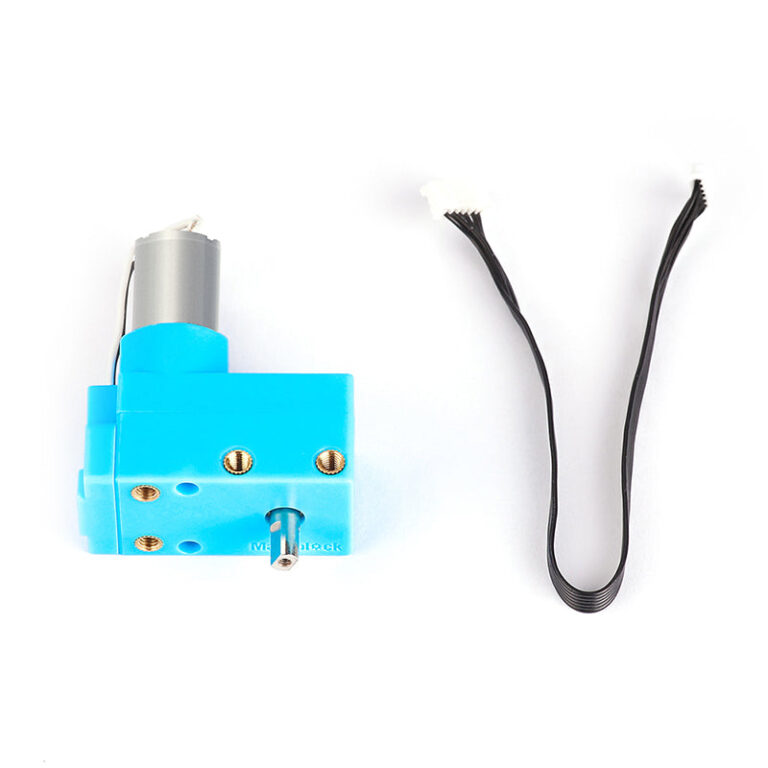
- encoder-motor: A 25mm photoelectric encoder motor (9V/185RPM) with back plate and protective cover.
- sh-me-line-follower-sensor: A line follower sensor with Arduino library, 6-pin RJ25 interface, and 16mm interval M4 mounting holes.
- me-ultrasonic-sensor: An ultrasonic sensor V3.0 with over-current protection, Arduino library, and indicator LEDs.
- bluetooth-module-for-mbot: A Bluetooth 4.0 module for mBot with 20-30 meter range and low power consumption.
Checklist Before You Order
Before ordering an after-sale accessory from Makeblock:
- Verify the accessory’s interface (e.g., RJ25) matches your existing components.
- Check mounting hole spacing (16mm M4 recommended for beams).
- Confirm programming support (Arduino library if needed).
- Review the return policy: unused items can be returned within 30 days of dispatch.
- Note shipping times: handling 1-3 business days, delivery 7-10 business days within the US.
Me Ultrasonic Sensor V3.0 Sensor
#SH Bluetooth Module (Single Mode), Bluetooth 4.0 for mBot
Frequently asked questions
What is the return policy for after-sale accessories?
Makeblock accepts returns of unused/unopened items in original packaging within 30 days of dispatch. Contact customer service at service@makeblock.com to initiate a return. Shipping charges are non-refundable.
Do Makeblock sensors come with programming libraries?
Based on published specs, the Me Line Follower Sensor and Me Ultrasonic Sensor include an Arduino library for easy programming. Not all accessories may include this, so check the product description.
What is the typical delivery time for accessories?
Makeblock states package handling time is normally 1-3 business days, and delivery time is normally 7-10 business days within the US. Orders are not processed or shipped on weekends.
Can I use these accessories with any Makeblock kit?
Compatibility depends on the interface and mounting. Many accessories use a 6-pin RJ25 interface and 16mm M4 mounting holes to attach to Makeblock beams. Some accessories, like the Bluetooth Module, are designed specifically for mBot.
Is there a warranty on after-sale accessories?
Warranty terms are not stated by the brand for after-sale accessories.