Based on MECOOL’s published specs, choosing a smart projector comes down to native resolution, brightness, and smart platform integration. The KP1 offers 700 ANSI lumens and Android TV 11, while the KP2 series adds Netflix certification and Dolby AUDIO. Check the brand site for current pricing and availability.
If you’re searching ‘how to choose smart projector’, you likely want a device that streams content without external boxes. MECOOL’s smart projectors combine projection with Android TV or Google TV, letting you access apps directly. Based on MECOOL’s published information, this guide covers the key factors to consider.
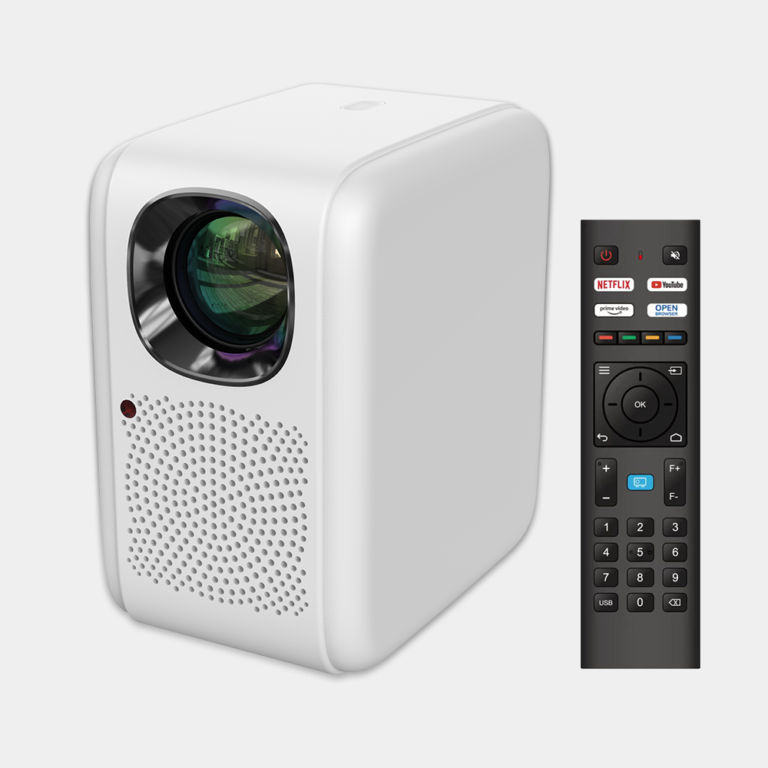
MECOOL offers three smart projector models: KP1, KP2, and KP2 SE. All feature native 1920x1080P resolution, but differ in brightness, audio, and smart platform. We’ll help you compare them using only the brand’s stated specs.
Who this guide is for
This guide is for shoppers who want a standalone smart projector that can stream Netflix, YouTube, and other apps without needing an external media player. If you are considering a MECOOL projector, this guide helps you compare the three models based on published features.
Key criteria to consider
- Native resolution: All MECOOL smart projectors have a native 1920x1080P resolution, according to the brand.
- Brightness: Only the KP1 has a stated brightness of 700 ANSI lumens. Brightness for the KP2 and KP2 SE is not stated by the brand.
- Smart platform: The KP1 comes with Android TV 11 built in. The KP2 and KP2 SE smart OS version is not stated by the brand.
- Netflix certification: The KP2 and KP2 SE are listed as Netflix certified. The KP1 supports Netflix via the included KD5 Android TV stick.
- Audio: The KP2 is stated to have dual 5W speakers and Dolby AUDIO support. Audio specs for other models are not stated by the brand.
- Connectivity: The KP2 supports Wi-Fi screen mirroring. Connectivity details for other models are not stated by the brand.
Common mistakes when choosing a smart projector
- Focusing only on resolution: Native 1080P is common, but brightness (measured in ANSI lumens) matters more for image quality in lit rooms. The KP1 is the only MECOOL model with a stated brightness.
- Assuming Netflix is always available: Many projectors lack Netflix licensing. MECOOL clearly labels the KP2 and KP2 SE as Netflix certified; the KP1 relies on the included stick for Netflix access.
- Ignoring native vs. supported resolution: Always check whether the stated resolution is native (like MECOOL’s 1920x1080P) or just supported via scaling.
Questions to ask the brand
- What is the native resolution of this projector?
- What is the brightness in ANSI lumens?
- Is the projector Netflix certified or does it require an external device?
- What version of Android TV or Google TV does it run?
- What are the speaker wattage and audio codecs supported?
Examples from MECOOL's lineup
Based on MECOOL’s published product pages, here are the three smart projector models they offer:
- MECOOL KP2 SE Netflix Certified Projector (handle: mecool-kp2-se-netflix-certified-projector) – Listed as a Netflix certified smart projector. No other specs are stated by the brand.
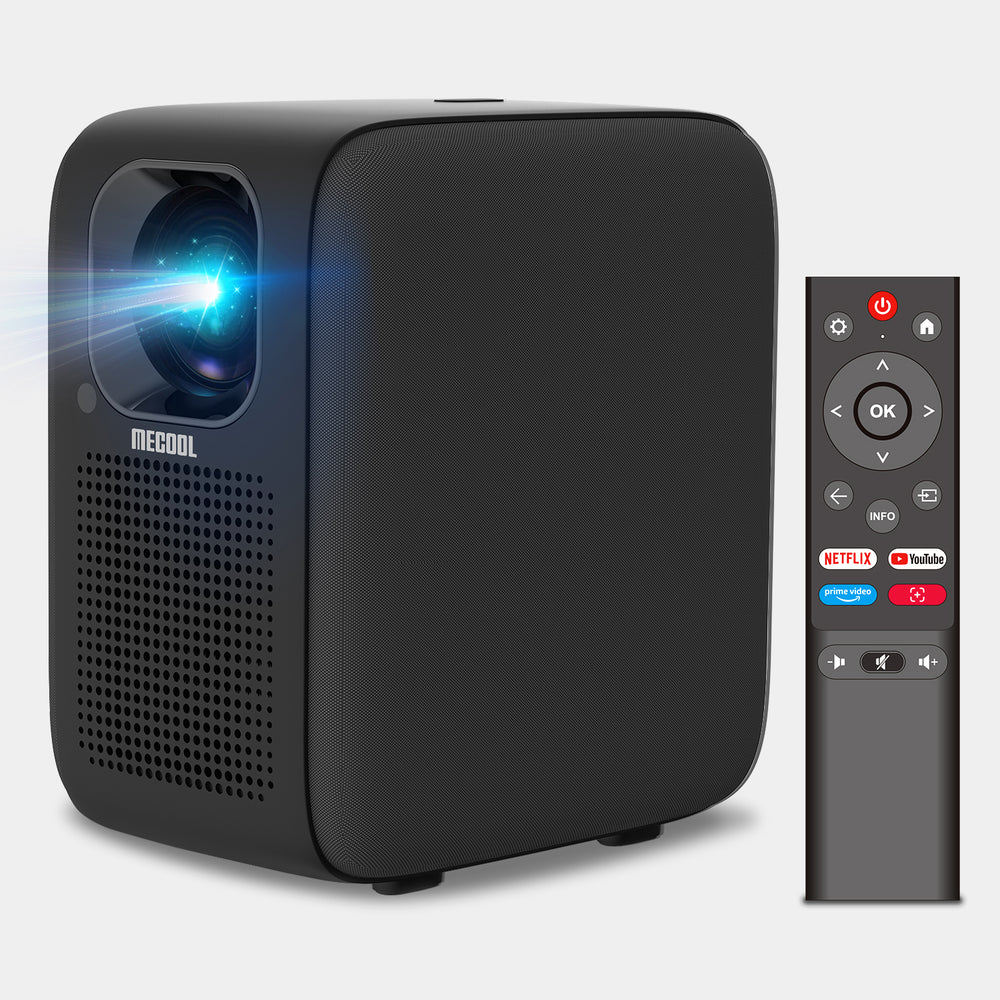
- MECOOL KP2 Netflix Certified Projector (handle: mecool-kp2-netflix-certified-projector) – Native 1920x1080P resolution, dual 5W speakers, Dolby AUDIO support, Wi-Fi screen mirroring, and Netflix certification.
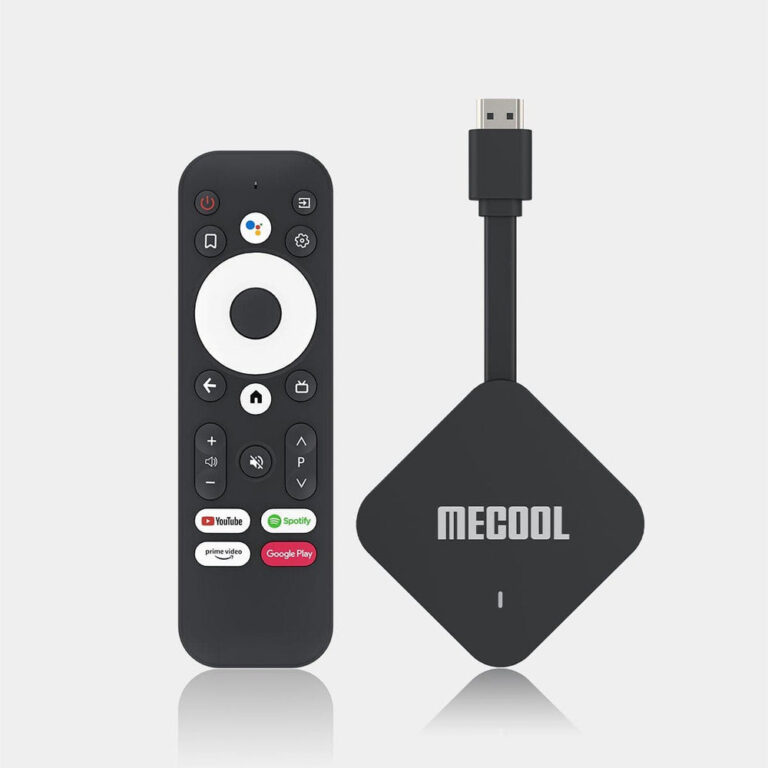
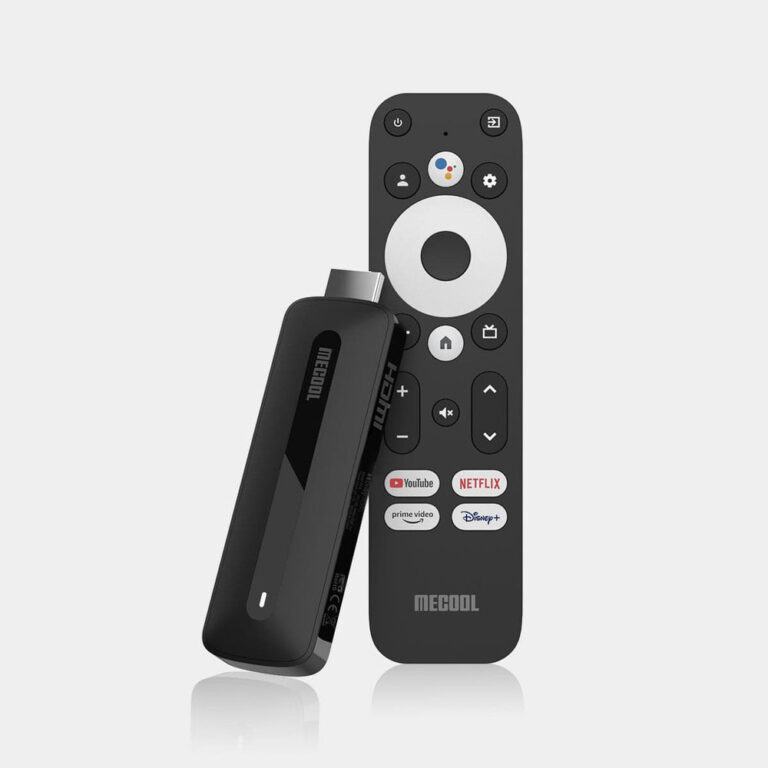
- MECOOL KP1 Smart Projector (handle: home-cinema-smart-projector-mecool-sail-with-mecool-kd5-built-in) – Native 1920x1080P resolution, 700 ANSI lumens, Android TV 11, and includes the KD5 stick for Netflix, YouTube, Disney+ and other apps.
Checklist before you order
- Confirm the native resolution (MECOOL states 1920x1080P for all three models).
- Check the brightness in ANSI lumens (only KP1 has a stated figure).
- Verify Netflix certification if you plan to stream Netflix directly (KP2 and KP2 SE are certified).
- Note the smart OS version (KP1 has Android TV 11; others not stated).
- Review audio specs (KP2 has dual 5W speakers and Dolby AUDIO; others not stated).
- Visit the brand site for current warranty, shipping, and returns policy details.
MECOOL KP2 SE Netflix Certified Projector
MECOOL KP2 Netflix Certified Projector
Frequently asked questions
Do MECOOL smart projectors have Netflix?
MECOOL states that the KP2 and KP2 SE are Netflix certified projectors. The KP1, when paired with the included KD5 stick, supports Netflix via Android TV.
What is the native resolution of MECOOL projectors?
All three MECOOL smart projectors (KP1, KP2, KP2 SE) have a native resolution of 1920x1080P according to the brand.
How bright are MECOOL projectors?
Only the KP1 has a stated brightness of 700 ANSI lumens. Brightness for the KP2 and KP2 SE is not stated by the brand.
What smart OS do MECOOL projectors use?
The KP1 uses Android TV 11. The smart OS version for the KP2 and KP2 SE is not stated by the brand.
Do MECOOL projectors have built-in speakers?
The KP2 is stated to have dual 5W speakers for room-filling sound. Speaker specifications for the KP1 and KP2 SE are not stated by the brand.