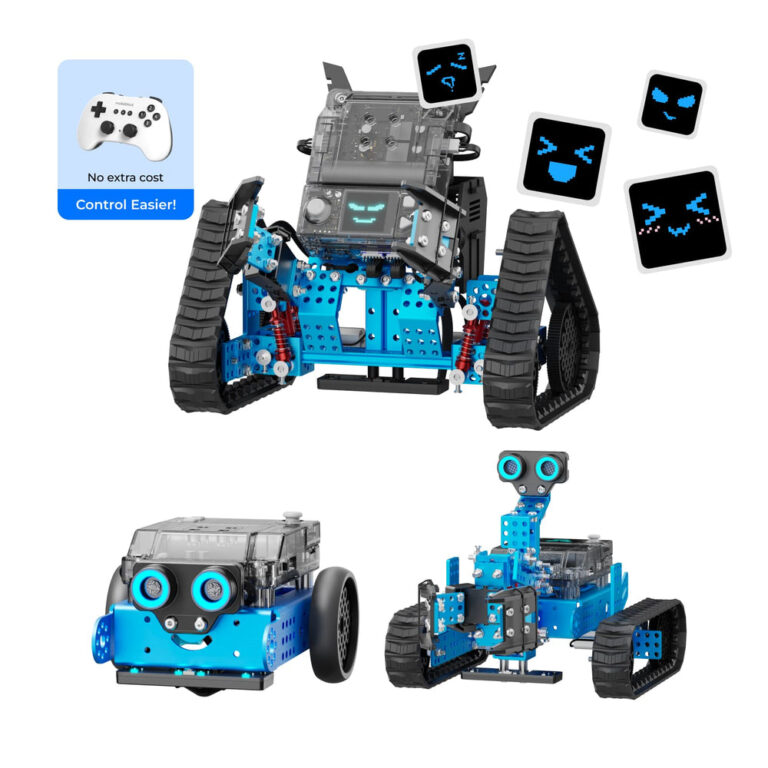
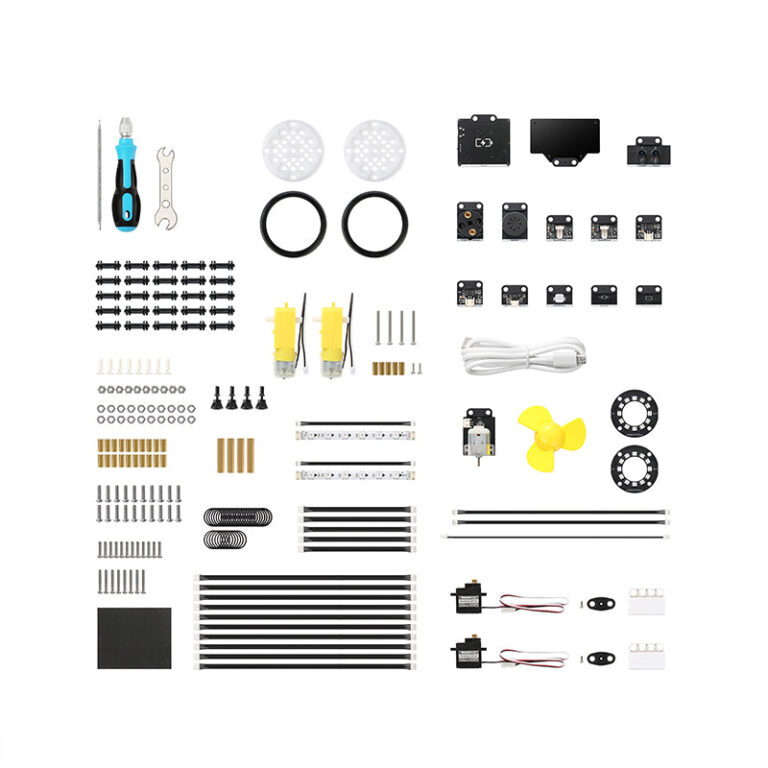
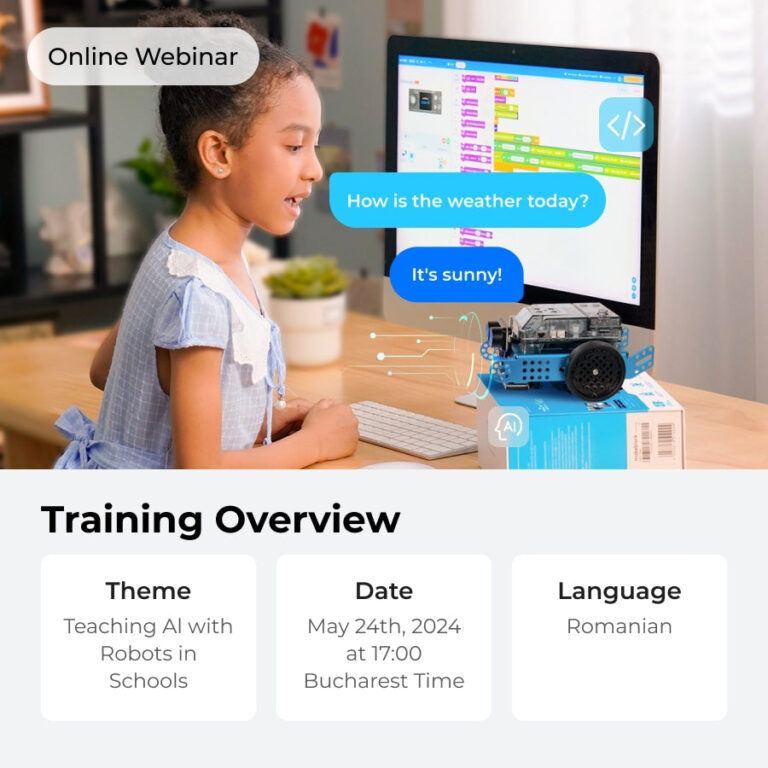
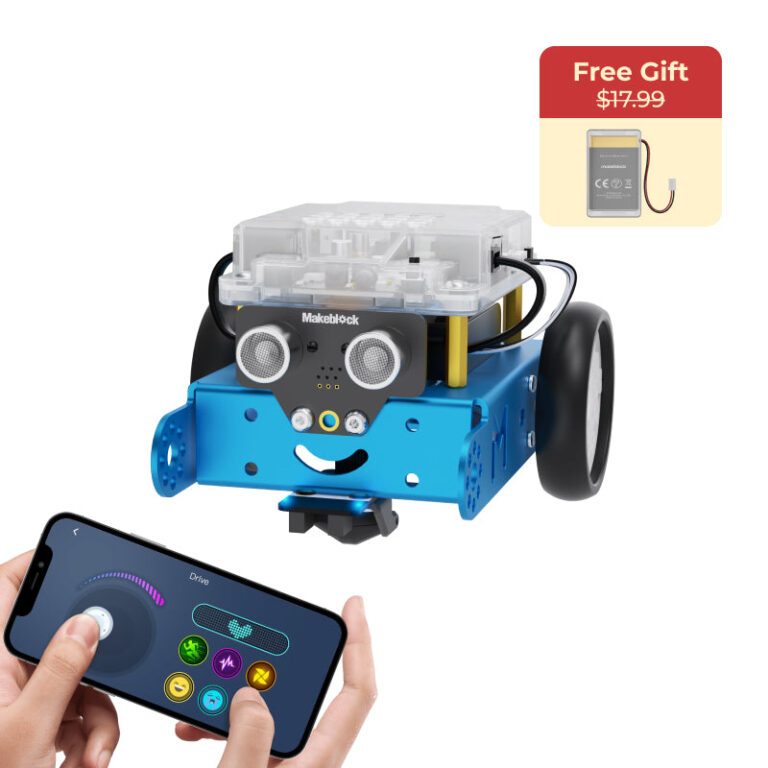
Makeblock’s Add-on Packs extend your robot’s capabilities with new designs, sensors, and programming challenges. The mBot2 Smart World 3-in-1 Add-on Pack offers the most advanced coding options with Python support, while the Servo Cat and Six-Legged Robot packs provide quick, creative transformations for younger beginners. All packs rely on mBlock software and include assembly instructions.
If you’re searching for the best Makeblock add-on pack to expand your coding robot, you’ll find five official options that add new shapes, sensors, and gameplay modes. Based on the brand’s published specs, we’ve ranked them from beginner-friendly to advanced, focusing on age range, number of transformations, and programming support.
Each pack is designed to work with a specific Makeblock robot (mBot or mBot2) and includes free tutorials via mBlock software. Whether you want a quick 10‑minute build or a multi‑project smart city scenario, this list helps you match the add-on to your learning goals.
How we chose
- Age range compatibility – packs for ages 4+ up to 12+ as stated by Makeblock
- Number of robot transformations – 3-in-1 designs allow multiple builds with one pack
- Sensor variety – inclusion of light, sound, servo, and RGB LEDs for different projects
- Programming language support – block-based vs. Python coding options
- Teaching resources – educator guides, activity bundles, and online tutorials provided
At a glance
| Product | Best for | Published specs |
|---|---|---|
| Servo Cat Robot 3-in-1 Add-on Pack for mBot | Best for quick creative builds based on listed specs | 3-in-1 robot transformations: Dancing Cat, Head‑Shaking Cat, Light‑Emitting Cat; Assembly time: about 10 minutes per the brand; Compatible with mBot (not included) |
| Six-legged Robot 3-in-1 Add-on Pack for mBot | Best for nature-inspired mechanical builds based on listed specs | 3‑in‑1 designs: beetle, mantis, crazy frog; 10‑minute assembly time per the brand; Compatible with mBot (not included) and Makeblock building parts |
| Interactive Light & Sound Robot 3-in-1 Add-on Pack for mBot | Best for sensor‑driven projects based on listed specs | 3‑in‑1 designs: Light Chasing Robot, Intelligent Desk Light, Scorpion Robot; Includes RGB LED, sound sensor, and light sensor; Assembly: about 10 minutes per the brand |
| mBot2 Inspire Activity Bundle for STEM Activities | Best for competition and structured learning based on listed specs | Gameplay modes: sort, gather, pile, and move cubes; Includes STEAM Activity Educator Guide; Suitable for after‑school programs, STEM clubs, and competitions |
| mBot2 Smart World 3-in-1 Add-on Pack | Best for advanced coding and smart‑city projects based on listed specs | 3 expansion designs: Robotic Arm, Robotic Carrier, Surveying Robot; Teaching topics: Smart City, Smart Farm, Logistics; Programming: block‑based to Python |
1. Servo Cat Robot 3-in-1 Add-on Pack for mBot
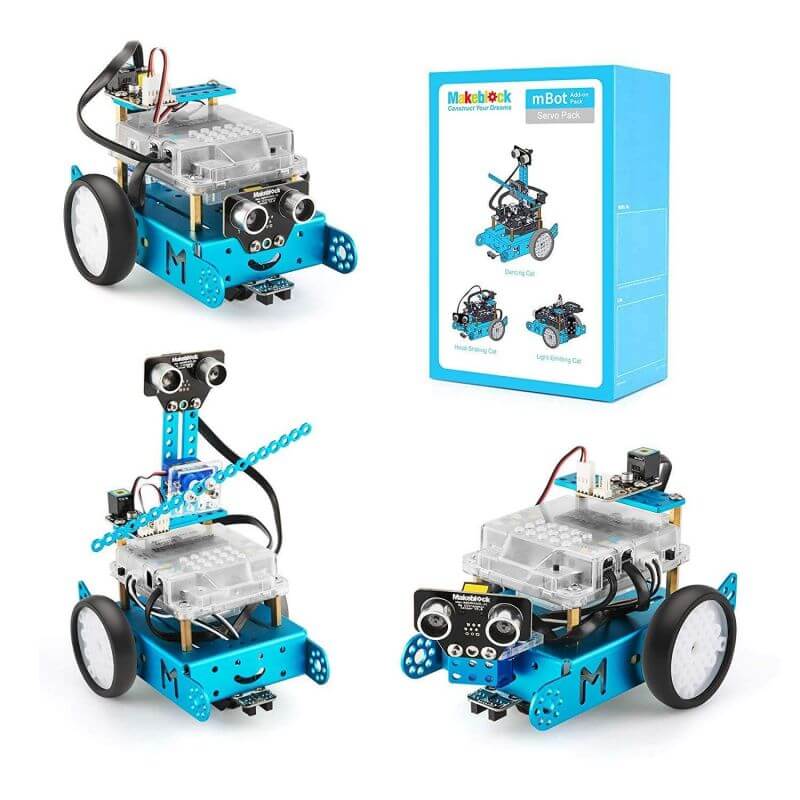
The Servo Cat Robot 3-in-1 Add-on Pack transforms your mBot into three cute animal robots: Dancing Cat, Head‑Shaking Cat, or Light‑Emitting Cat. According to Makeblock, assembly takes about 10 minutes using the included instructions, and no extra tools are needed. The pack adds servo motors to give the robot moving parts, making it a playful introduction to mechanical design.
Programming is done via the free mBlock Blockly app (iOS/Android) or the advanced mBlock software (Windows/Mac/Linux/Chrome). Rich online tutorials are provided. Note that mBot is not included – you need an existing mBot robot to use this pack.
- 3-in-1 robot transformations: Dancing Cat, Head‑Shaking Cat, Light‑Emitting Cat
- Assembly time: about 10 minutes per the brand
- Compatible with mBot (not included)
- Control via mBlock Blockly app and mBlock software
- Age 6+ as indicated by tags
Skip it if: You already own a pack that uses only basic motors – this one adds servo capabilities.
2. Six-legged Robot 3-in-1 Add-on Pack for mBot
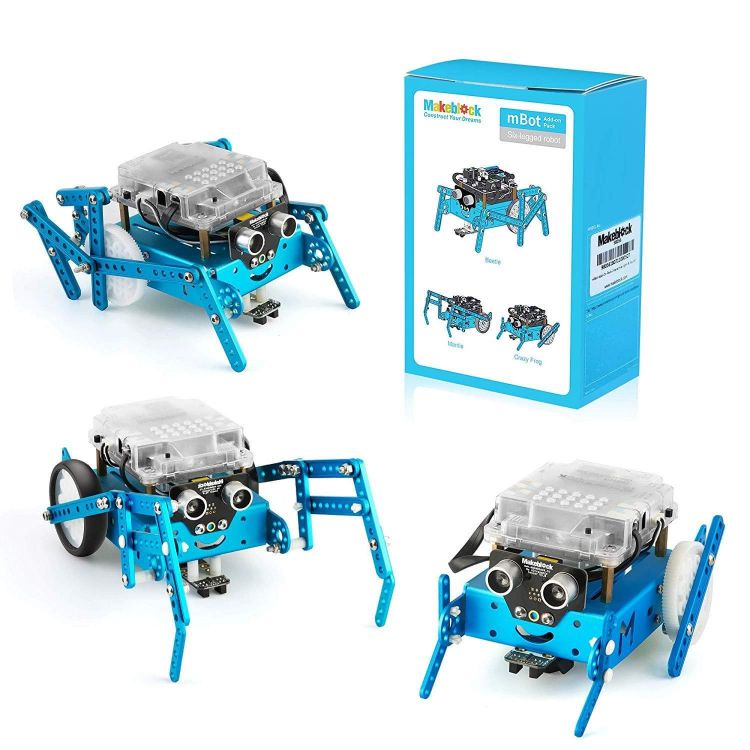
The Six‑Legged Robot 3‑in‑1 Add‑on Pack lets you turn your mBot into a beetle, mantis, or crazy frog. Makeblock states that the instruction sheet guides assembly in about 10 minutes. The pack is well suited compatible with mBot, the Makeblock platform building parts, and other major building blocks pieces, giving you extra creative freedom.
Like other mBot add‑ons, it uses the free mBlock Blockly app and mBlock software for graphical programming and control. Online tutorials are provided for each design. This pack focuses on walking mechanisms rather than sensors, making it a good choice for exploring movement and anatomy in robotics.
- 3‑in‑1 designs: beetle, mantis, crazy frog
- 10‑minute assembly time per the brand
- Compatible with mBot (not included) and Makeblock building parts
- Works with mBlock Blockly app and mBlock software
- Age 6+ according to product tags
Skip it if: You prefer sensor‑based projects – this pack has no additional electronic sensors.
3. Interactive Light & Sound Robot 3-in-1 Add-on Pack for mBot
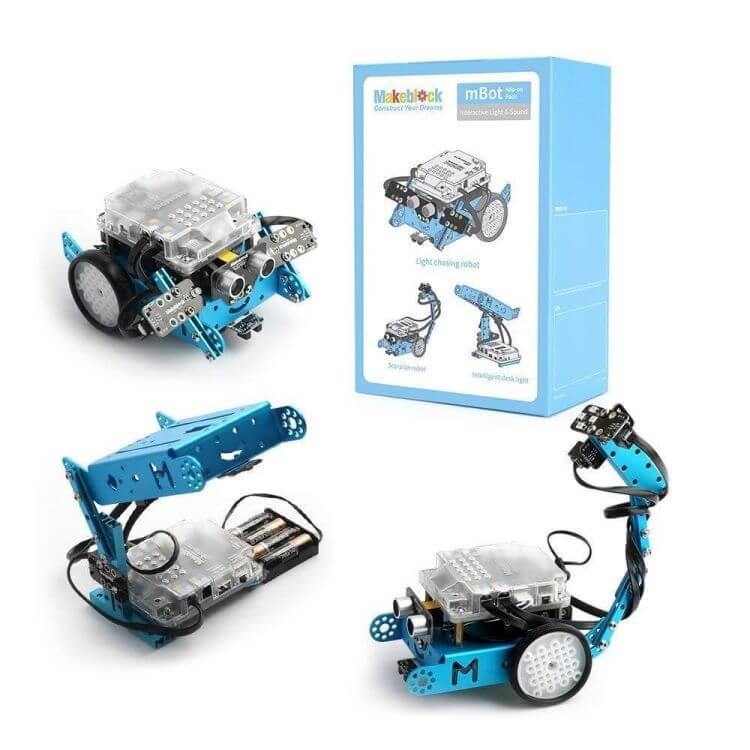
The Interactive Light & Sound Robot 3‑in‑1 Add‑on Pack includes an RGB LED, a sound sensor, and a light sensor, enabling three different robot behaviors: Light Chasing Robot, Intelligent Desk Light, and Scorpion Robot. According to Makeblock, you can transform your mBot in about 10 minutes using the included instructions.
Programming is done via the mBlock Blockly app or mBlock software, with rich online tutorials provided. The added sensors let you explore cause‑and‑effect, automation, and environmental interaction. Note: mBot is not included.
- 3‑in‑1 designs: Light Chasing Robot, Intelligent Desk Light, Scorpion Robot
- Includes RGB LED, sound sensor, and light sensor
- Assembly: about 10 minutes per the brand
- Compatible with mBot (not included)
- Age 6+ as tagged
Skip it if: You already have a pack with basic sensors – this adds more interactive sensor types.
4. mBot2 Inspire Activity Bundle for STEM Activities
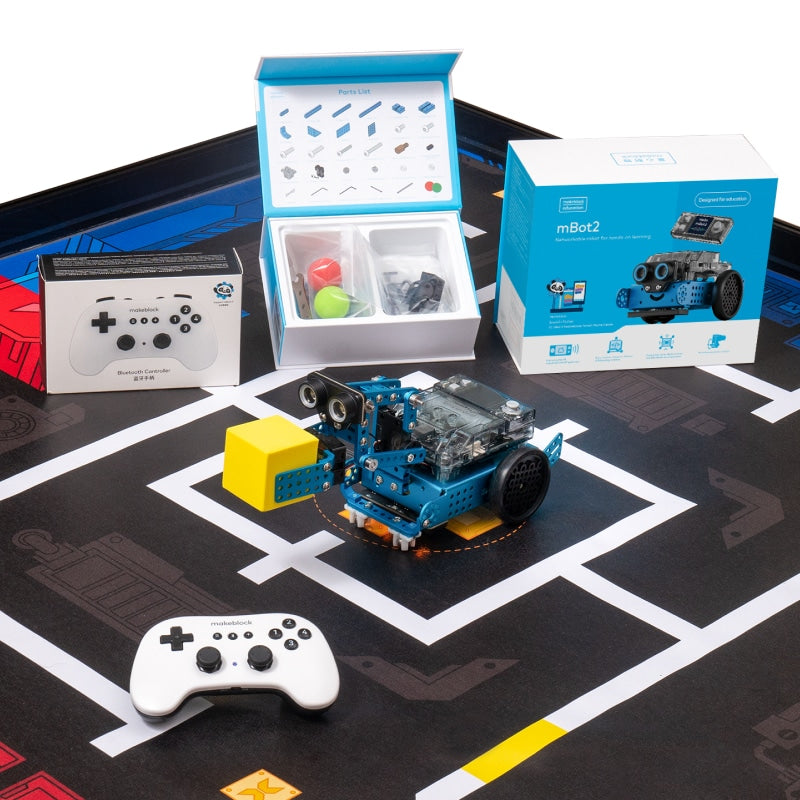
The mBot2 Inspire Activity Bundle for STEM Activities is an add‑on pack designed for arena‑style robot battles. Gameplay modes include sorting, gathering, piling, and moving cubes. The bundle comes with a STEAM Activity Educator Guide to support after‑school programs, STEM clubs, course design, computer labs, and competitions. Makeblock highlights that it develops hand‑eye coordination and is inclusive for all ages and genders.
This pack requires an mBot2 robot (not included) and focuses on healthy competition rather than just building. It adds a competitive gameplay dimension to your robot system.
- Gameplay modes: sort, gather, pile, and move cubes
- Includes STEAM Activity Educator Guide
- Suitable for after‑school programs, STEM clubs, and competitions
- Requires mBot2 (not included)
- Ages not explicitly stated, but educator guide suggests school‑age
Skip it if: You want a build‑your‑own robot experience – this is more about using the robot in an arena setting.
5. mBot2 Smart World 3-in-1 Add-on Pack
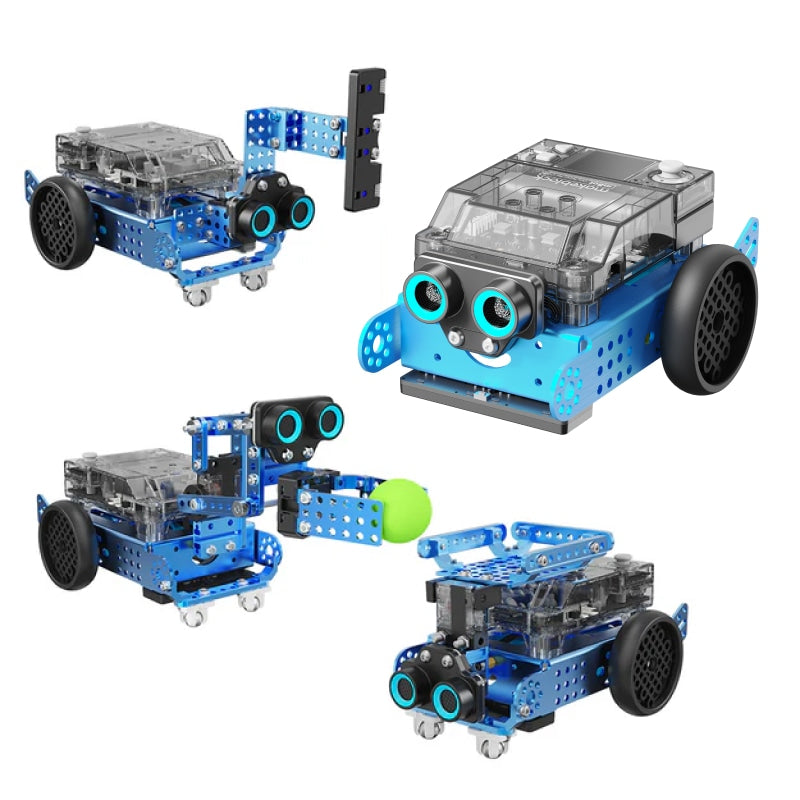
The mBot2 Smart World 3‑in‑1 Add‑on Pack extends mBot2 with three expansion designs: Robotic Arm, Robotic Carrier, and Surveying Robot. It covers teaching topics such as Smart City, Smart Farm, and Logistics. According to Makeblock, the pack combines sensors for robotics projects from easy to advanced, and you can learn to code from block‑based to Python programming. A free programming platform and rich online tutorials are provided.
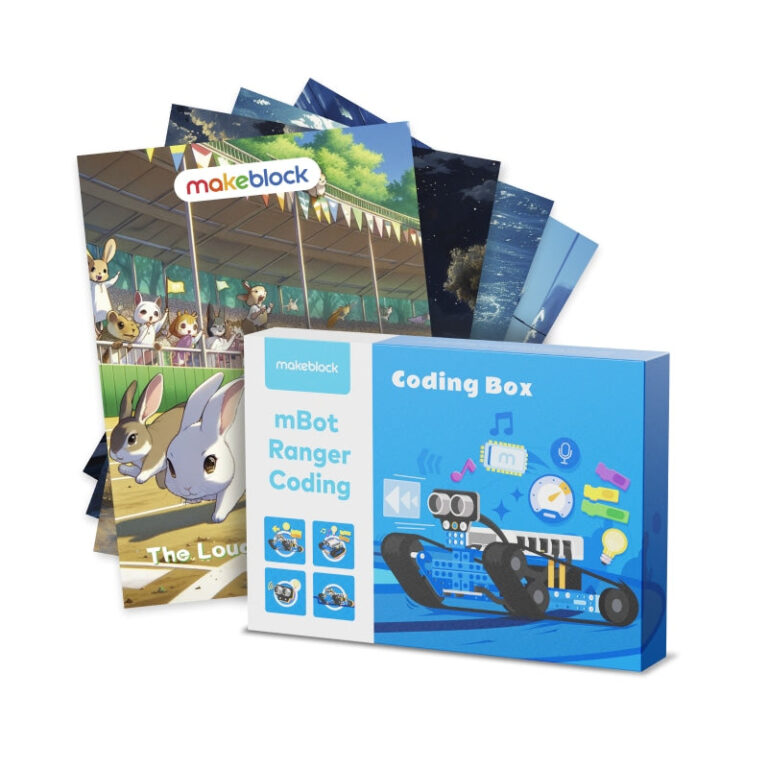
The bundle offer includes a Free Standard Coding Box when purchased with mBot2. Note: mBot2 is not included in the add‑on pack. This is the most feature‑rich add‑on for those ready to move to Python.
- 3 expansion designs: Robotic Arm, Robotic Carrier, Surveying Robot
- Teaching topics: Smart City, Smart Farm, Logistics
- Programming: block‑based to Python
- Free programming platform and online tutorials
- Requires mBot2 (not included); bundle offer with Free Standard Coding Box
Skip it if: You don’t have an mBot2 – this pack only works with mBot2.
How to choose a Makeblock Add‑on Pack
First, check compatibility: all packs listed above require either an mBot or mBot2 robot (not included in the pack). The Servo Cat, Six‑Legged Robot, and Interactive Light & Sound packs work with the original mBot. The Inspire Activity Bundle and Smart World pack require mBot2.
Next, consider the learning stage: younger kids (age 6+) may enjoy the quick 10‑minute builds of the Servo Cat or Six‑Legged packs, while older students (age 12+) can tackle Python programming and multi‑topic projects with the Smart World pack. The Inspire Bundle is ideal for group competitions with educator guidance.
Finally, look at sensor variety: if you want to experiment with light and sound interactions, choose the Interactive Light & Sound pack. For servo‑based movement, go with Servo Cat. For a walking mechanism, the Six‑Legged pack is best. The mBot2 packs already include onboard sensors, so the add‑ons focus on mechanical design and gameplay.
What the brand does not state
Makeblock does not publish detailed technical specifications such as maximum motor speed, sensor range, or exact dimensions of the add‑on parts. The assembly time of “about 10 minutes” is given for the mBot packs but may vary depending on the user’s experience.
There is no stated warranty period for add‑on packs – the warranty policy is simply marked “not stated.” Shipping and return policies apply to all products but specific shipping costs and times are not broken down per item. You should check the current price and availability directly on Makeblock’s website.
Frequently asked questions
Which Makeblock add‑on pack is best for beginners?
Based on published specs, the Servo Cat or Six‑Legged Robot add‑on packs are good for beginners age 6+. They assemble in about 10 minutes and use block‑based programming via the mBlock Blockly app.
Do I need to buy a separate robot to use these add‑on packs?
Yes. Each pack explicitly states it does not include the base robot. The mBot packs work with mBot, and the mBot2 packs work with mBot2.
Can I use these add‑on packs with other building blocks?
The Six‑Legged Robot pack is described as compatible with Makeblock platform building parts and other major building blocks pieces. Other packs do not mention third‑party compatibility.
What programming languages do these packs support?
All packs support block‑based programming via the mBlock Blockly app or mBlock software. The mBot2 Smart World pack additionally supports Python programming, as stated by Makeblock.
Is there an educator guide included with any pack?
Yes. The mBot2 Inspire Activity Bundle includes a STEAM Activity Educator Guide for after‑school programs and competitions. Other packs only mention online tutorials.