Choosing the right add-on pack depends on your base robot model and desired skills. Makeblock offers packs for mBot, mBot2, and mTiny, each with specific age recommendations and learning outcomes. Check compatibility and included components before purchasing.
If you’re wondering how to choose an add-on pack for your Makeblock robot, this guide will help you evaluate the options based on the brand’s published information. Add-on packs extend the functionality of your base robot, allowing new builds and coding challenges.
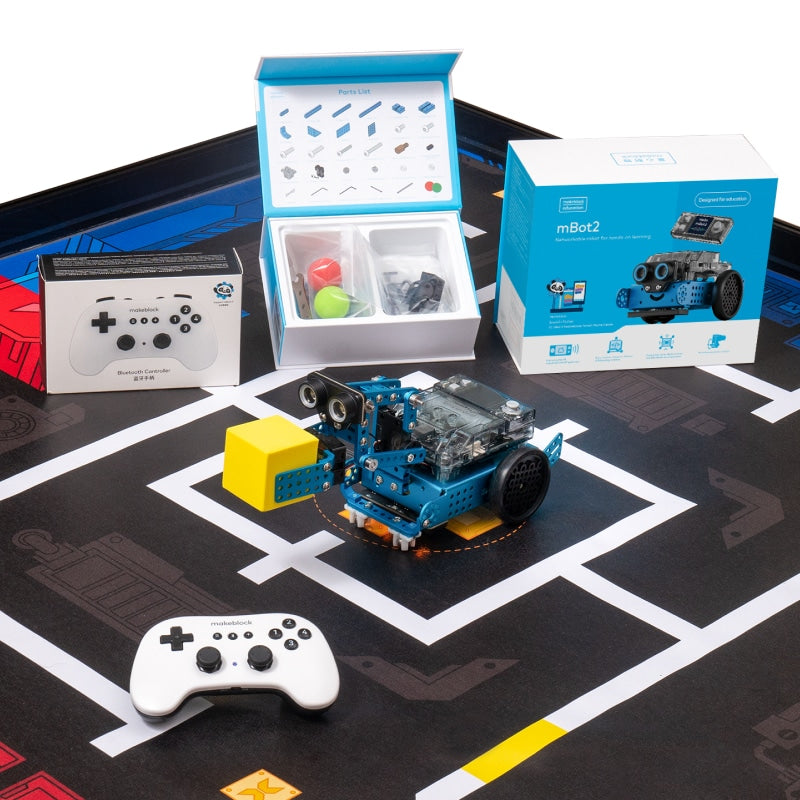
Makeblock’s add-on packs are designed for specific robot platforms like mBot, mBot2, and mTiny. Each pack targets different age groups and skill levels, from early childhood to middle school. By understanding the key criteria, you can select a pack that matches your educational goals and interests.
Who This Guide Is For
This guide is for educators, parents, and hobbyists who own a Makeblock robot and want to expand its capabilities with an add-on pack. It is also useful for those considering a Makeblock robot and evaluating the ecosystem of expansions available. The information is based solely on Makeblock’s published product details.
Key Criteria for Choosing an Add-on Pack
- Compatibility with base robot: Each add-on pack is designed for a specific robot model, such as mBot, mBot2, or mTiny. Verify that your robot is supported before purchasing.
- Age recommendation: Makeblock lists age ranges for its packs, e.g., Age 4+ for mTiny packs, Age 6+ for many mBot packs, and Age 12+ for advanced packs like the Smart World 3-in-1.
- Number of builds: Many packs are 3-in-1, allowing you to build multiple robot configurations from one set. For example, the Servo Cat pack offers three cat-themed designs.
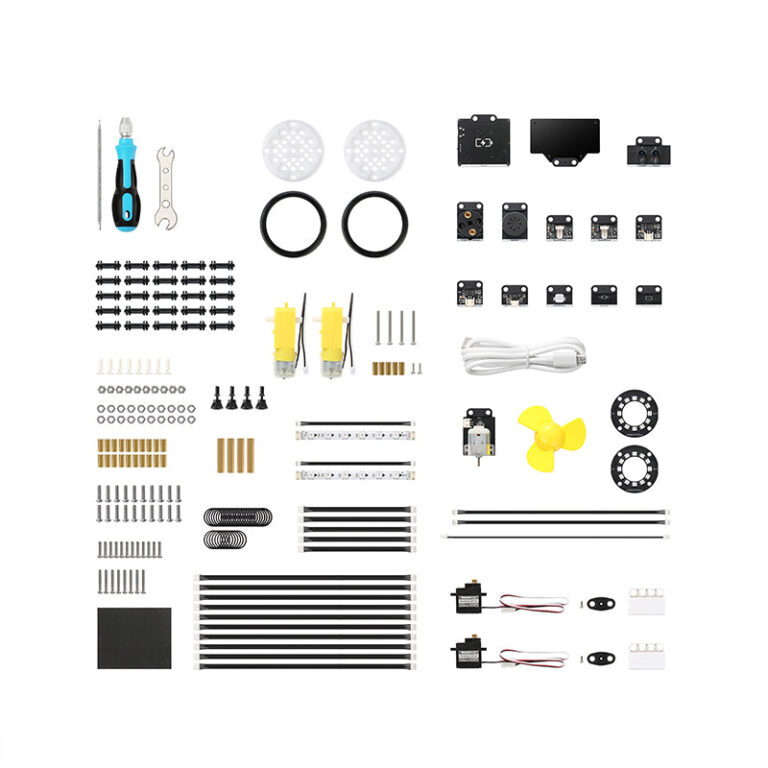
- Included components: Packs may include sensors (light, sound), actuators (servo, RGB LED), structural parts, and coding cards. Check the description for what is included.
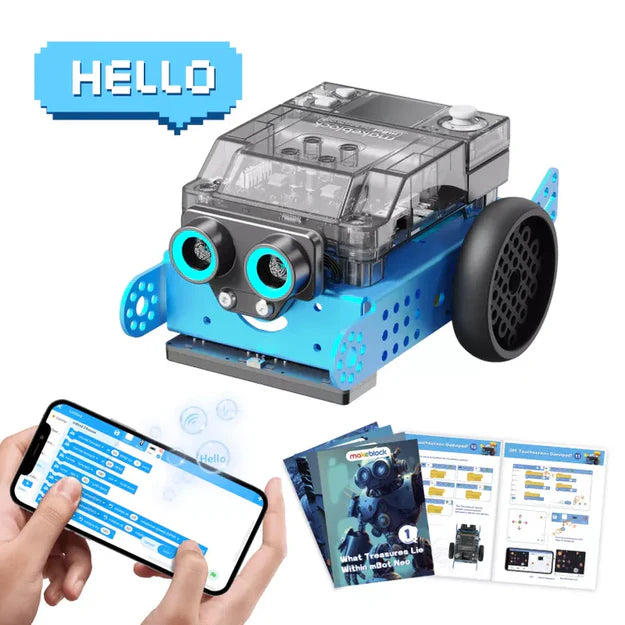
- Programming options: Most packs support graphical programming via mBlock Blockly app and advanced mBlock software, with some offering Python. This allows progression from block-based to text coding.
- Educational focus: Some packs emphasize STEM activities, robotics competitions, or specific themes like smart city or treasure hunt. Choose based on your learning goals.
Common Mistakes to Avoid
- Assuming universal compatibility: Not all add-on packs work with every Makeblock robot. For instance, the Servo Cat pack is for mBot, while the Smart World pack is for mBot2. Always check the product details.
- Ignoring age recommendations: A pack rated for Age 12+ may be too complex for a younger child, while a pack rated for Age 4+ might not challenge an older student. Match the pack to the user’s skill level.
- Overlooking required software: Some packs rely on the mBlock app or software for programming. Ensure you have access to the necessary platform (iOS/Android/Windows/MacOS/Linux/Chrome).
- Not considering the number of builds: If you want variety, a 3-in-1 pack offers more replay value than a single-build pack. Check how many configurations are possible.
Questions to Ask Makeblock Before Buying
- Which base robot model is this add-on pack compatible with?
- What is the recommended age range for this pack?
- How many different robot designs can be built from this pack?
- What sensors, motors, or electronic components are included?
- What programming software and languages are supported (e.g., mBlock Blockly, Python)?
- Are there online tutorials or educator guides available for this pack?
These questions can help you confirm that the pack meets your needs. Answers can be found in the product descriptions on Makeblock’s website.
Examples from the Brands in the DATA
Based on Makeblock’s published information, here are four add-on packs that illustrate different options:
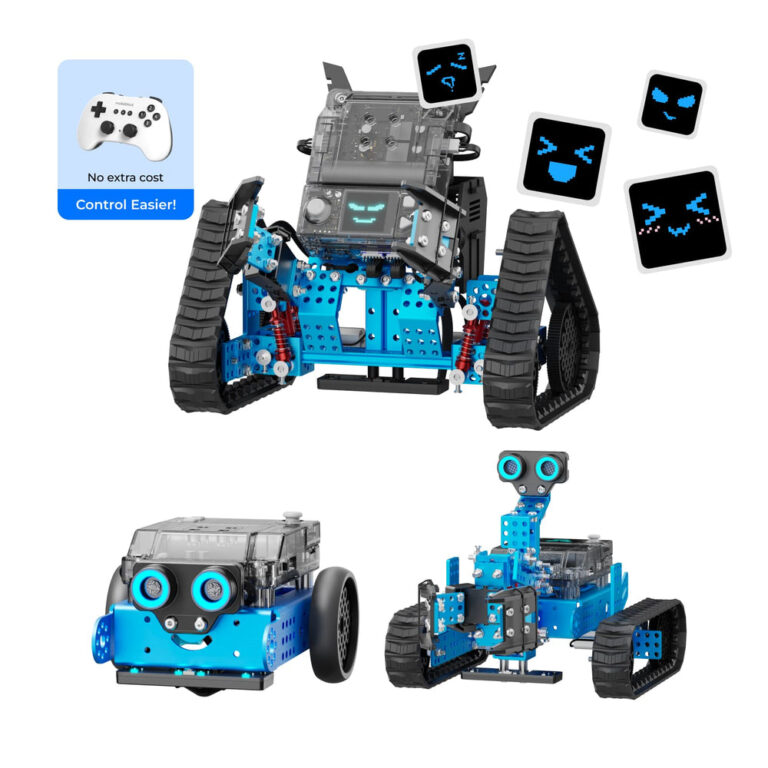
- smart-world-3-in-1-add-on-pack-for-mbot2 – Designed for mBot2, this pack offers three expansion designs: Robotic Arm, Robotic Carrier, and Surveying Robot. It supports block-based to Python programming and is recommended for ages 12+.
- servo-cat-add-on-pack – For mBot, this 3-in-1 pack lets you build Dancing Cat, Head-Shaking Cat, or Light-Emitting Cat. Assembly takes about 10 minutes. It is rated for ages 6+ and uses the mBlock app.
- six-legged-robot-add-on-pack-for-mbot – Another mBot pack, this 3-in-1 set allows builds like beetle, mantis, and crazy frog. It is compatible with Makeblock platform parts and other building blocks. Age 6+.
- interactive-light-sound-robot-add-on-pack – For mBot, this pack includes RGB LED, sound and light sensors to create a light-chasing robot, intelligent desk light, or scorpion robot. Age 6+.
Checklist Before You Order
- Confirm your base robot model (mBot, mBot2, mTiny) matches the pack’s compatibility.
- Check the age recommendation to ensure it suits the user.
- Review the number of builds and included components to match your expectations.
- Ensure you have the required software (mBlock) and device (iOS/Android/Windows/MacOS/Linux/Chrome).
- Read Makeblock’s return policy: unused items in original packaging can be returned within 30 days of dispatch. Shipping charges are non-refundable.
mBot2 Smart World 3-in-1 Add-on Pack
Servo Cat Robot 3-in-1 Add-on Pack for mBot
Six-legged Robot 3-in-1 Add-on Pack for mBot
Interactive Light & Sound Robot 3-in-1 Add-on Pack for mBot
Frequently asked questions
Can I use an add-on pack for mBot with mBot2?
Based on Makeblock’s product descriptions, each add-on pack specifies a compatible base robot. For example, the Servo Cat pack is for mBot, while the Smart World pack is for mBot2. It is not stated that they are interchangeable. Always check the product page for compatibility.
What age is the mTiny My World & Treasure Add-on Pack suitable for?
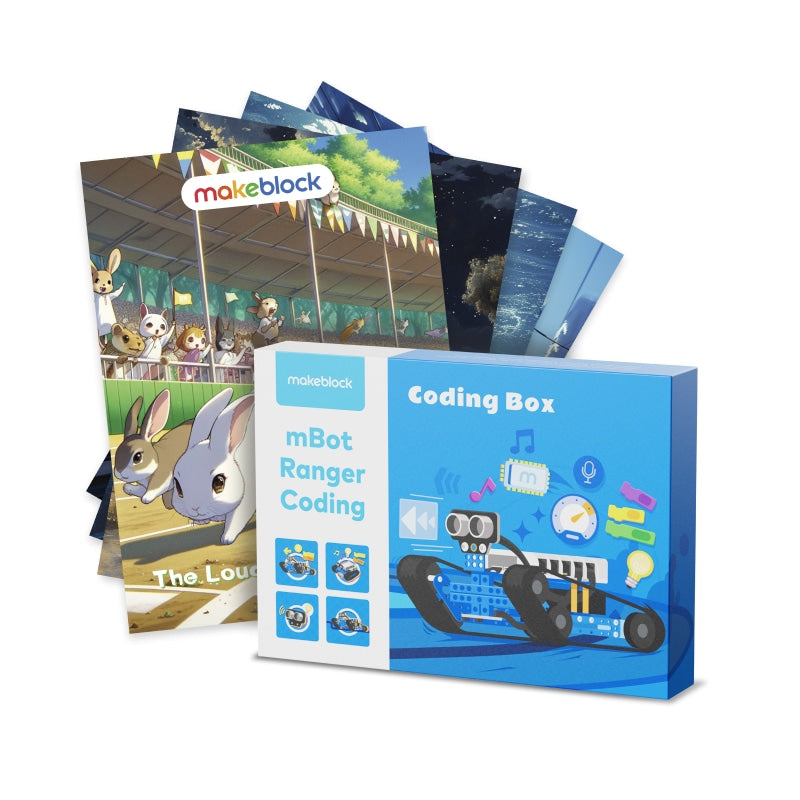
According to the product tags, this pack is recommended for ages 4+. It includes map pieces, coding cards, and a storybook designed for early learners.
How many robot designs can I build with a 3-in-1 add-on pack?
Makeblock’s 3-in-1 packs, such as the Servo Cat and Six-legged Robot packs, allow you to build three different robot configurations from the same set. Instructions are included.
What programming software is used with these add-on packs?
Most packs support the mBlock Blockly app for iOS/Android and the advanced mBlock software for Windows/MacOS/Linux/Chrome. Some packs, like the Smart World for mBot2, also support Python programming.
What is Makeblock's return policy for add-on packs?
Makeblock accepts returns of unused and unopened items in original packaging within 30 days from dispatch. Shipping charges are non-refundable. Contact customer service at service@makeblock.com to initiate a return.