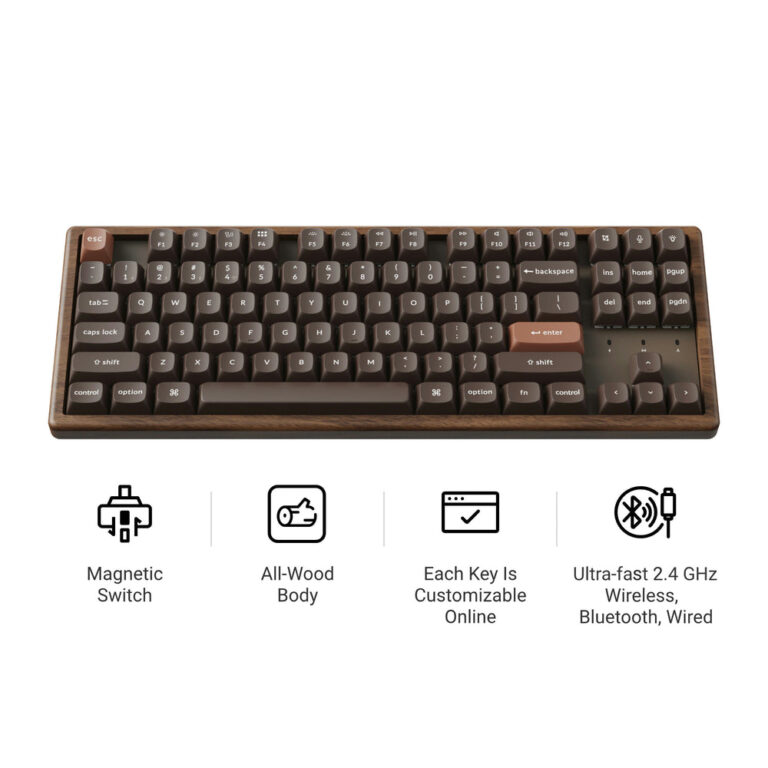
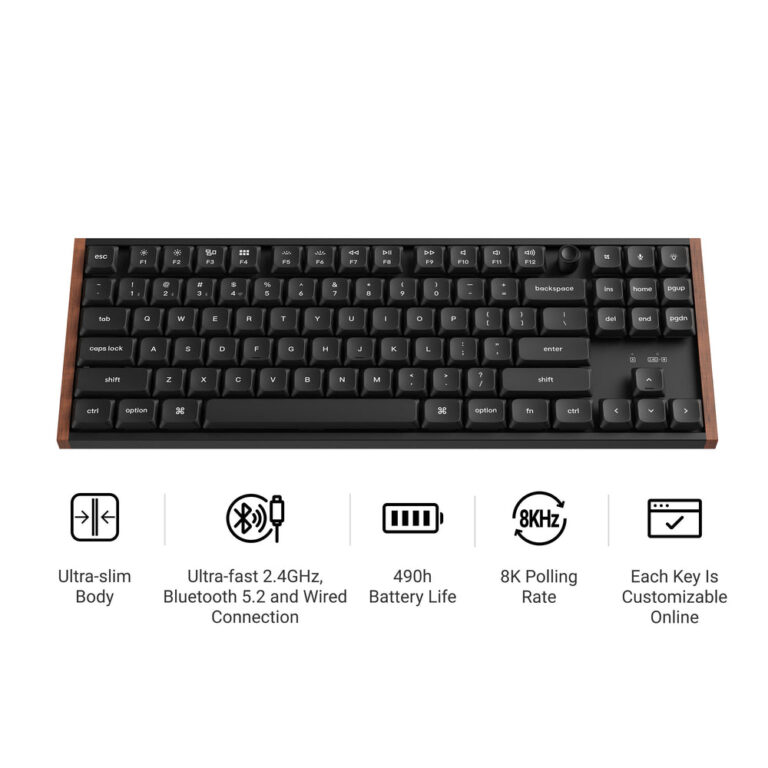
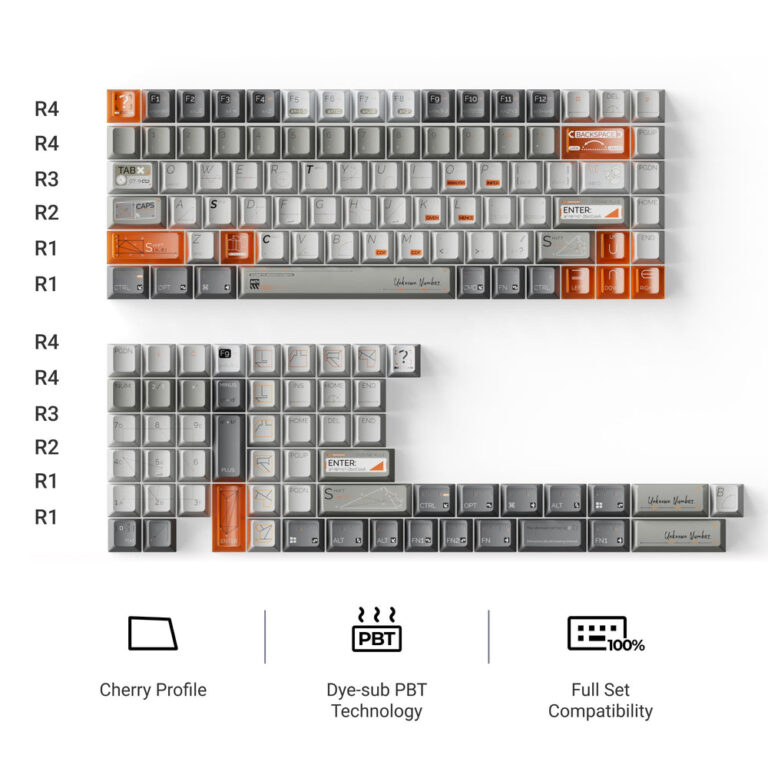
The Keychron R3 is an 80% TKL wireless mechanical keyboard with QMK firmware support and hot-swappable switches. It offers three connectivity modes and works with Mac, Windows, and Linux. Based on the brand’s published specs, it is a versatile custom keyboard for users who want programmability.
If you are looking for a Keychron R3 QMK Wireless Mechanical Keyboard review, this article covers the key specs as published by Keychron. The R3 is a fully assembled custom keyboard with an 80% TKL layout.
The keyboard supports wireless 2.4 GHz, Bluetooth 5.3 for up to three devices, and wired mode. It ships with Keychron Super Red, Brown, or Banana switches and double-shot PBT keycaps.
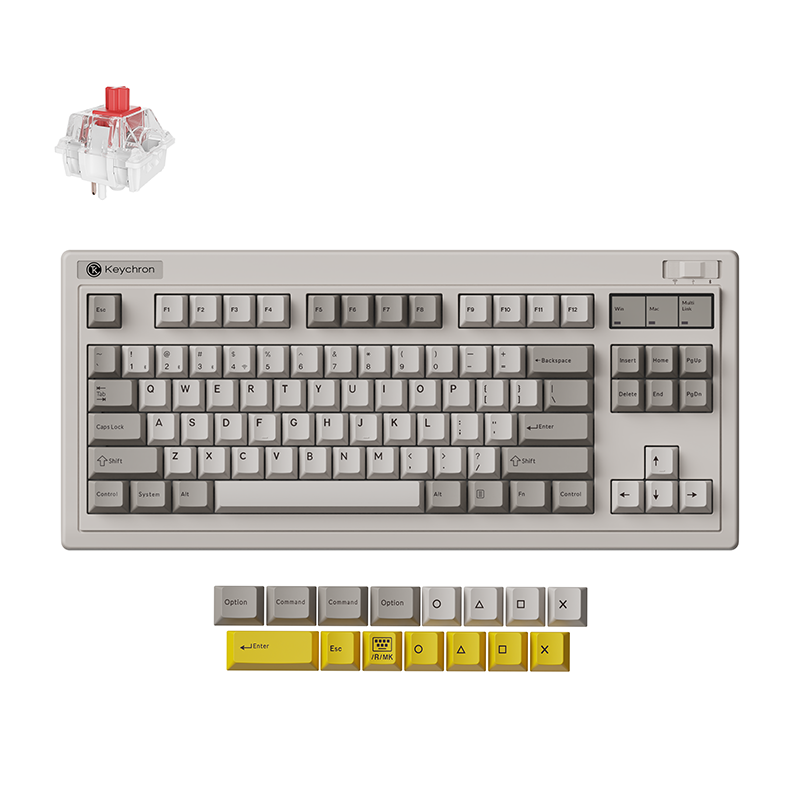
Published specs
| Spec | As published |
|---|---|
| Layout | 80% TKL, ANSI |
| Connectivity | 2.4 GHz, Bluetooth (up to 3 devices), wired |
| Switches | Keychron Super Red / Brown / Banana; hot-swappable |
| Keycaps | Double-shot PBT, normal profile |
| Software | QMK firmware; Keychron Launcher web app |
| Compatibility | macOS, Windows, Linux |
| Switch Mount | Hot-swappable |
| QMK/VIA Support | Yes |
Who it suits
- Users who prefer a TKL layout to save desk space while keeping arrow keys and function row.
- Those who need wireless connectivity with multi-device support (Bluetooth for up to 3 devices, plus 2.4 GHz).
- Enthusiasts who want QMK programmability and hot-swappable switches to customize the typing experience.
Who should skip
- Users who require a full-size keyboard with a numeric keypad.
- Those who prefer low-profile switches (the R3 uses normal-profile switches).
- People who need an ISO layout (only ANSI layout is stated).
Pros
- 80% TKL layout balances compactness and functionality.
- Triple connectivity: 2.4 GHz, Bluetooth 5.3 (up to 3 devices), and wired mode.
- QMK firmware and Keychron Launcher web app for key remapping and macros.
- Hot-swappable with any normal-profile MX mechanical switch.
Cons
- Warranty policy is not stated by the brand.
- Return policy details are not stated by the brand.
- Battery capacity or estimated battery life is not stated by the brand.
What It Is
The Keychron R3 is a fully assembled wireless custom mechanical keyboard with an 80% TKL layout. It supports three connection modes: wireless 2.4 GHz, Bluetooth 5.3, and wired USB. Based on brand specifications, it comes with Keychron Super Red, Brown, or Banana switches that are hot-swappable, and double-shot PBT keycaps. The board is compatible with macOS, Windows, and Linux.
Key Features as Published
- Connectivity: 2.4 GHz, Bluetooth (up to 3 devices), and wired.
- Switches: Keychron Super Red/Brown/Banana; hot-swappable with any normal-profile MX mechanical switch.
- Keycaps: Double-shot PBT, normal profile.
- Software: QMK firmware support and Keychron Launcher web app for key remapping and macros.
- Compatibility: macOS, Windows, and Linux.
Size, Power & Compatibility Details
The keyboard uses an 80% TKL ANSI layout, meaning it has no numeric keypad but retains arrow keys and the function row. It can connect wirelessly via Bluetooth to up to three devices, or use the included USB cable for wired operation. The R3 works natively with Mac, Windows, and Linux. Note: battery specifications (capacity or run time) are not stated by the brand.
Before You Buy
The Keychron R3 is sold as a fully assembled keyboard with a choice of three switch types (Super Red, Brown, or Banana) and double-shot PBT keycaps. It supports QMK and VIA via the Keychron Launcher. However, details on warranty, returns, and battery life are not provided on the product page. Check the brand website for current availability and shipping options.
Frequently asked questions
What switches does the Keychron R3 use?
The R3 is available with Keychron Super Red (linear), Brown (tactile), or Banana (tactile) switches. All are hot-swappable, so you can replace them with any normal-profile MX mechanical switch.
Is the Keychron R3 hot-swappable?
Yes, the keyboard supports hot-swapping switches. You can easily change to any normal-profile MX mechanical switch without soldering.
What software does the Keychron R3 use?
The R3 uses QMK firmware and the Keychron Launcher web app for key remapping, macros, and customizations. It is also compatible with VIA.
Does the Keychron R3 work with Mac?
Yes, it works with macOS, Windows, and Linux. The keyboard is compatible with all three operating systems out of the box.
What is the layout size of the Keychron R3?
The R3 has an 80% TKL (tenkeyless) ANSI layout. It has no numeric keypad but includes arrow keys and a function row.