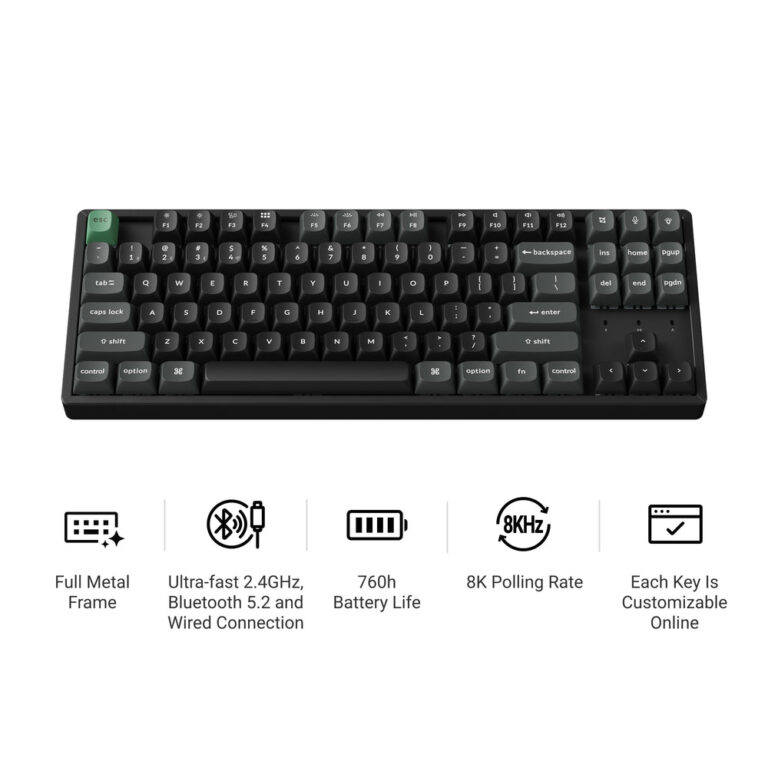
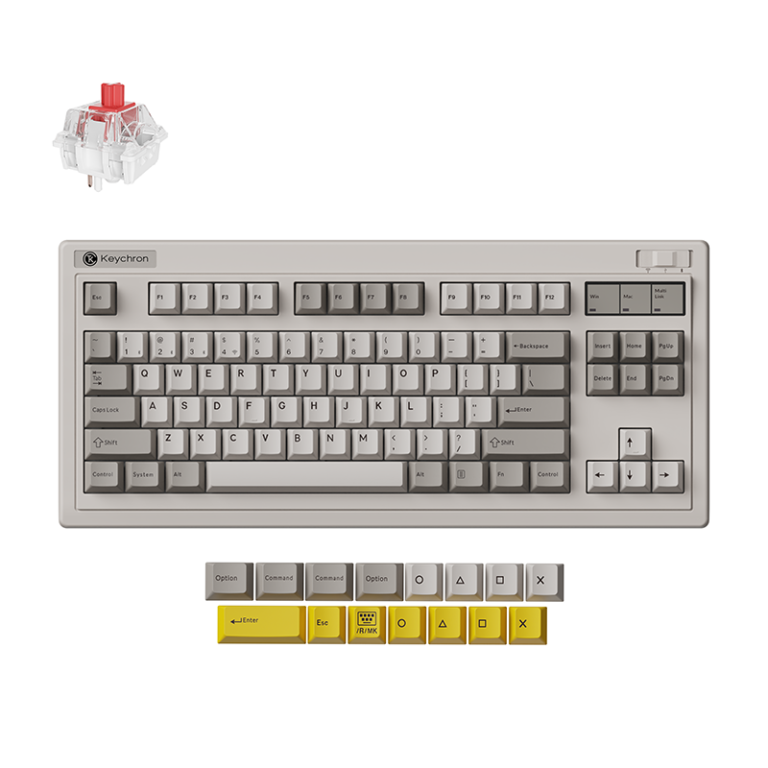
Keychron’s Z-Others range offers practical accessories for keyboard enthusiasts. The Thunderbolt 5 Dock stands out for its high-speed connectivity, while the carrying case and palm rests address everyday ergonomics and portability. For those building or modding, the switch puller and coiled cable are valuable additions.
If you’re searching for the best Keychron Z-Others, you’ve come to the right place. The Z-Others category covers a wide range of accessories designed to enhance your keyboard and mouse experience. Based on Keychron’s own published specs, we’ve selected five standout items that cover different needs—from carrying cases to high-speed docks.
These picks are ordered by versatility and usefulness, ensuring you get the most value from your Keychron setup. Each product is evaluated solely on the information provided by the brand.
How we chose
- Product category (Z-Others) relevance
- Functional diversity (covering protection, ergonomics, connectivity, customization)
- Based on published materials and specs
- Items with clear compatibility or use case stated
- No superlatives without stated criterion
At a glance
| Product | Best for | Published specs |
|---|---|---|
| Keychron Thunderbolt 5 Dock (14-in-1) | Best for high-speed connectivity based on listed specs | 14-in-1 expansion; Up to 80Gbps bidirectional bandwidth; Bandwidth Boost up to 120Gbps |
| Keychron Keyboard Carrying Case | Best for on-the-go protection based on listed specs | Crafted with canvas and EVA plastic; Designed for keyboard storage and carrying; Does not include keyboard |
| Keychron Split Silicone Palm Rest | Best for ergonomic comfort based on listed specs | Split design for adjustable positioning; Smooth, skin-friendly surface; Fits Nape Pro trackball mouse and most keyboards |
| Keychron 2-in-1 Switch and Keycap Puller | Best essential tool for keyboard customization based on listed specs | Dual-ended design: wire-loop key puller and switch clamp; Protects switch latches and circuit board; Essential for mechanical keyboard enthusiasts |
| Keychron Coiled Aviator Cable 8K | Best for aesthetic and high-polling-rate setups based on listed specs | Available in straight connector (10 colors) or angled connector (8 colors); Compatible with 8K Hz polling rate Keychron keyboards; Coiled aviator design |
1. Keychron Thunderbolt 5 Dock (14-in-1)
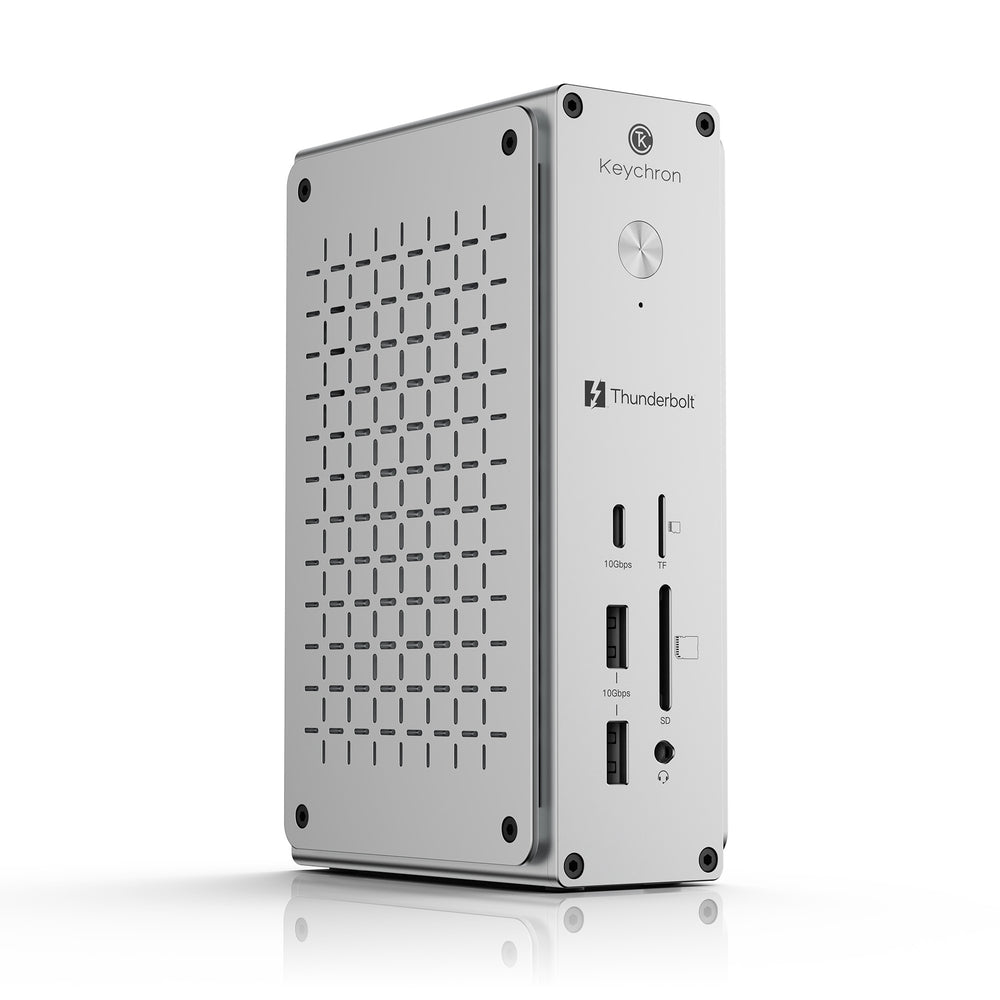
If you need to expand a single Thunderbolt 5 port into a full workstation, the Keychron Thunderbolt 5 Dock (14-in-1) is a powerful choice. According to the brand’s published specs, it delivers up to 80Gbps bidirectional bandwidth (up to 120Gbps with Bandwidth Boost) and supports dual 8K displays. It also provides up to 140W laptop charging, making it a central hub for modern Mac and Windows setups.
The dock is built for worldwide use with a universal 100–240V AC input and supports region-specific IEC C7 power cords and compatible travel adapters. This makes it suitable for both desktop and travel scenarios, though you’ll need Thunderbolt 5-compatible devices to take full advantage of its capabilities.
- 14-in-1 expansion
- Up to 80Gbps bidirectional bandwidth
- Bandwidth Boost up to 120Gbps
- Dual 8K display support
- Up to 140W laptop charging
Skip it if: Skip if you do not use Thunderbolt 5-compatible devices or need a basic USB hub.
2. Keychron Keyboard Carrying Case
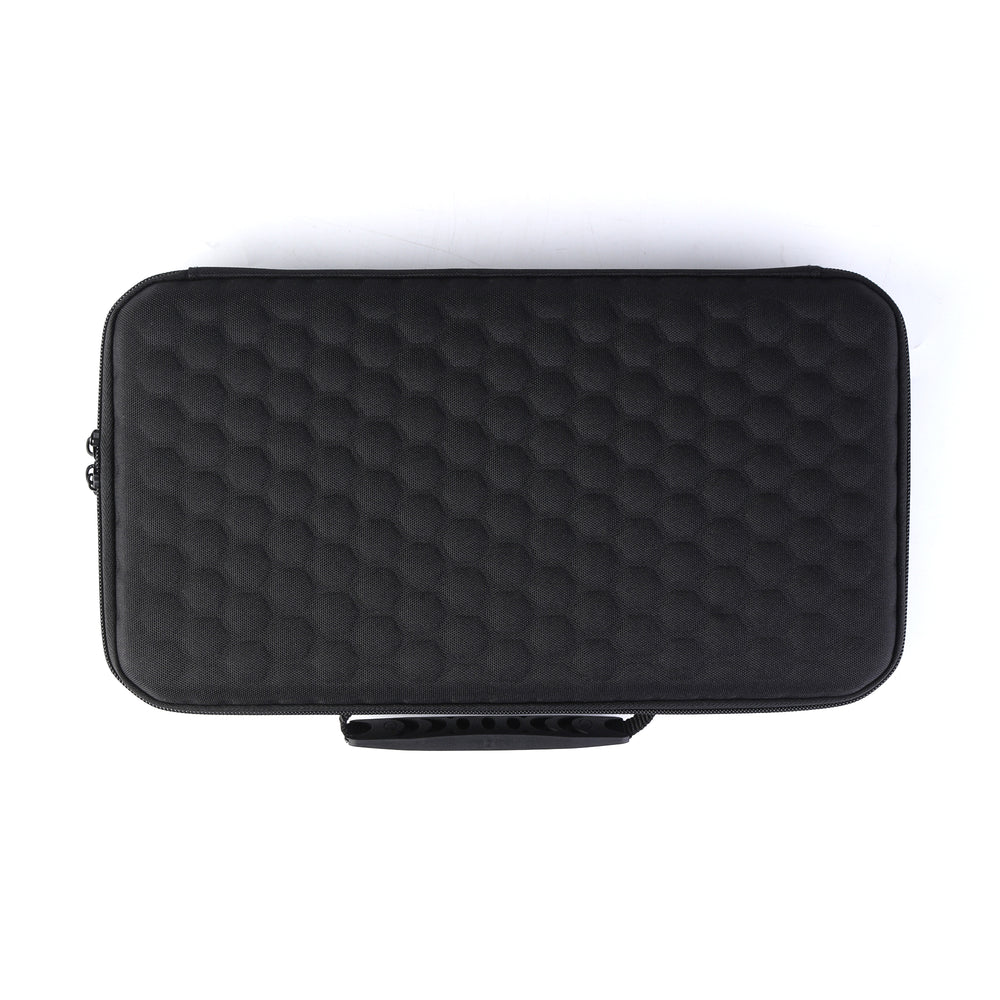
Transporting your mechanical keyboard safely is easy with the Keychron Keyboard Carrying Case. Made from canvas and EVA plastic, this case is designed to hold your keyboard during daily commutes or travel. The brand notes that the case does not include a keyboard, and the knob on Q series Knob Version keyboards may be slightly pressed down while inside—but the keyboard still works as normal.
This carrying case is an affordable option for keeping your keyboard dust-free and cushioned. It is ideal for anyone who frequently moves their setup between home and office, but be sure to check the dimensions of your keyboard against the case before purchasing, as specific compatibility details are not fully listed.
- Crafted with canvas and EVA plastic
- Designed for keyboard storage and carrying
- Does not include keyboard
- Note: knob on Q series Knob Version may be slightly pressed
Skip it if: Skip if you don't need to transport your keyboard or prefer a hard case.
3. Keychron Split Silicone Palm Rest
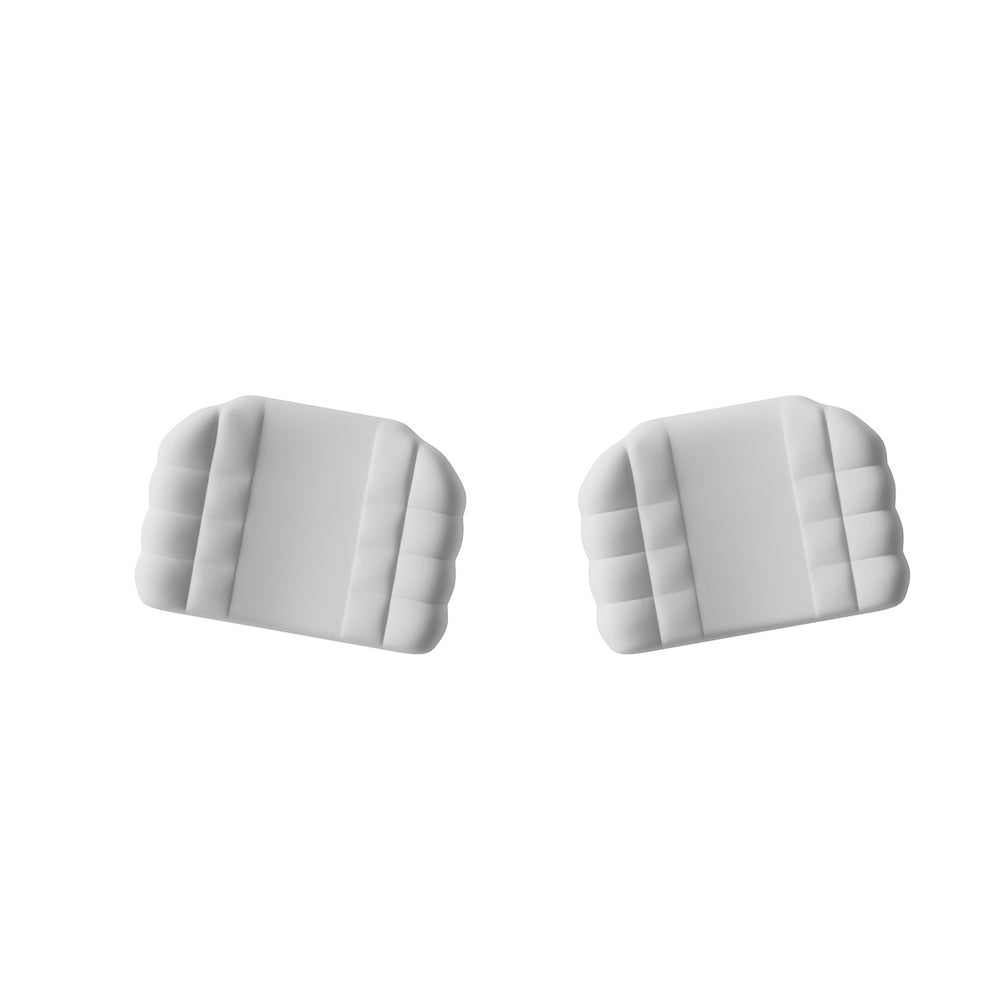
For improved wrist support during long typing or gaming sessions, the Keychron Split Silicone Palm Rest offers an adjustable two-piece design. The brand states it has a smooth, skin-friendly surface and an anti-slip base, fitting most keyboards and the Nape Pro trackball mouse. The split design allows you to position each hand independently for better ergonomics.
Note that only one pair of palm rests is included, and the Nape Pro mouse and keyboards shown are not part of the product. If you prefer a unified wrist rest or need extra width, this split version may not be ideal. But for those who value adjustability and comfort, it’s a solid choice based on published specs.
- Split design for adjustable positioning
- Smooth, skin-friendly surface
- Fits Nape Pro trackball mouse and most keyboards
- Anti-slip base
- Only one pair included
Skip it if: Skip if you use a full-length standard palm rest or prefer a non-split design.
4. Keychron 2-in-1 Switch and Keycap Puller
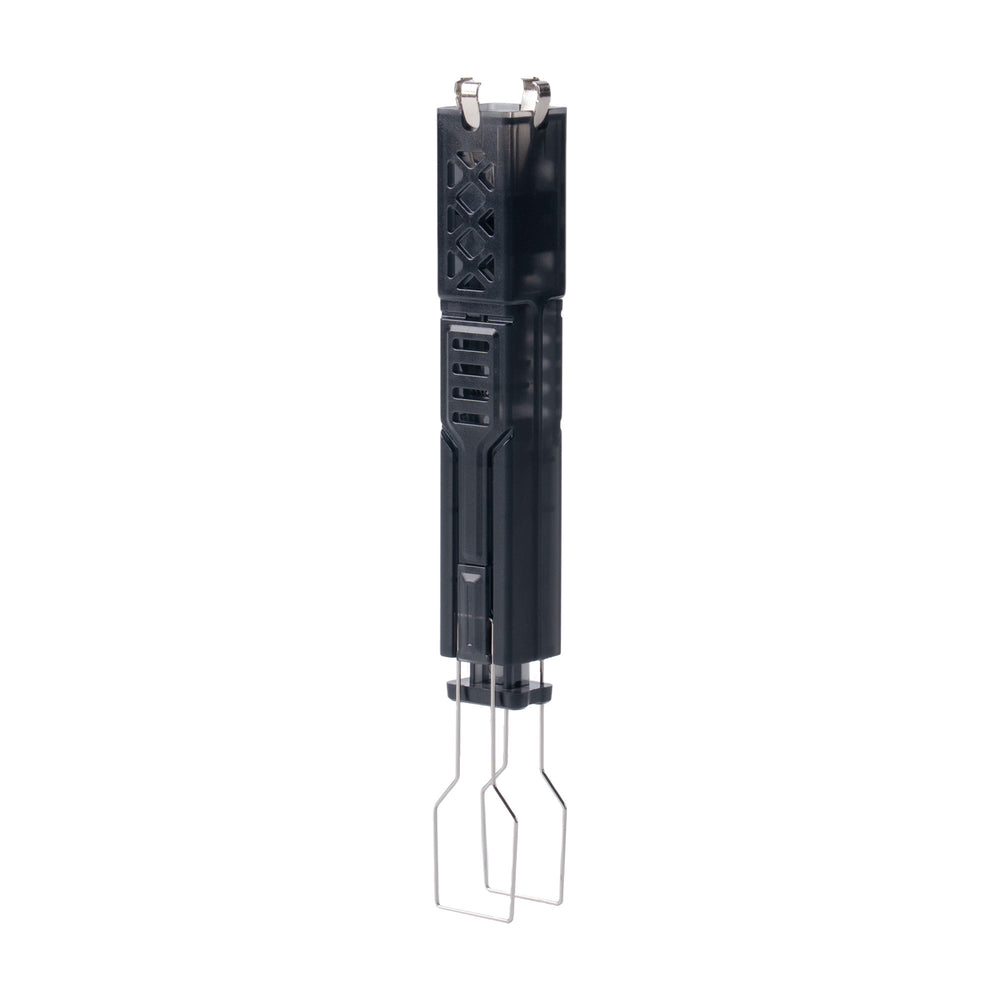
Whether you’re swapping switches or replacing keycaps, the Keychron 2-in-1 Switch and Keycap Puller is a handy tool. According to the brand, it features a dual-ended design: a wire-loop key puller on one end and a specialized switch clamp on the other that securely grips the upper and lower latches of the switch. This design helps protect the switch latches and circuit board from damage during removal.
The puller is described as efficient, safe, and versatile—a must-have for mechanical keyboard enthusiasts. The brand does not specify compatibility with all switch types, but it is likely suited for most standard mechanical switches. If you never plan to disassemble your keyboard, this tool may be unnecessary, but for modders it’s a practical addition.
- Dual-ended design: wire-loop key puller and switch clamp
- Protects switch latches and circuit board
- Essential for mechanical keyboard enthusiasts
Skip it if: Skip if you never remove switches or keycaps, or prefer a basic keycap puller.
5. Keychron Coiled Aviator Cable 8K
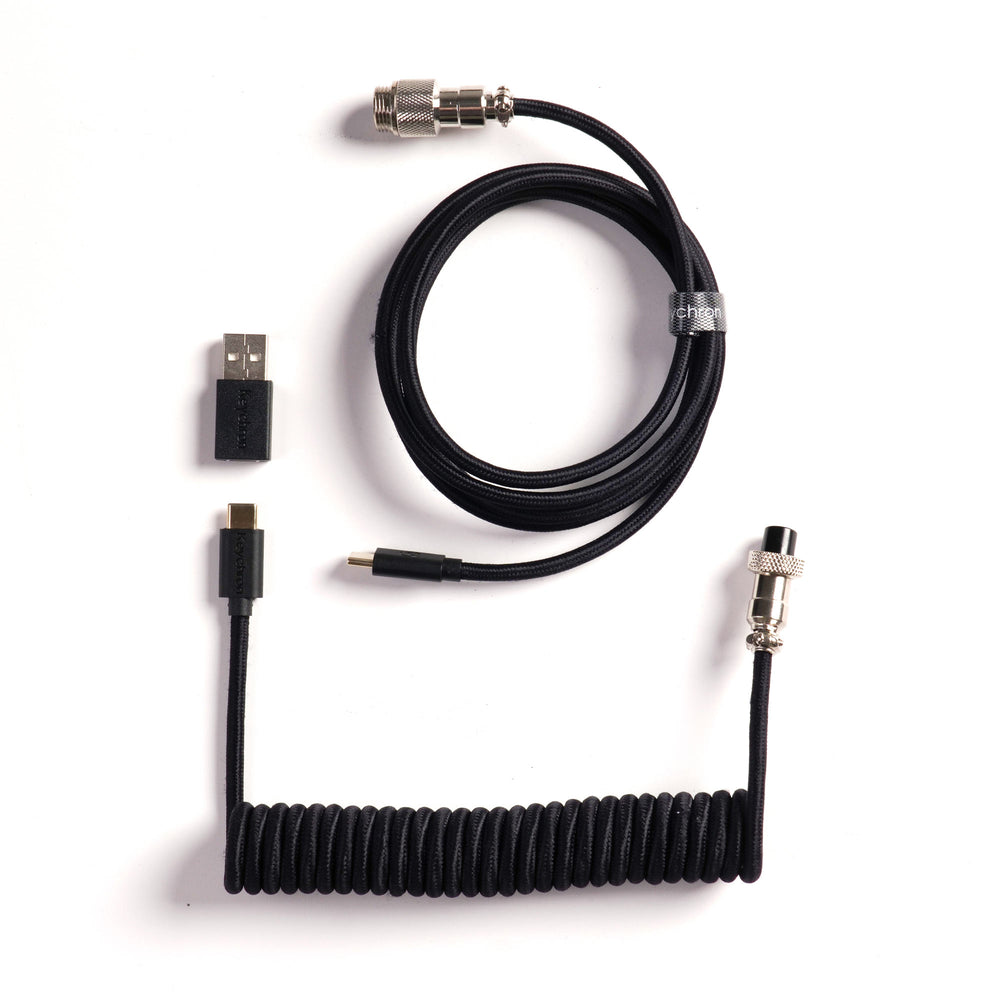
The Keychron Coiled Aviator Cable 8K adds a stylish touch while supporting high-performance connectivity. The brand offers it in two connector styles: a straight connector (10 color options) and an angled connector (8 color options). It is compatible with Keychron keyboards that support 8K Hz polling rates, ensuring your keyboard communicates at its full potential.
The coiled aviator design is both functional and visually appealing, often used in custom keyboard setups. If you don’t own a Keychron keyboard with 8K polling support, this cable may not offer any performance advantage over standard cables. But for those who want a matching, high-quality cable for their high-speed keyboard, it’s a great pick based on the published specs.
- Available in straight connector (10 colors) or angled connector (8 colors)
- Compatible with 8K Hz polling rate Keychron keyboards
- Coiled aviator design
Skip it if: Skip if you don't have a Keychron keyboard that supports 8K polling or prefer a standard straight cable.
How to Choose Keychron Z-Others Accessories
Start by identifying your primary need: protection, ergonomics, connectivity, or customization. For travel, a carrying case is essential; for comfort, consider silicone or split palm rests. If you need fast data transfer and charging, the Thunderbolt 5 Dock is ideal. For keyboard modding, a switch puller is a basic tool. Also check compatibility—some items like the coiled cable are only for 8K polling keyboards, while the carrying case has notes about knob clearance.
What the Brand Does Not State
Keychron does not publish return, shipping, or warranty policies on their product pages for these Z-Others items. Prices are not listed in the data provided, so you should check the current price on the brand’s website. Additionally, the brand does not specify exact dimensions or weight for many accessories, nor does it provide detailed compatibility lists (e.g., which keyboard models fit the carrying case). Some products may be out of stock with an option to sign up for notifications, but no restock dates are given.
Frequently asked questions
Are Keychron Z-Others products compatible with non-Keychron devices?
Compatibility varies. The Thunderbolt 5 Dock works with modern Mac and Windows setups. The split silicone palm rest fits most keyboards and the Nape Pro trackball mouse. The switch puller is designed for mechanical keyboards in general. However, the coiled cable and carrying case are specifically designed for Keychron keyboards based on the brand’s published specs.
Does the keyboard carrying case fit all Keychron keyboards?
The brand notes that the knob on Q series Knob Version keyboards may be slightly pressed down when inside the case, but the keyboard still works. Specific size compatibility beyond that is not stated, so you may need to compare dimensions or consult the Keyboards Buying Guide mentioned on the palm rest product pages.
What is the Thunderbolt 5 Dock compatible with?
According to the brand, it is built for modern Mac and Windows setups and supports universal 100–240V AC input. It expands one Thunderbolt 5 port into 14 connections with up to 80Gbps bidirectional bandwidth and dual 8K display support. It also charges laptops up to 140W.
Is the 2-in-1 switch and keycap puller compatible with all mechanical switches?
The brand states the switch clamp securely grips the upper and lower latches of the switch. It is designed for mechanical keyboard enthusiasts, but specific switch compatibility (e.g., Cherry MX, Gateron, etc.) is not listed. It likely works with standard MX-style switches.
Where can I find current prices for Keychron Z-Others products?
Current prices are not included in the provided data. You should check the official Keychron website for the most up-to-date pricing and any available discounts or promotions.