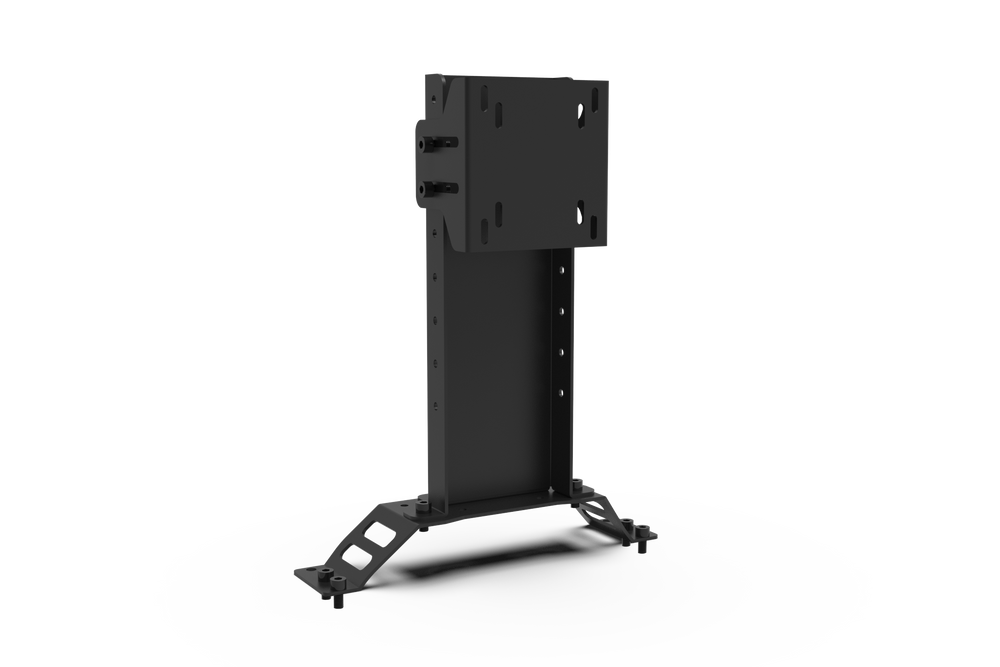
Choosing the right monitor stand depends on your cockpit type (freestanding or integrated), the number and size of displays you plan to use, and the material construction. Trak Racer offers both freestanding and cockpit-mounted options in steel tube or aluminum extrusion, with support for up to 80″ single screens or multi-monitor configurations. Check VESA compatibility and adjustability features before ordering.
Wondering how to choose monitor stands for your sim racing or flight simulation setup? The right stand improves your field of view, reduces screen flex, and creates a more immersive experience. This guide uses only the specifications published by Trak Racer for their monitor stand range to help you make an informed choice.
Whether you’re building a new rig from scratch or upgrading an existing cockpit, the key decisions are: freestanding versus cockpit-mounted, single versus multi-screen, and the material that best suits your display size. Trak Racer’s catalog includes 20 monitor stand products across steel tube and aluminum extrusion designs.

Who This Guide Is For
This guide is for sim racing and flight simulation enthusiasts who are adding or upgrading a monitor stand to their cockpit. It is relevant whether you use a Trak Racer cockpit (such as TR80, TR160, or TRX) or a third-party rig that supports standard VESA mounts. The product range covers both dedicated freestanding stands and cockpit-mounted solutions for single, dual, triple, and quad monitor layouts.
Key Criteria for Choosing a Monitor Stand
- Freestanding vs Integrated (Cockpit-Mounted) — Freestanding stands (e.g., Large Freestanding Single Monitor Stand) sit independently on the floor and can be positioned away from your cockpit. Cockpit-mounted stands (e.g., Integrated Single Monitor Stand for TRF) bolt directly to your simulator frame, saving floor space and moving with the rig.
- Material and Construction — Trak Racer uses either 2″ steel tube or black aluminum extrusion (40x40mm or 40x80mm profiles). Steel tube stands tend to be more economical for larger displays, while aluminum extrusion offers greater modularity and add-on compatibility.
- Display Size and Number of Monitors — Single stands support up to 80″ displays. Triple and quad stands accommodate screens up to 45″ (or 55″ with extra leg supports). Overhead mounts fit up to 50″ displays for a quad or secondary screen.
- VESA Compatibility — Most stands work with VESA 75/100/150/200mm patterns. Optional adapters support 300/400mm. The Variable Adjustment VESA Adapter Kit allows tool-free height, depth, and rotation alignment.
- Upgradeability — Many stands can be expanded later. For example, add-on side arms convert a single tube-style stand into triple, and some models are upgradeable to quad with an overhead mount.
Common Mistakes to Avoid
- Ignoring VESA Pattern — Always verify your monitor’s VESA pattern (75/100/150/200mm common) before purchasing. Trak Racer lists compatibility but suggests checking optional 300/400mm adapter kits if needed.
- Underestimating Space for a Freestanding Stand — A freestanding triple or quad stand requires floor space around your cockpit. Measure your room to ensure the stand’s footprint fits, especially models with extra support legs.
- Not Planning for Future Upgrades — If you might add more screens later, choose a stand that is upgradeable (e.g., dual to triple via add-on arms or overhead mount). Starting with a larger stand now can save re-buying later.
- Forgetting Curved Monitor Considerations — Some overhead mounts and side arms specify compatibility with flat and curved monitors. Not all stands explicitly state curved support, so check the product description.
Questions to Ask the Brand
Based on the available published information, here are questions you should verify with Trak Racer before ordering:
- What is the weight capacity of each stand? Trak Racer does not state weight limits in the product descriptions; confirm with customer support.
- Does the stand include all necessary hardware for my cockpit model? Some integrated stands are designed for specific rigs (e.g., TR5, TR8 PRO, TRF). Check compatibility with your cockpit.
- What is the warranty coverage? Warranty terms are not stated in the provided data; request current warranty information when ordering.
- Are VESA adapter plates included or sold separately? Some stands mention optional 300/400mm adapters; confirm what is in the box.
Examples from the Brand (Trak Racer)
The following products from Trak Racer illustrate the variety available:
- large-freestanding-single-monitor-stand — A freestanding steel tube stand supporting one display up to 80 inches. Suitable for sim racing, flight simulation, and truck simulators.
- large-freestanding-triple-monitor-stand-1200mm-47-25-wide-2 — A freestanding triple stand with extra leg supports, handling three monitors up to 55 inches. Ideal for wide field-of-view setups.
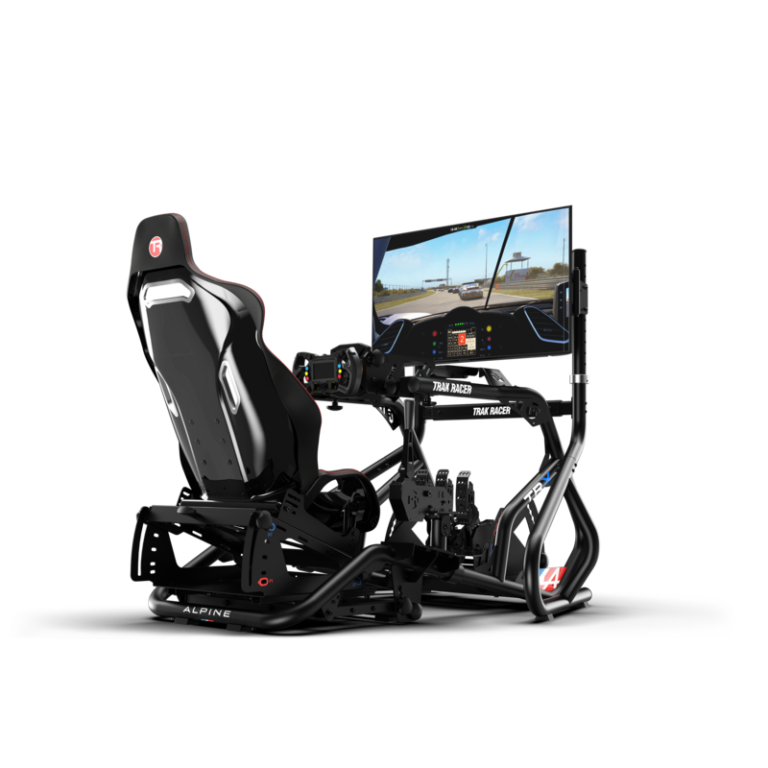
- cockpit-mounted-single-monitor-stand-for-trak-racer-tr8-pro-holds-up-to-70 — An integrated stand for TR8 PRO and TRX cockpits that supports monitors up to 70 inches. Moves with your rig for consistent positioning.
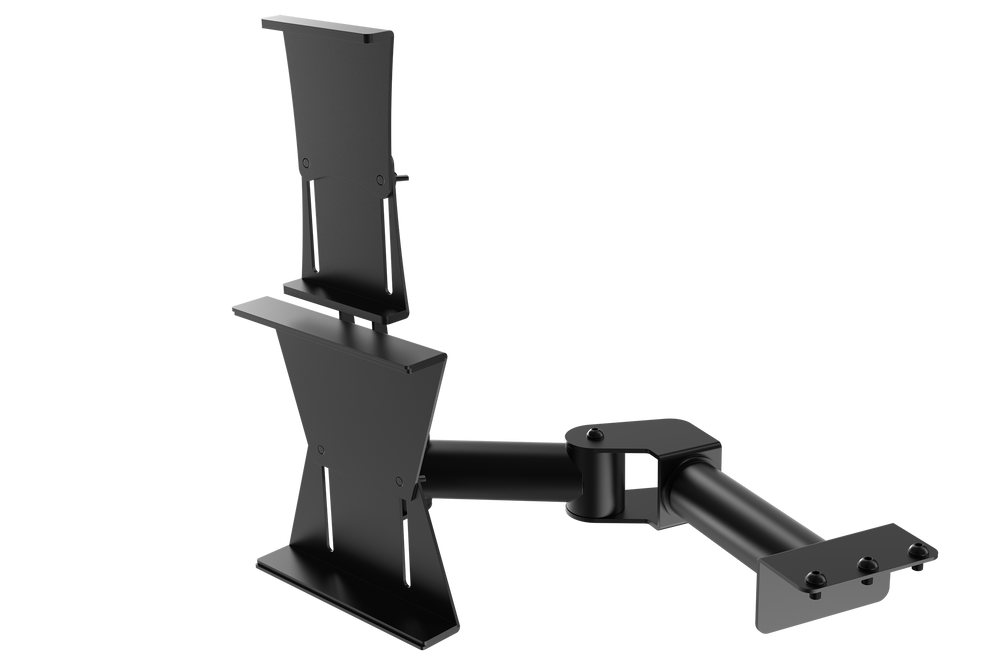
- variable-adjustment-vesa-adapter-kit-for-monitors — A tool-free VESA adapter plate offering height, depth, and rotation adjustment. Works with aluminum extrusion monitor stands.
Checklist Before You Order
- Confirm the number of monitors you want (single, dual, triple, quad).
- Measure each monitor’s diagonal size and weight (if known).
- Check your monitor’s VESA pattern (75/100/150/200mm or larger).
- Decide between a freestanding stand (floor space required) or a cockpit-mounted stand (attaches to rig).
- Verify compatibility with your specific cockpit model if choosing an integrated stand.
- Consider future upgrades: do you need add-on arms or an overhead mount later?
- Review return and shipping policies on the brand’s site before purchasing.
Freestanding Single Monitor Stand – Supports up to 80" Display
Variable Adjustment VESA Adapter Kit – Tool-Free Monitor Alignment for Monitor Stands
Frequently asked questions
What is the difference between freestanding and cockpit-mounted monitor stands?
Freestanding stands sit on the floor independently of your cockpit, allowing separate positioning. Cockpit-mounted stands attach directly to your simulator frame, saving space and moving with the rig for a more integrated feel. Trak Racer offers both types.
Can I upgrade a single monitor stand to triple or quad later?
Yes, Trak Racer offers add-on side arms that convert their tube-style single stands into triple monitor setups. Overhead monitor mounts can also add a second or fourth display to many stands. Check product compatibility for your specific stand.
What VESA mounting patterns are supported?
Trak Racer monitor stands suit most monitors with VESA 75/100/150/200mm patterns. Optional adapters are available for 300/400mm patterns. The Variable Adjustment VESA Adapter Kit supports tool-free alignment and works with standard patterns.
Do you offer a warranty on monitor stands?
Warranty terms are not stated in the provided brand data. We recommend checking the current warranty policy on the Trak Racer website before ordering.
Can I use a curved monitor with these stands?
Some Trak Racer mounts are explicitly compatible with flat and curved monitors, such as the Overhead Monitor Mount (up to 50 inches). For other stands, verify curved monitor support in the product description or contact the brand.