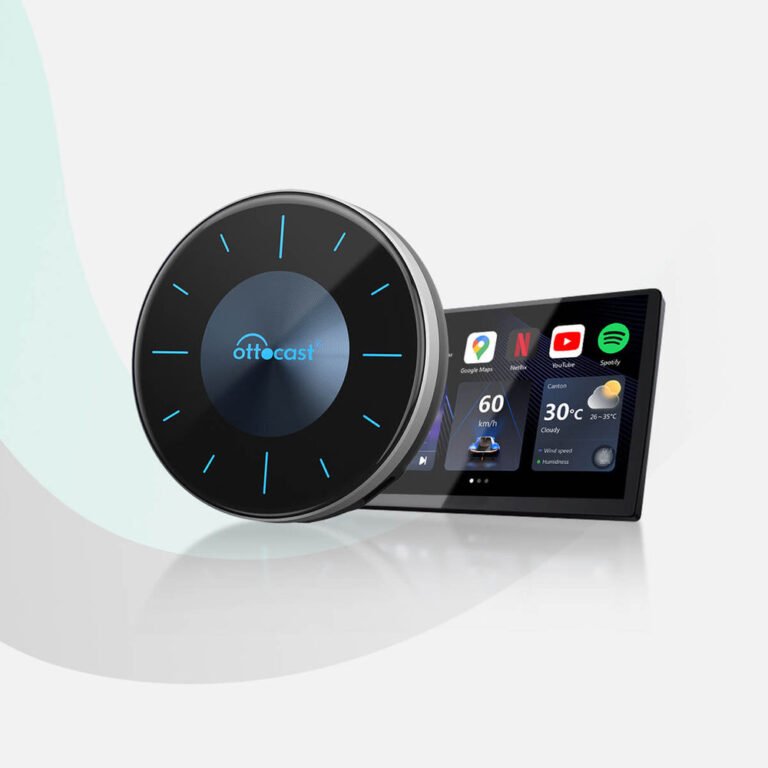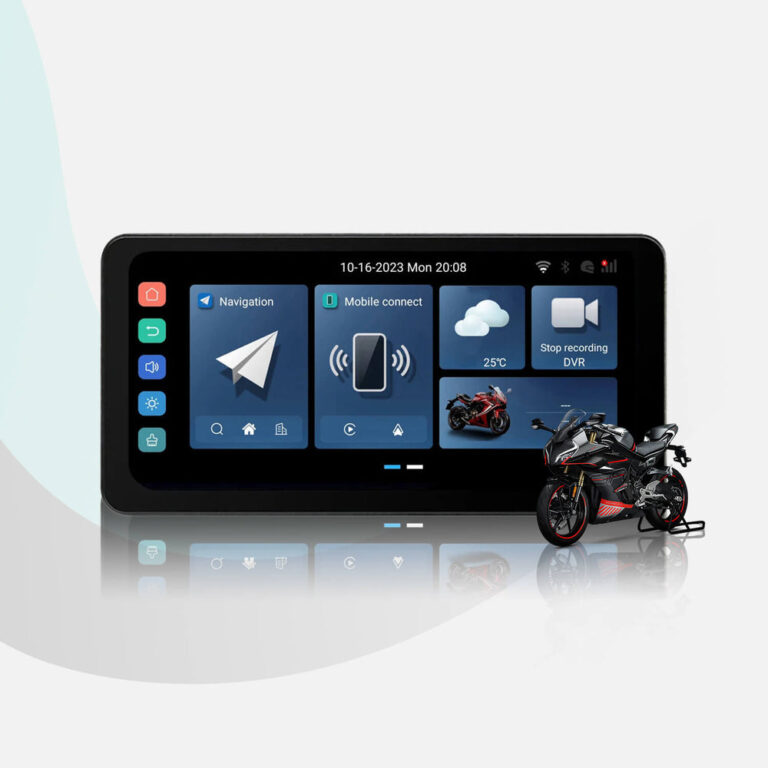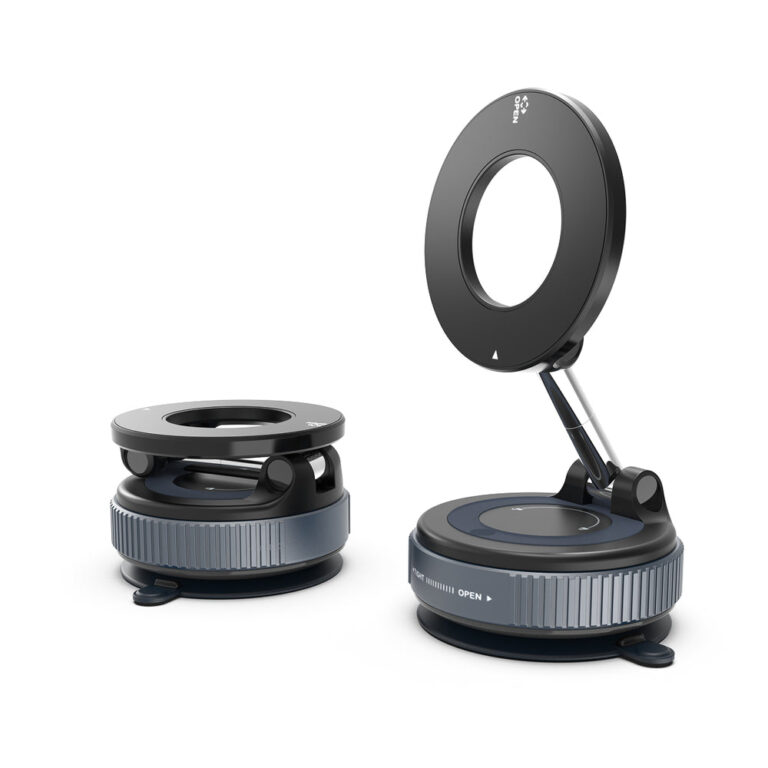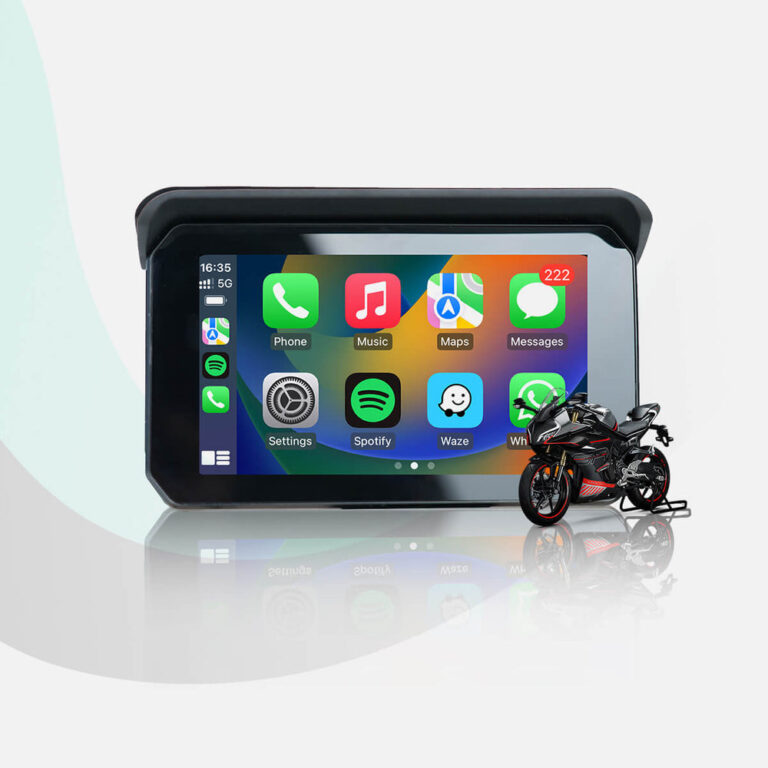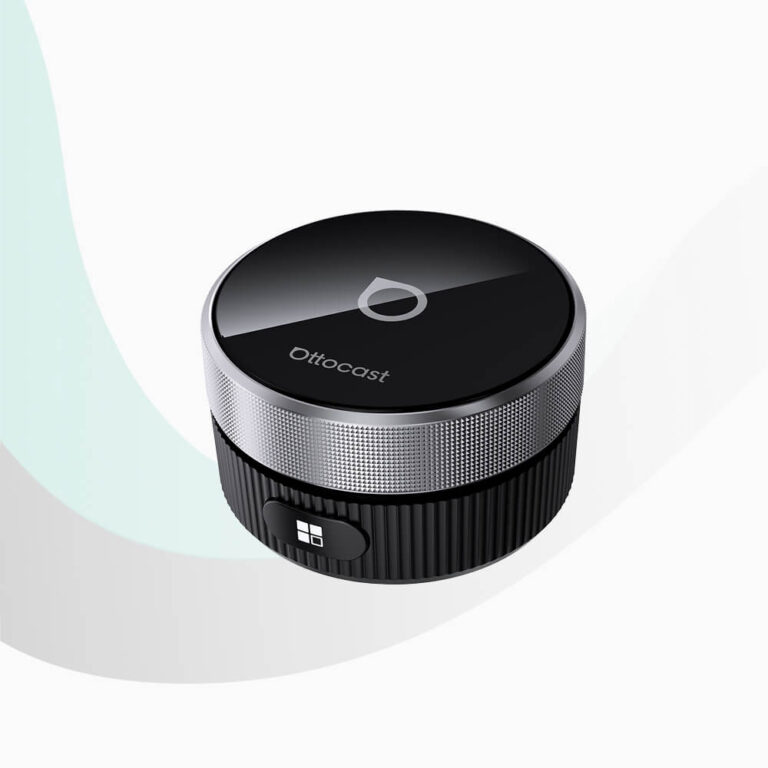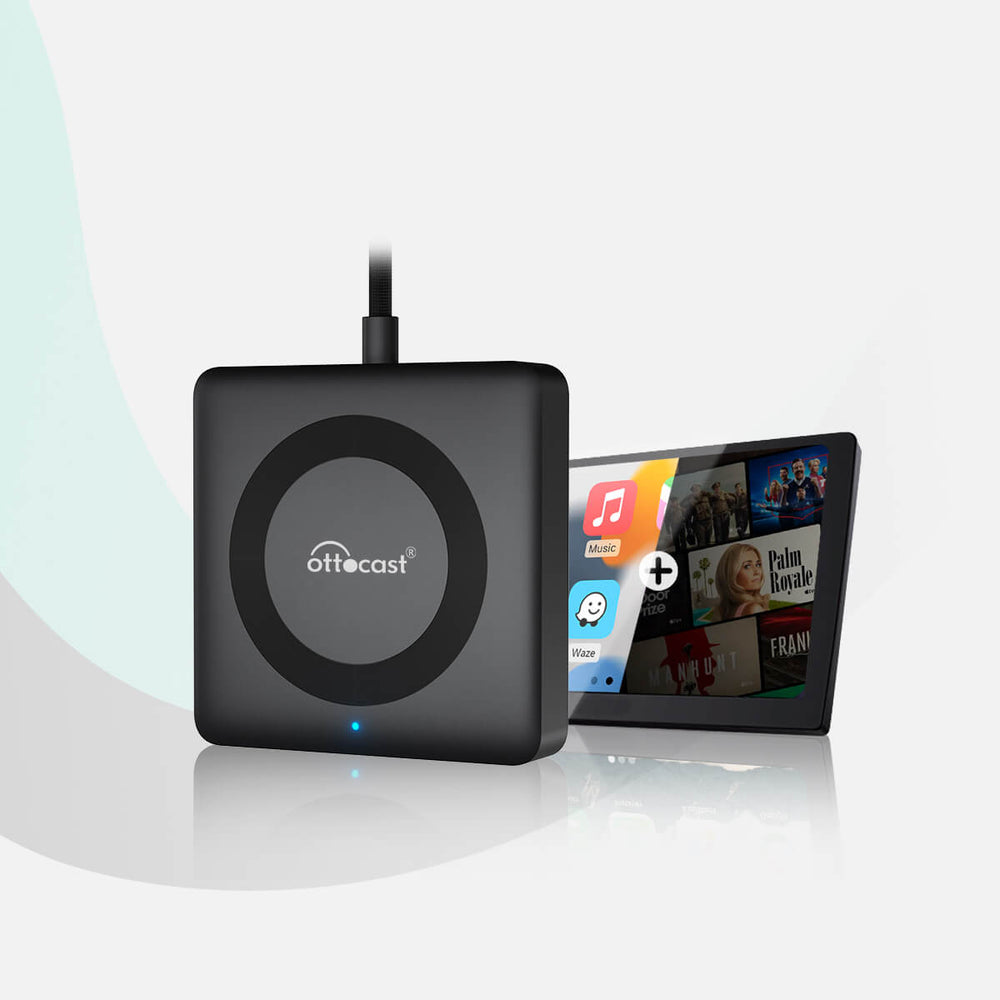
When choosing a car electronics adapter, focus on your vehicle’s existing connectivity and your desired features. OTTOCAST adapters convert wired CarPlay to wireless, offer HDMI multimedia or built-in apps, and provide over-the-air firmware updates. Select based on whether you need Android Auto support, video streaming, or simple wireless mirroring.
If you’re searching for how to choose car electronics, especially wireless CarPlay adapters, you’re likely looking to upgrade your in-car entertainment without replacing your vehicle. OTTOCAST specializes in adapters that connect your phone to your car’s console wirelessly, supporting both Apple CarPlay and Android Auto.
This guide uses only OTTOCAST’s published information to help you understand the key features, compatibility considerations, and available options. Whether you want to watch YouTube, use navigation, or mirror presentations, these adapters offer a plug-and-play solution.
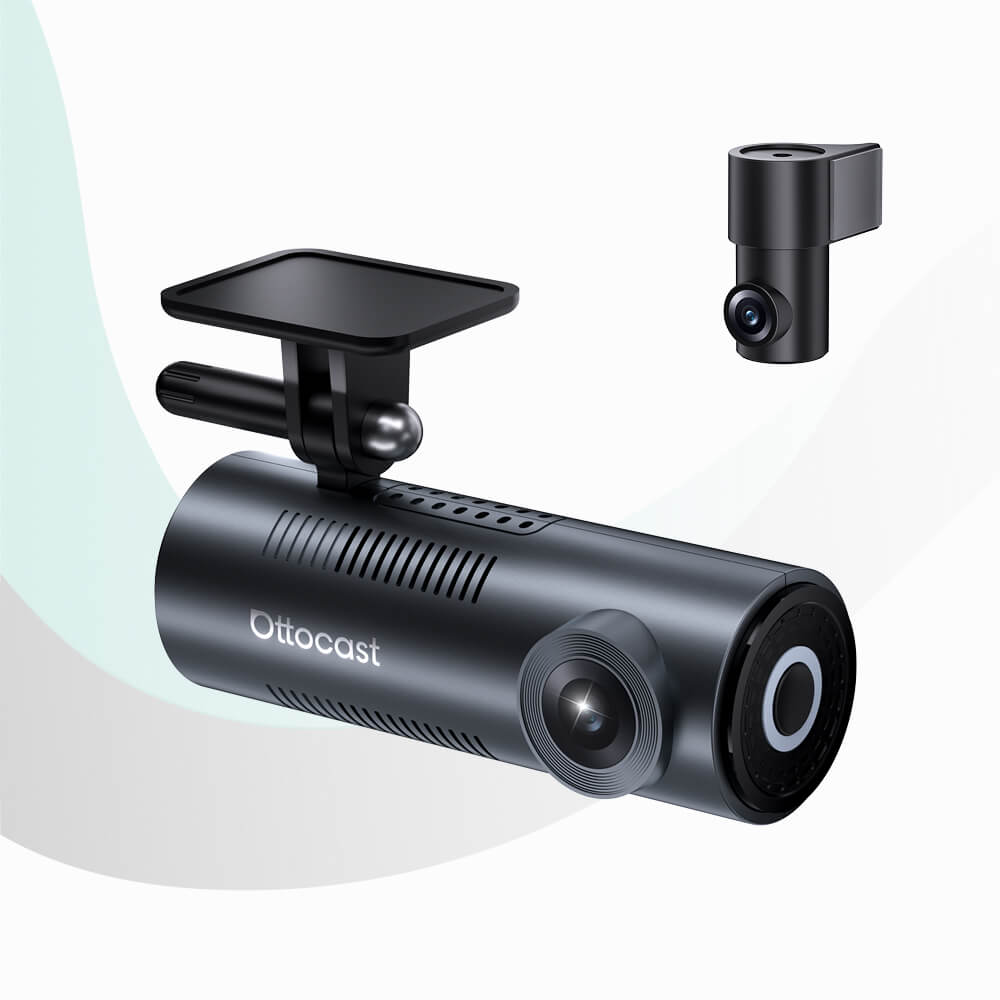
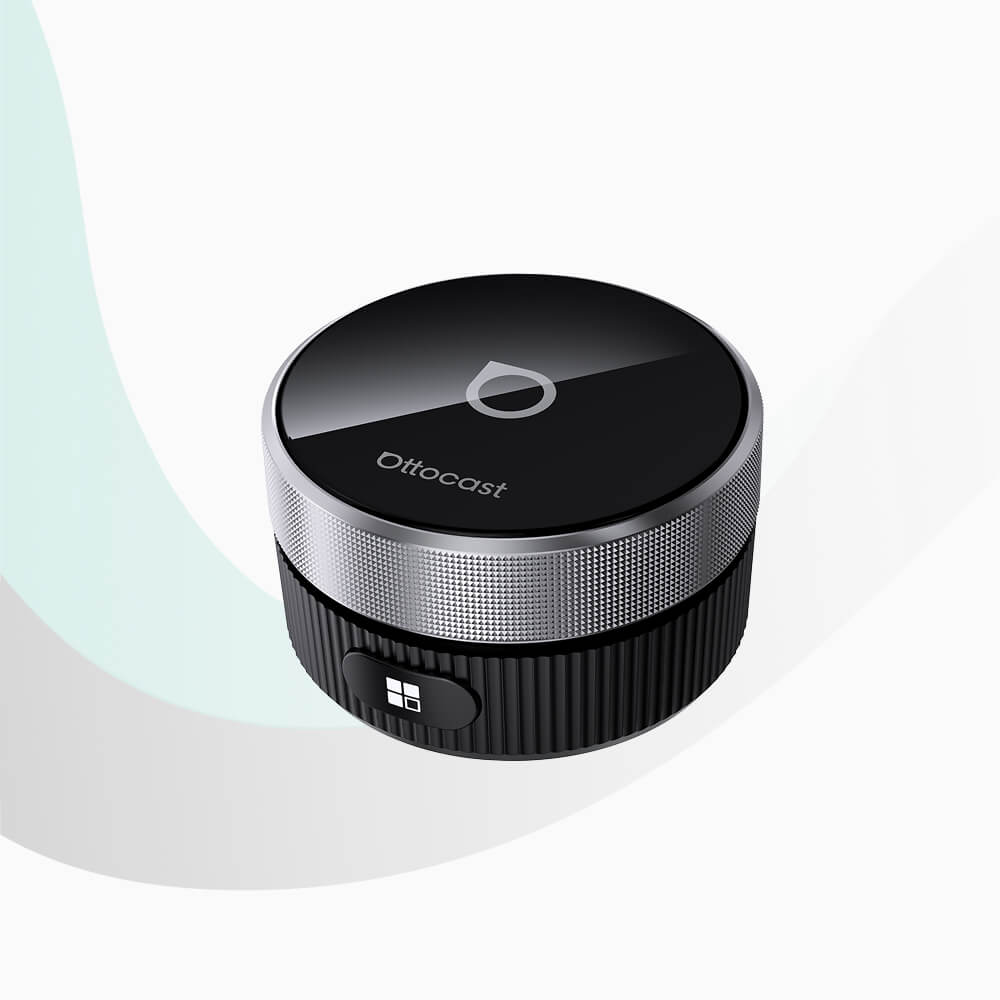
Who This Guide Is For
This guide is for drivers who want to add wireless smartphone integration to their existing car console. It is particularly relevant if your vehicle already has a wired CarPlay connection and you wish to eliminate cables. OTTOCAST adapters are designed for users who value convenience, automatic reconnection, and over-the-air firmware updates.
Key Criteria for Choosing a Wireless CarPlay Adapter
Based on OTTOCAST’s product lineup, consider the following criteria:
- Compatibility: Ensure the adapter works with your car’s existing system. Some adapters convert wired CarPlay to wireless, while others add Android Auto support.
- Multimedia Support: Decide if you need HDMI input for external devices (e.g., Fire TV Stick) or built-in apps like YouTube and Netflix. Note that built-in apps may not allow additional downloads.
- Connection Method: OTTOCAST adapters use Bluetooth and WiFi for wireless connectivity. Look for fast and automatic reconnection when you start the car.
- Installation: Most adapters offer plug-and-play installation via the car’s USB port, requiring no special tools.
- Firmware Updates: Over-the-air updates via the OttoPilot App ensure your adapter stays current without manual downloads.
Common Mistakes to Avoid
When choosing a car electronics adapter, avoid these common pitfalls:
- Not checking vehicle compatibility before ordering: OTTOCAST’s return policy emphasizes checking compatibility first. Returns due to incompatibility are treated as non-quality-related returns.
- Assuming all adapters support both CarPlay and Android Auto: Some models are CarPlay-only, while others are universal. Verify before purchase.
- Overlooking multimedia limitations: The Play2Video Pro includes built-in YouTube and Netflix but cannot download other apps. If you need more flexibility, consider an HDMI-enabled model.
- Ignoring processing and shipping times: Orders require 1–2 business days processing before dispatch, and delivery estimates start after dispatch, not including processing time.
Questions to Ask the Brand
Before purchasing, consider asking OTTOCAST these questions based on their published policies:
- Is my specific vehicle model compatible with this adapter?
- Does the adapter support both Apple CarPlay and Android Auto?
- What multimedia features are included (HDMI input, built-in apps)?
- How are firmware updates delivered, and are they free?
- What is the return policy if the adapter does not work with my car?
Examples from OTTOCAST's Product Line
Here are some OTTOCAST products mentioned in their catalog, each with distinct features:
- u2-air-pro (U2AIR Pro Wireless CarPlay Adapter): Converts wired CarPlay to wireless using Bluetooth and WiFi, offers automatic connection and free software updates.
- car-tv-mate-pro-universal-wireless-carplay-android-auto (Car TV Mate Max): Adds HDMI multimedia input, supports both wireless CarPlay and Android Auto, and includes over-the-air firmware updates.
- youtube-play2video-wireless-carplay-android-auto-all-in-one-adapter (Play2Video Pro): Features built-in YouTube and Netflix apps, supports both CarPlay and Android Auto, but cannot download additional apps.
- mini-wireless-carplay-adapter-tt (OTTOCAST Mini): A compact wireless CarPlay and Android Auto adapter for basic wireless connectivity.
Checklist Before You Order
Use this checklist before placing your order:
- Confirm your vehicle’s compatibility with the adapter (contact support if unsure).
- Decide whether you need Android Auto support or only CarPlay.
- Choose between HDMI multimedia input or built-in apps for video streaming.
- Review the shipping policy: processing time is 1–2 business days, and delivery estimates vary by destination.
- Understand the return policy: returns due to incompatibility are accepted but may be subject to fees if cancelled after 12 hours.
U2AIR Pro Wireless CarPlay Adapter
Car TV Mate Max – Wireless CarPlay & Android Auto with HDMI™ Multimedia
OTTOCAST Mini Wireless CarPlay/Android Auto Adapter
Frequently asked questions
What is OTTOCAST?
OTTOCAST is a brand that specializes in wireless CarPlay adapters. Their products connect your phone to your vehicle’s console wirelessly, supporting both Apple CarPlay and Android Auto for in-car entertainment.
How do I know if an OTTOCAST adapter is compatible with my car?
Compatibility depends on your vehicle’s existing system. OTTOCAST recommends checking vehicle compatibility before ordering. If unsure, you can contact support at support@ottocast.com.
Can I watch Netflix on OTTOCAST adapters?
Some models, like the Play2Video Pro, include built-in Netflix and YouTube apps. Other models with HDMI input can connect external streaming devices like Fire TV Stick to enable Netflix viewing.
How do I update the firmware on my OTTOCAST adapter?
Firmware updates are delivered over-the-air via the OttoPilot App. This allows regular software updates without manual downloads or installations, as stated for several products.
What is the return policy for OTTOCAST products?
OTTOCAST accepts returns for non-quality-related issues like vehicle incompatibility. You must contact them first before initiating a return. Cancellation within 12 hours of payment is free; after that, a fee may apply. For full details, refer to their refund policy.