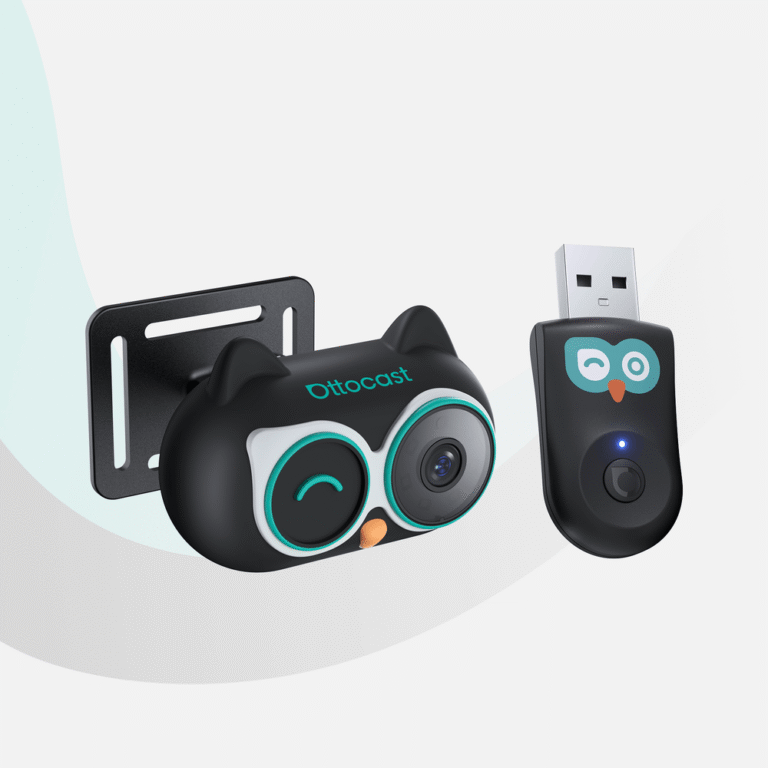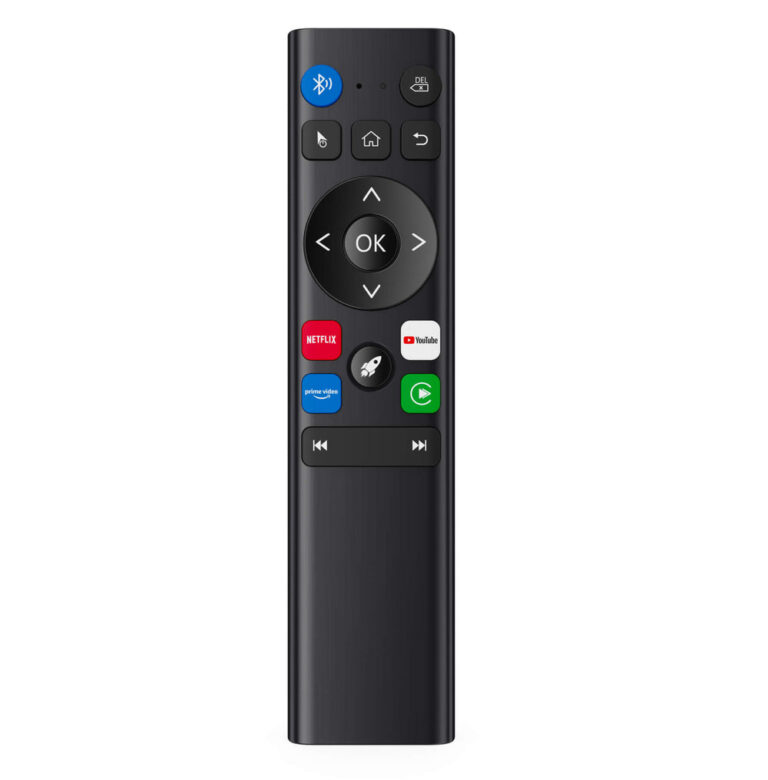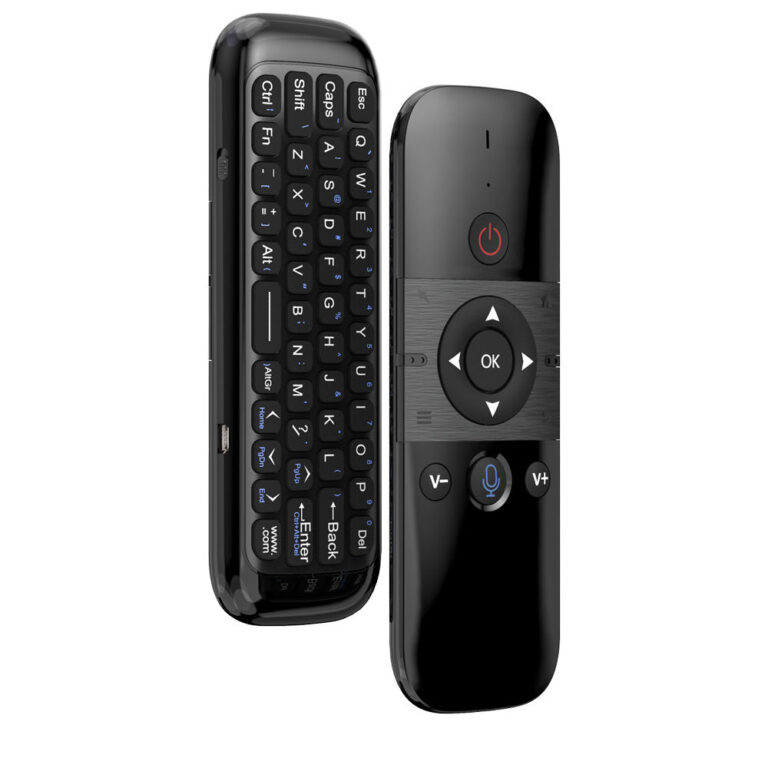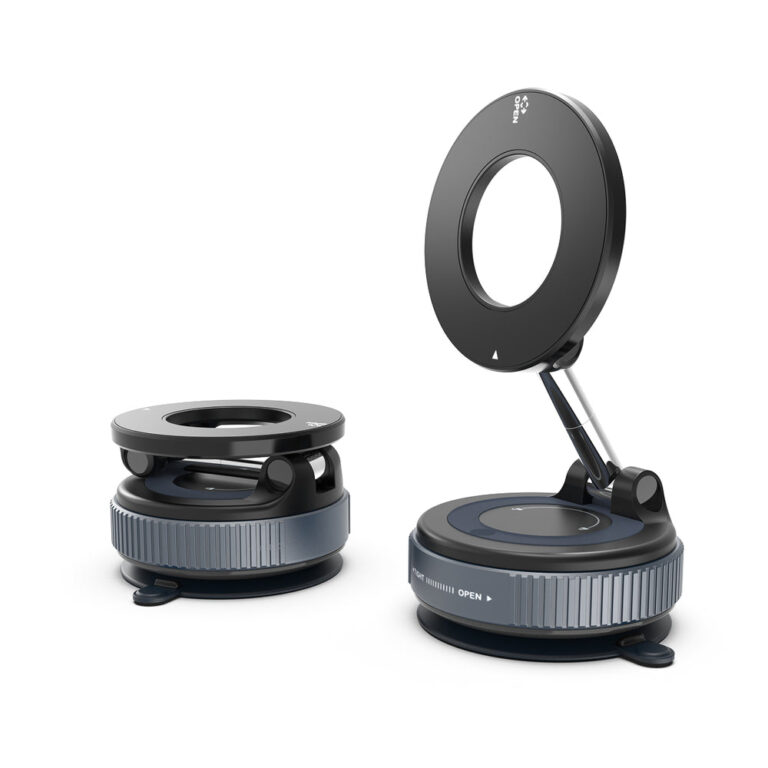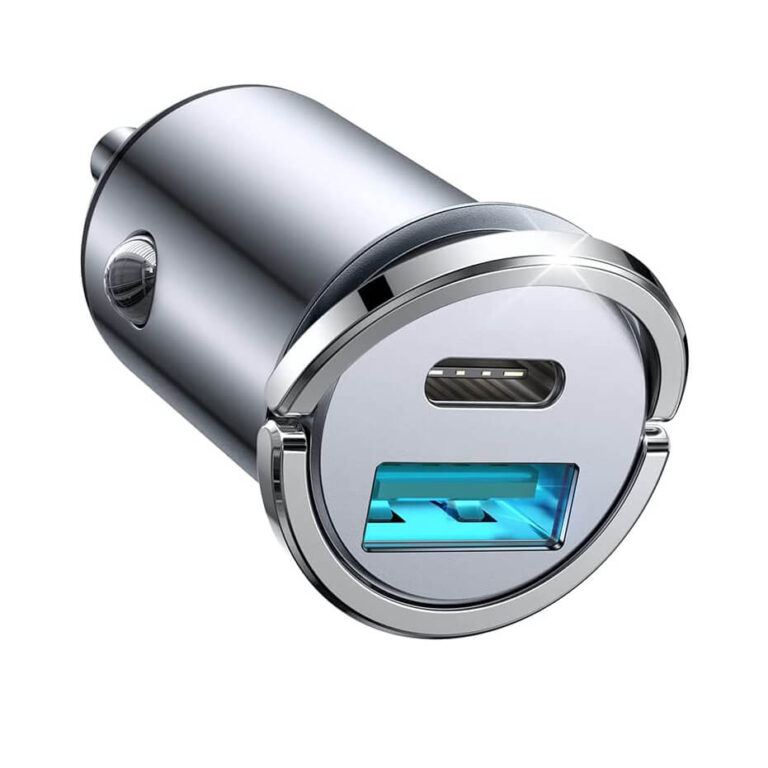
Choosing the right car vehicle electronics depends on your vehicle’s compatibility and entertainment needs. OTTOCAST offers wireless CarPlay and Android Auto adapters with varying features like built-in apps or Android 12 system. Always verify compatibility and review shipping and return policies before ordering.
If you’re searching ‘how to choose car vehicle electronics’, you likely want to add wireless smartphone integration and in-car entertainment to your vehicle. OTTOCAST specializes in wireless CarPlay and Android Auto adapters that connect your phone to your car’s console.
This guide uses only OTTOCAST’s published information to help you compare products like portable screens, all-in-one adapters, and AI boxes. Consider your vehicle compatibility, desired features, and installation requirements.
Who This Guide Is For
This guide is for drivers who want to add wireless smartphone integration and in-car entertainment to their vehicle using OTTOCAST adapters. Whether you need a portable screen for motorcycle GPS or an all-in-one adapter with built-in apps, this guide helps you compare options based on published specs.
Key Criteria to Consider
- Vehicle Compatibility: Check if the adapter works with your car’s console. OTTOCAST recommends verifying compatibility before ordering.
- Phone Compatibility: Ensure the adapter supports your phone type. Products like Play2Video Pro are compatible with both Android and Apple phones.
- Built-in Apps: Some adapters include pre-installed apps like YouTube and Netflix (Play2Video Pro), while others like OttoAibox P3 allow app downloads via Android 12 system.
- Connectivity Options: Look for wireless CarPlay and Android Auto support. OttoAibox P3 also offers CloudSIM, HDMI output, and SIM card slot.
- Installation: Most adapters are plug-and-play; the Wireless Controller requires no installation but needs a separate battery purchase.
Common Mistakes to Avoid
- Skipping compatibility check: OTTOCAST’s return policy notes that returns due to vehicle incompatibility are treated as non-quality-related. Always verify compatibility before ordering.
- Assuming all adapters have built-in apps: Only the Play2Video Pro series includes built-in YouTube and Netflix apps. Other products like the C5 Lite or Wireless Controller do not.
- Overlooking battery requirements: The Wireless Controller does not include a battery; you need to purchase a 5AA battery separately.
- Ignoring shipping estimates: Processing takes 1–2 business days, and delivery varies by method. Expedited shipping may save 1–2 days on dispatch.
Questions to Ask OTTOCAST Before Buying
- Is this adapter compatible with my specific vehicle model? (Contact support@ottocast.com if unsure.)
- What features are included? Does it support wireless CarPlay and Android Auto? Are there built-in apps?
- What are the shipping options and estimated delivery times to my location?
- What is the return policy if the product does not meet my needs? (Returns due to incompatibility are non-quality-related.)
Examples of OTTOCAST Car Vehicle Electronics
Based on published specs, here are four product examples:
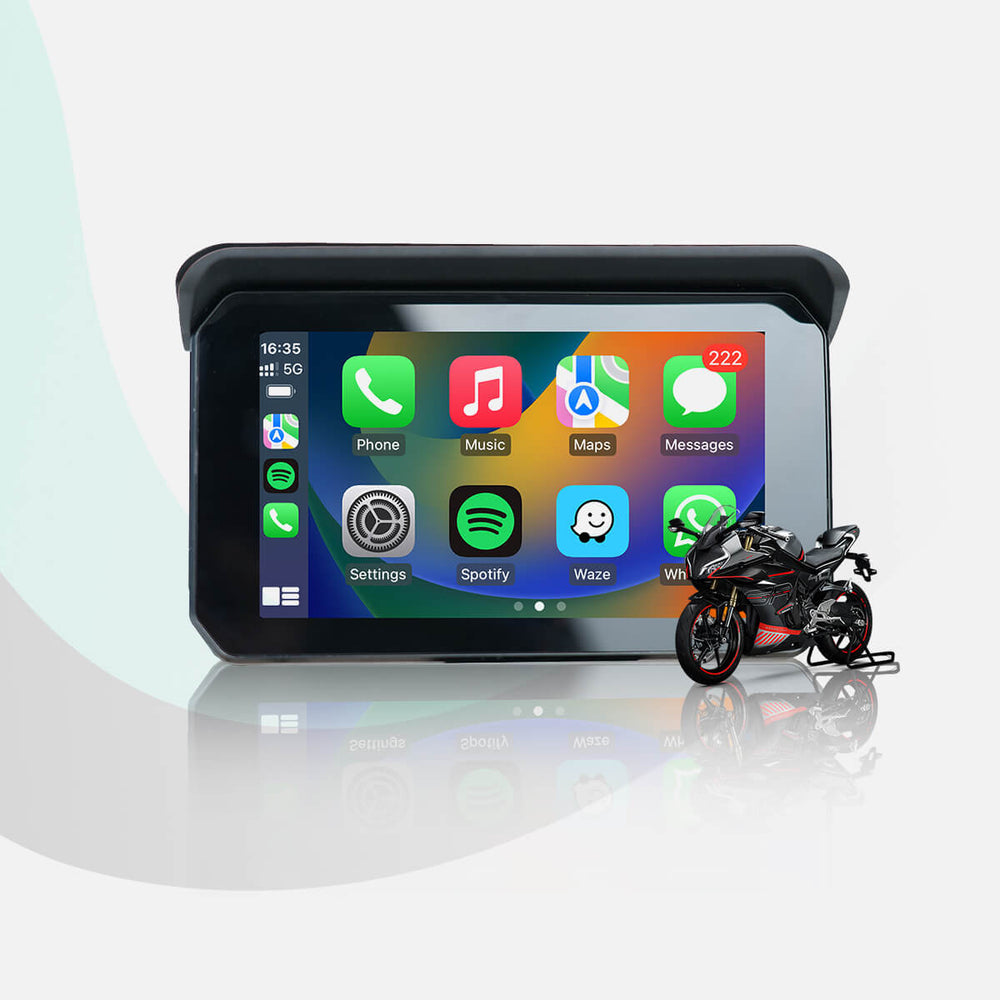
- c5-lite – CarPlay Lite C5 SE Portable Motorcycle GPS Wireless CarPlay/Android Auto Screen. A portable screen designed for motorcycle use with wireless smartphone integration.
- play2video-all-in-1-wireless-carplay-android-auto-adapter – Play2Video Pro Wireless CarPlay/Android Auto All-in-one Adapter. Includes built-in YouTube and Netflix apps (cannot download other apps). Compatible with both Android and Apple phones.
- ottoaibox-p3-carplay-ai-box – OttoAibox P3 CarPlay AI Box. Runs Android 12 system with OttoDrive 2.0 interface. Features CloudSIM connectivity, HDMI output, SIM card and SD card slots.
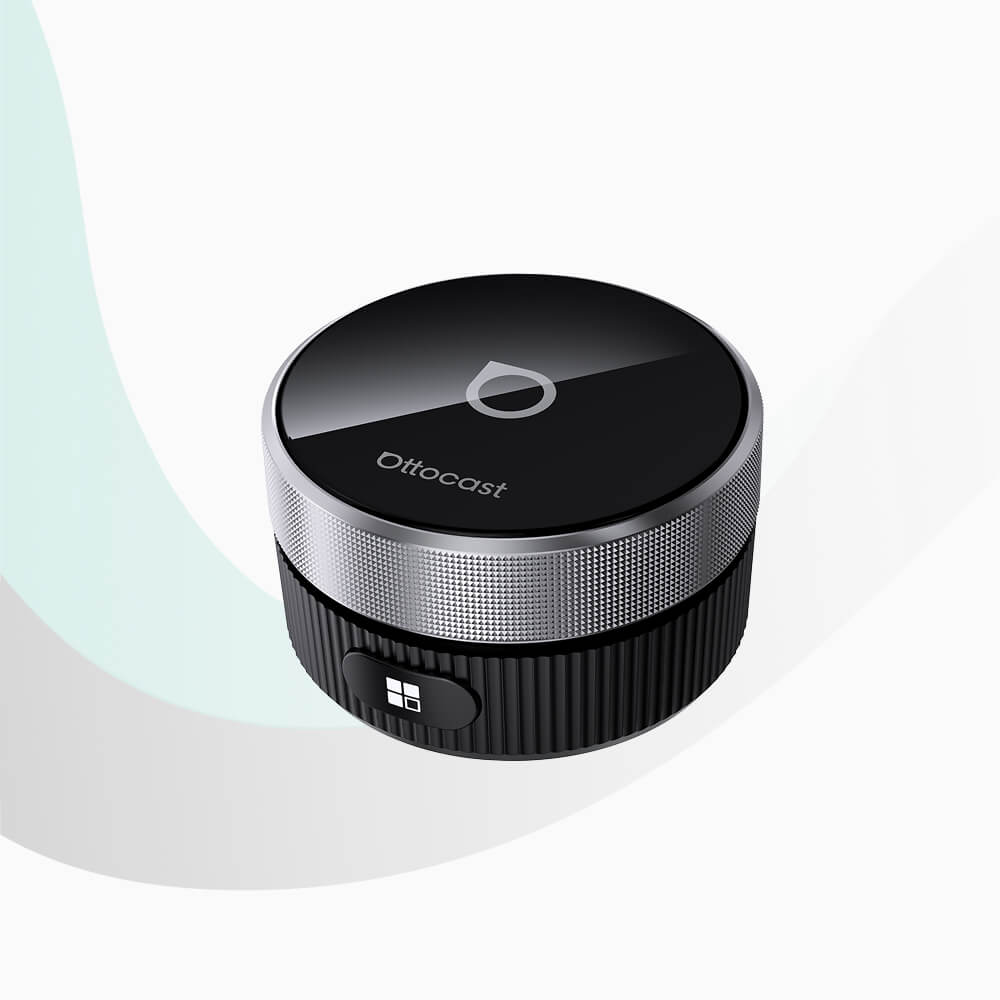
- wireless-controller-for-u2-smart – Wireless Controller. Plug-and-play device to control your car screen. No installation required; battery not included (purchase 5AA battery separately).
Checklist Before You Order
- Confirm your vehicle’s compatibility with the adapter (contact support if needed).
- Verify that the adapter supports your phone’s operating system (Android/Apple).
- Decide which features matter most: built-in apps, screen size, connectivity options.
- Review shipping policy: processing 1–2 days, standard 10–15 days, expedited 8–14 days after dispatch.
- Understand the return policy: contact support first; returns due to incompatibility are non-quality-related.
CarPlay Lite C5 SE Portable Motorcycle GPS Wireless CarPlay/Android Auto Screen
Play2Video Pro Wireless CarPlay/ Android Auto All-in-one Adapter
Related Guides
- How to Choose Racing Simulators
- How to Choose a Custom Keyboard
- How to Choose a Ballon Lumineux
- More Guides guides
Frequently asked questions
How do I know if an OTTOCAST adapter is compatible with my car?
Check vehicle compatibility before ordering. If unsure, contact support@ottocast.com. Returns due to incompatibility are treated as non-quality-related under the return policy.
Can I use these adapters with both Android and Apple phones?
Yes, products like Play2Video Pro and OttoAibox P3 are compatible with both Android and Apple phones, as stated in their descriptions.
Do all OTTOCAST products have built-in apps?
No. Only the Play2Video Pro series includes built-in YouTube and Netflix apps. OttoAibox P3 allows app downloads via Android 12, while the C5 Lite and Wireless Controller do not have built-in apps.
What is the return policy for OTTOCAST products?
Contact OTTOCAST first before opening a dispute. Returns due to vehicle incompatibility are non-quality-related. The policy covers purchases from OTTOCAST-operated online stores; for other retailers, contact them directly.
How long does shipping take?
Processing takes 1–2 business days. Standard shipping is estimated 10–15 days after dispatch; expedited 8–14 days. Tracking syncs 1–3 days after issuance. Check the brand page for current shipping fees.