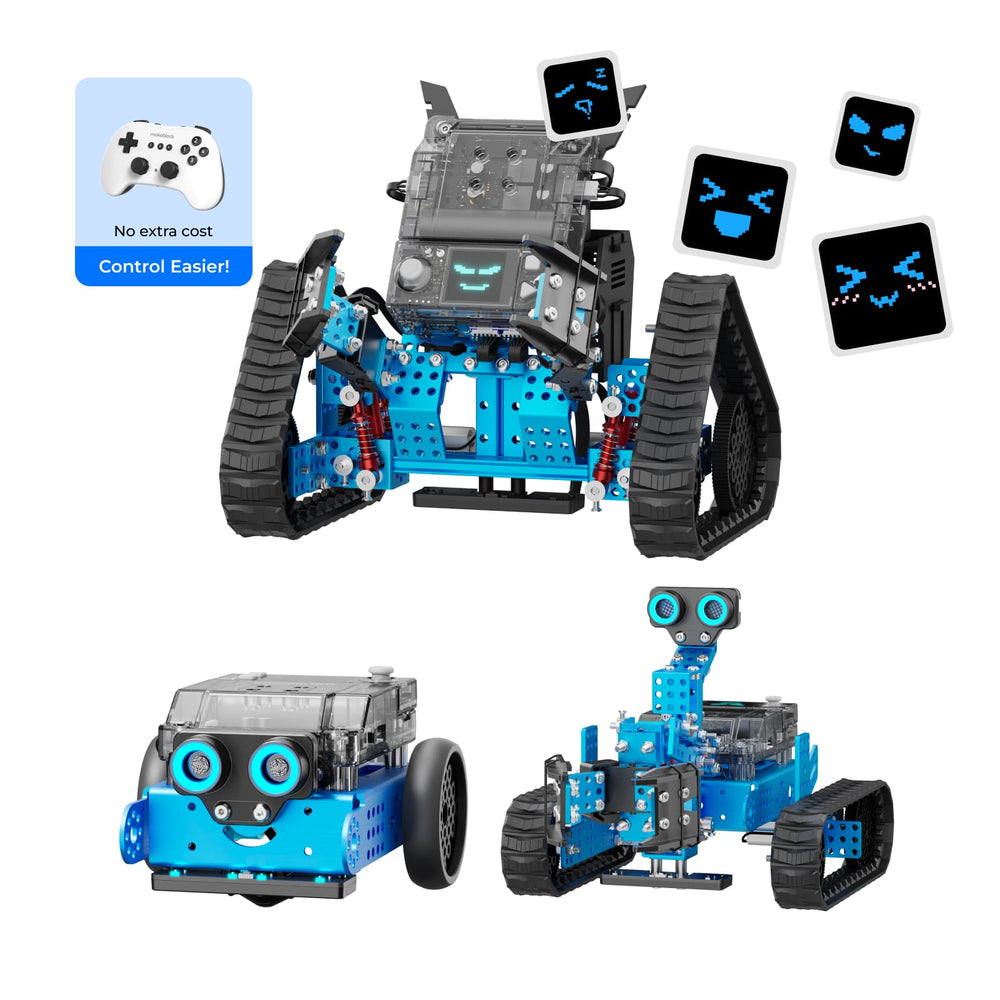
Makeblock offers DIY robot kits for different ages and skill levels. The mBot is for beginners ages 4–8, while the mBot2 Rover and mBot Ranger suit ages 8–12. The mBot Ultimate class pack targets older students and classrooms. Your choice depends on the learner’s age, coding experience, and learning environment.
If you’re searching ‘how to choose diy robot kits’, you likely want a kit that matches your or your child’s skill level and interests. Makeblock’s published lineup includes five distinct kits, from the entry-level mBot to the classroom-focused mBot Ultimate.
This guide uses only Makeblock’s own published information to outline the key criteria. We’ll cover age suitability, coding languages, build time, and included sensors, so you can compare the options.
Who This Guide Is For
This guide is for parents, educators, and hobbyists looking at Makeblock’s DIY robot kits. Whether you are buying for a single child, a group, or a classroom, the data from Makeblock helps you narrow down the options.
Key Criteria When Choosing a DIY Robot Kit
- Age range: Makeblock tags its kits with age groups: mBot (ages 4–8), mBot2 Rover (ages 8–12), mBot Ranger (ages 8+), and mBot Ultimate (ages 12+). Always check the product page for the recommended age.
- Coding languages: The mBot, mBot2 Rover, and mBot Ranger support Scratch block-based and Arduino C. The mBot Ultimate also supports Python and Arduino IDE.
- Number of build forms: The mBot has one build. The mBot2 Rover and mBot Ranger each offer 3 different forms (tank, racing car, etc.). The mBot Ultimate is a 10-in-1 kit.
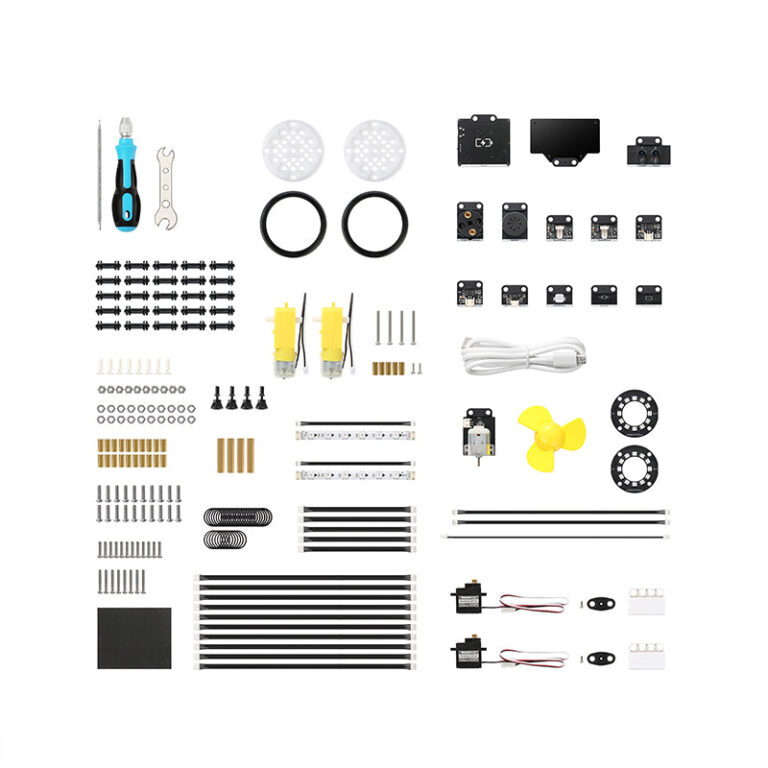
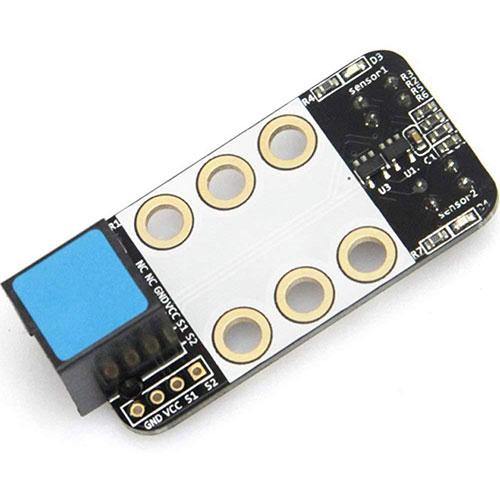
- Sensors and modules: Higher‑end kits include more sensors. For example, the mBot Ranger has ultrasonic, line‑tracking, light, gyroscope, temperature sensors, 12 RGB LEDs, and a Bluetooth module.
- Learning resources: Several kits include free apps, step‑by‑step activities, and curriculum guides. The mBot Ultimate offers a standard‑aligned curriculum with teaching guides and professional training.
Common Mistakes When Choosing a Robot Kit
- Assuming one kit fits all ages: Makeblock’s age tags range from 4 to 12+. A kit meant for older learners may frustrate a younger child.
- Overlooking software requirements: Most kits rely on the mBlock software for coding. Ensure you have a compatible computer or tablet before ordering.
- Not checking included accessories: Some kits, like the mBot Ultimate, include a toolkit and expandable building components, while others may require separate purchases for batteries or extra parts.
Questions to Ask the Brand Before Buying
- What is the recommended age for this kit? (Answer is listed in the product tags.)
- Which coding languages does it support? (Scratch, Arduino C, and/or Python – vary by model.)
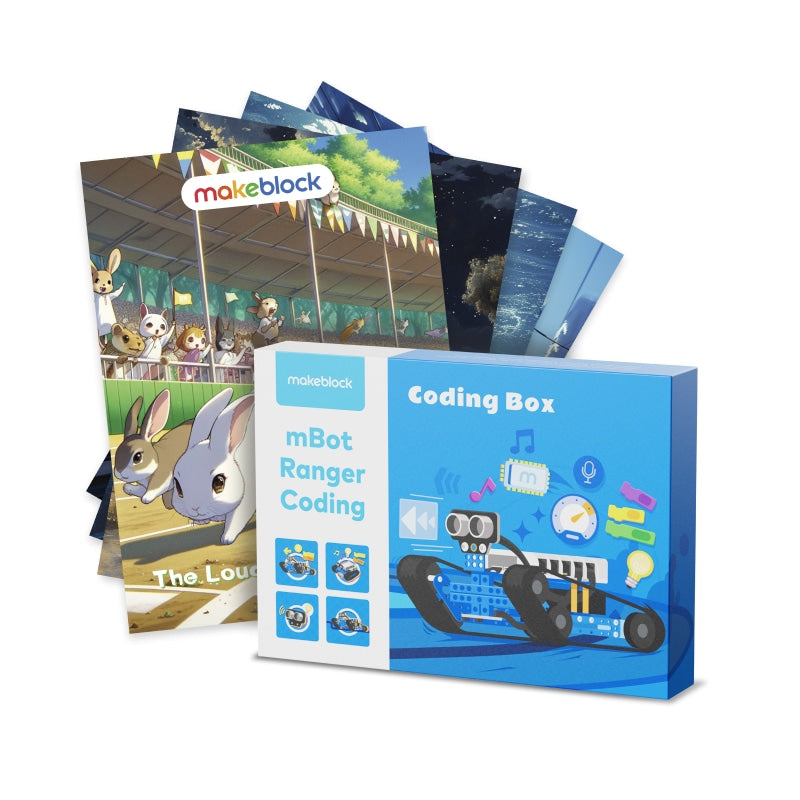
- Does it come with a curriculum or teaching resources? (The mBot Ultimate and mBot Ranger classroom pack mention free curriculum; the mBot includes step‑by‑step activities.)
- What sensors are included in the box? (Compare sensor lists across products.)
- What is the return policy? (Makeblock accepts returns of unused items within 30 days of dispatch; shipping charges are non‑refundable.)
Examples from Makeblock's DIY Robot Kits
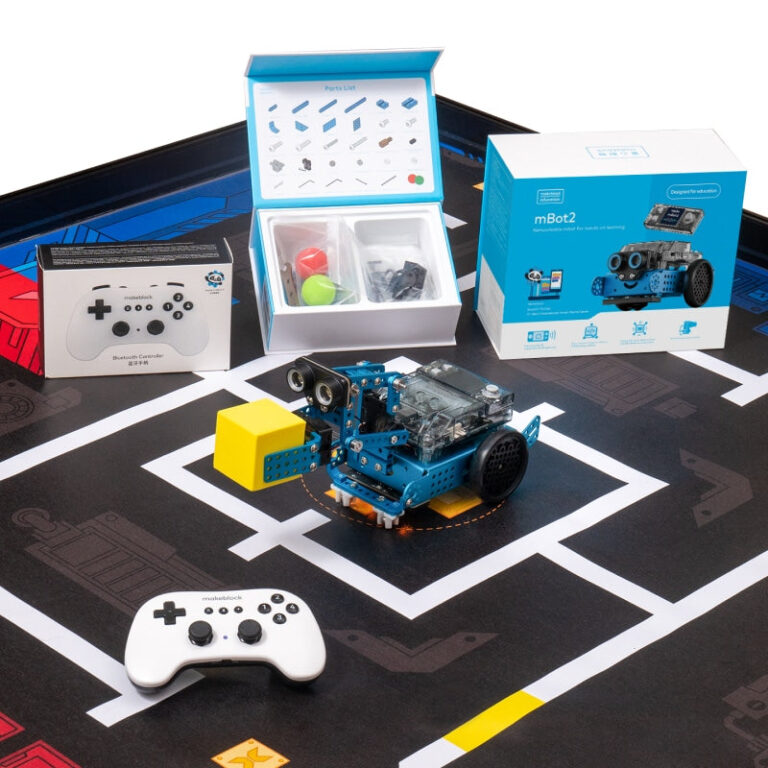
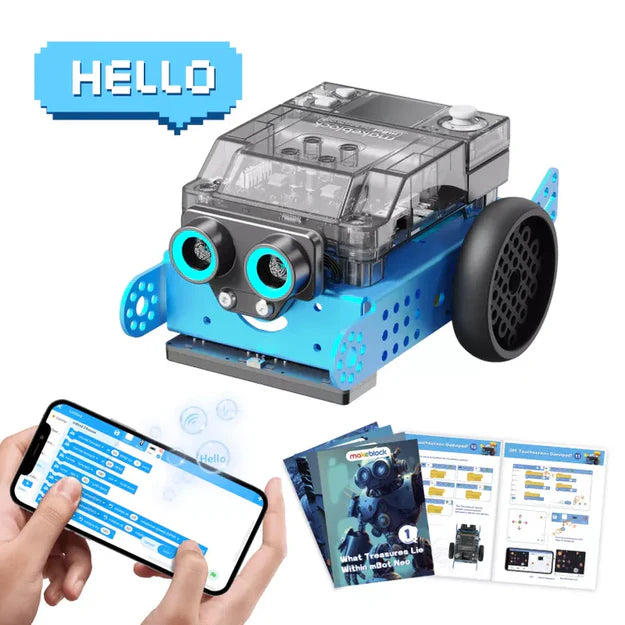
- buy-mbot – Makeblock mBot: Kid’s First Robot Kit for DIY and STEM Learning. Recommended for ages 4–8, assembles in 15 minutes, supports block‑based and text coding, includes screen‑free coding cards and free apps.
- buy-mbot2-rover-emo-robot – Makeblock mBot2 Rover Robotics Kit: for ages 8–12, 3 build forms, full‑color display for custom emojis, robot tracks for outdoor use, supports Scratch and Arduino C.
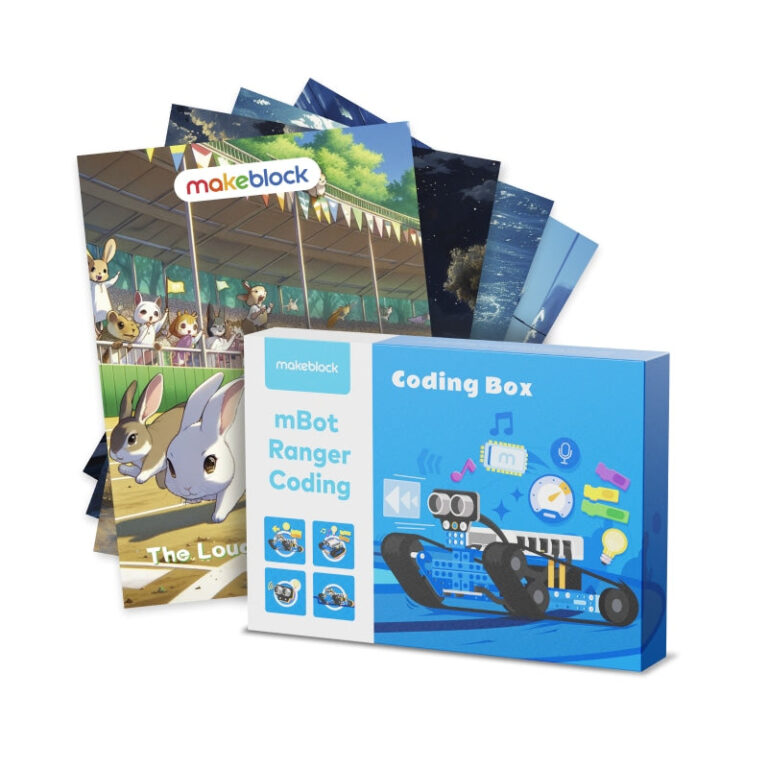
- buy-mbot-ranger – Makeblock mBot Ranger: 3‑in‑1 robotics kit (tank, self‑balancing robot, racing car). Recommended for ages 8+, includes multiple sensors, supports Scratch and Arduino C, free apps with 16+ projects.
- buy-mbot-ultimate-for-classroom – Makeblock mBot Ultimate 10‑in‑1 Robotics Class Pack: for ages 12+, aluminum build, 1‑2 students per kit, supports Scratch, Arduino IDE, and Python. Comes with a standard‑aligned curriculum and teaching guides.
Checklist Before You Order
- Check the age range on the product page (e.g., mBot: 4–8; mBot2 Rover: 8–12; mBot Ranger: 8+; mBot Ultimate: 12+).
- Confirm which coding languages the kit supports (Scratch, Arduino C, or Python).
- Review the list of included sensors and modules to match your learning goals.
- Ensure you have access to the required software (mBlock) and a compatible device.
- Read the shipping policy: standard shipping within the US, handling time 1–3 business days, delivery 7–10 business days. No international orders from the US store.
- Note the return policy: 30‑day return for unused items in original packaging; shipping charges are non‑refundable.
Makeblock mBot: Kid's First Robot Kit for DIY and STEM Learning
Makeblock mBot2 Rover Robotics Kit: Kid's Interactive Emo Robot for Coding Learning and Outdoor Play
Makeblock mBot Ranger: 3-in-1 Robotics Kit for Building Robots from Scratch
Makeblock mBot Ultimate 10-in-1 Robotics Class Pack for Schools & Groups
Frequently asked questions
What is the easiest Makeblock robot kit for a beginner?
According to Makeblock, the mBot is recommended for ages 4–8 and can be assembled in 15 minutes. It supports block-based coding and includes screen-free coding cards.
Can I use Python with Makeblock kits?
The mBot Ultimate class pack supports Python, Scratch block-based, and Arduino IDE. The mBot, mBot2 Rover, and mBot Ranger support Scratch and Arduino C, but Python is not stated for those kits.
What is the return policy for Makeblock?
Makeblock’s published policy states you can return unused items in original packaging within 30 days from dispatch. Shipping charges are non-refundable.
Do Makeblock kits come with teaching materials?
Several kits include free resources: mBot Ranger has 20+ coding cases, mBot has step-by-step activities, and mBot Ultimate has a standard-aligned curriculum with teaching guides and professional training.
What ages are the Makeblock robot kits for?
Based on product tags, the mBot is for ages 4–8, mBot2 Rover for ages 8–12, mBot Ranger for ages 8+, and mBot Ultimate for ages 12+.