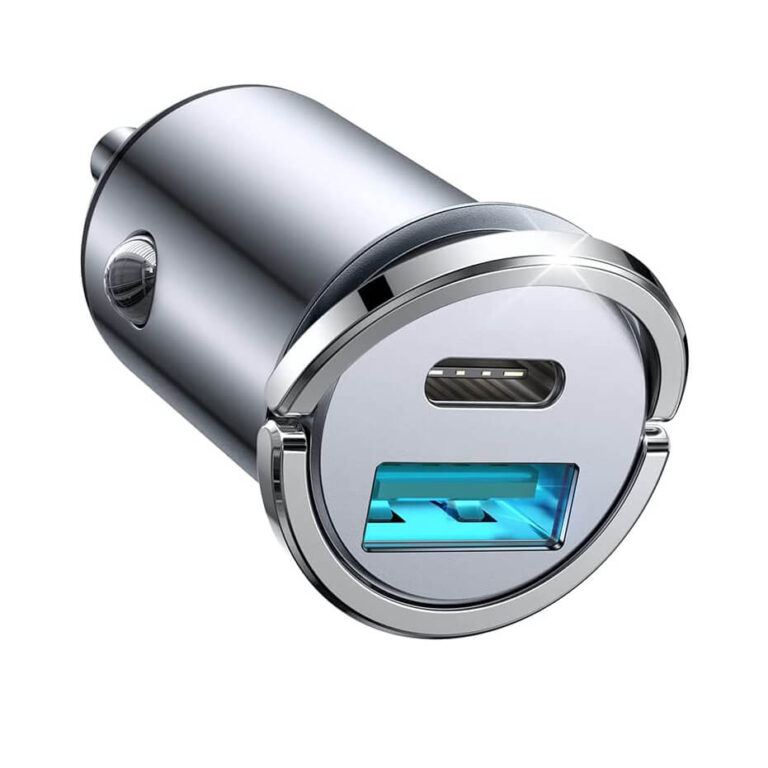
Based on OTTOCAST’s published information, choosing vehicle electronics comes down to matching your vehicle’s compatibility, your desired connectivity (wireless CarPlay, Android Auto, or built‑in apps), and your intended use—whether that’s navigation, media streaming, or a portable screen. OTTOCAST offers several product lines: a portable motorcycle GPS screen, adapters with built‑in YouTube/Netflix, and an AI Box running Android 12. Review shipping and return policies before ordering, as incompatibility returns are treated as non‑quality‑related.
If you’re searching how to choose vehicle electronics, you’re likely looking for a device that seamlessly connects your phone to your car’s console. OTTOCAST is one brand that specializes in wireless CarPlay and Android Auto adapters, as well as AI boxes that add streaming and app capabilities. Their products range from a portable motorcycle GPS screen to all‑in‑one adapters with built‑in YouTube and Netflix, and an Android 12‑powered AI box.
This guide uses only OTTOCAST’s own published data—including product descriptions, shipping estimates, and return policy—to help you make an informed decision. Because vehicle compatibility is critical, we’ll walk you through key criteria, common mistakes, and the questions you should ask before you order.
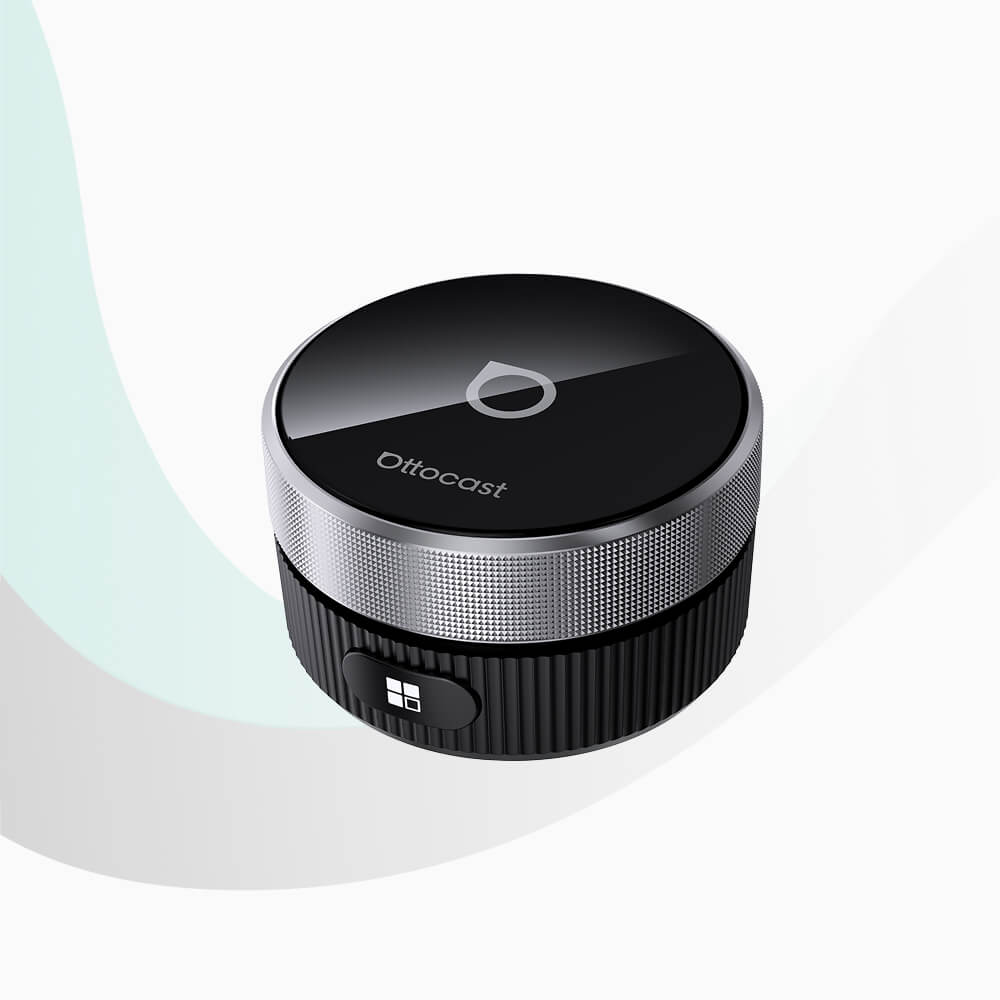
Who This Guide Is For
This guide is for anyone looking to upgrade their car’s infotainment with a wireless adapter or an AI box. Based on OTTOCAST’s product categories, you might be:
- A driver who wants to use Apple CarPlay or Android Auto without plugging in a cable every time.
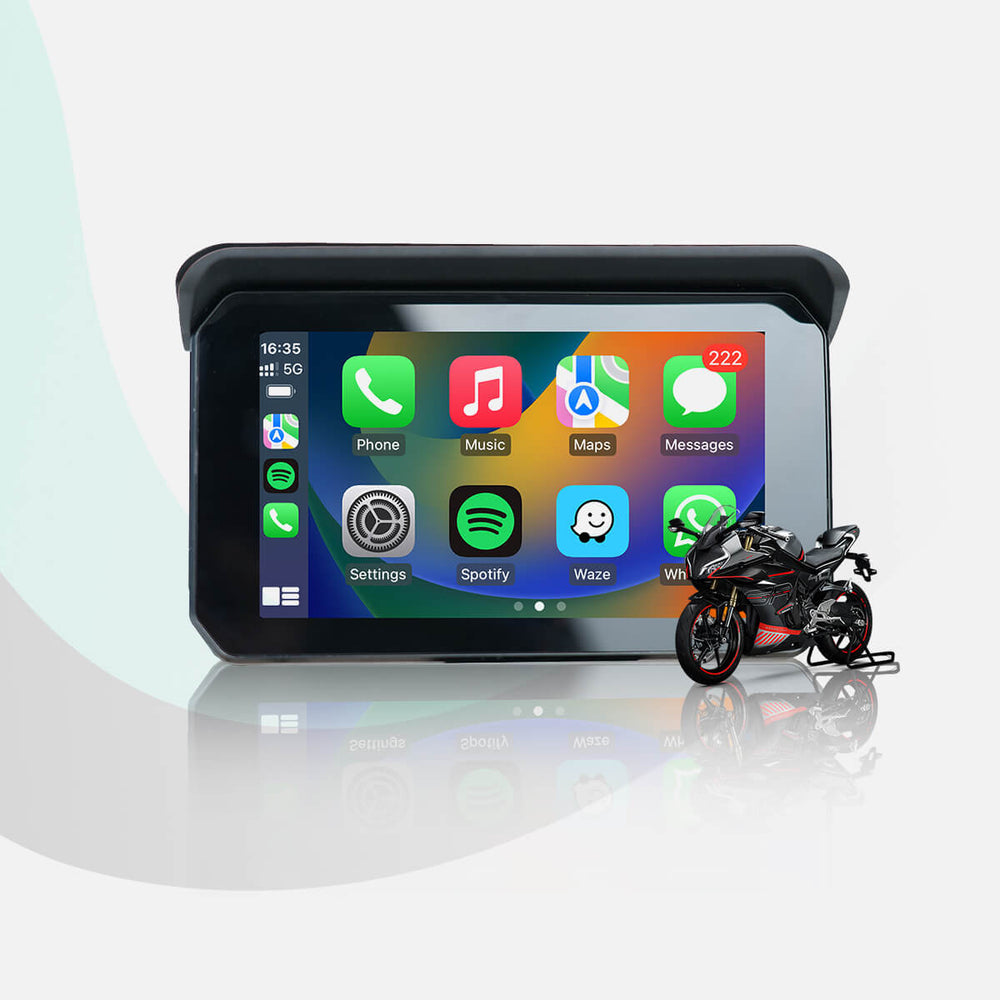
- A motorcyclist or scooter rider interested in a dedicated portable GPS screen with wireless phone mirroring (like the C5 Lite).
- A passenger who wants to watch YouTube or Netflix on the car display during stops (using a product with built‑in apps such as the Play2Video Pro).
- A tech‑enthusiast who wants a full Android 12 experience in the car, with the ability to download apps and even connect an HDMI output (like the OttoAibox P3).
If you already own a vehicle with a factory screen that supports wired CarPlay or Android Auto, these devices can convert it to wireless. If your vehicle lacks any smartphone integration, a portable screen with CarPlay/Android Auto built in may be the right choice.
Key Criteria for Choosing Vehicle Electronics
Based on OTTOCAST’s product specs and policies, here are the most important factors to evaluate:
- Vehicle Compatibility: The brand states: “Please check vehicle compatibility before ordering.” Returns due to incompatibility (not a defect) are treated as non‑quality‑related. You must confirm that your car’s head unit supports wired CarPlay or Android Auto before buying a wireless adapter. For portable screens like the C5 Lite, compatibility is more universal as they connect via Bluetooth and Wi‑Fi.
- Wireless Connectivity Type: OTTOCAST adapters support both Apple CarPlay and Android Auto. Some products, like the Play2Video Pro, also include built‑in YouTube and Netflix apps (note: “Cannot download any other apps”). The OttoAibox P3 runs Android 12 and lets you download apps from the Play Store, plus it has CloudSIM for online connectivity without a physical SIM.
- Portability vs. Installation: Products range from plug‑and‑play adapters that sit in your USB port to standalone screens that mount on your dashboard or motorcycle handlebars. The C5 Lite is described as a “Portable Motorcycle GPS Wireless CarPlay/Android Auto Screen.” No installation required for most adapters.
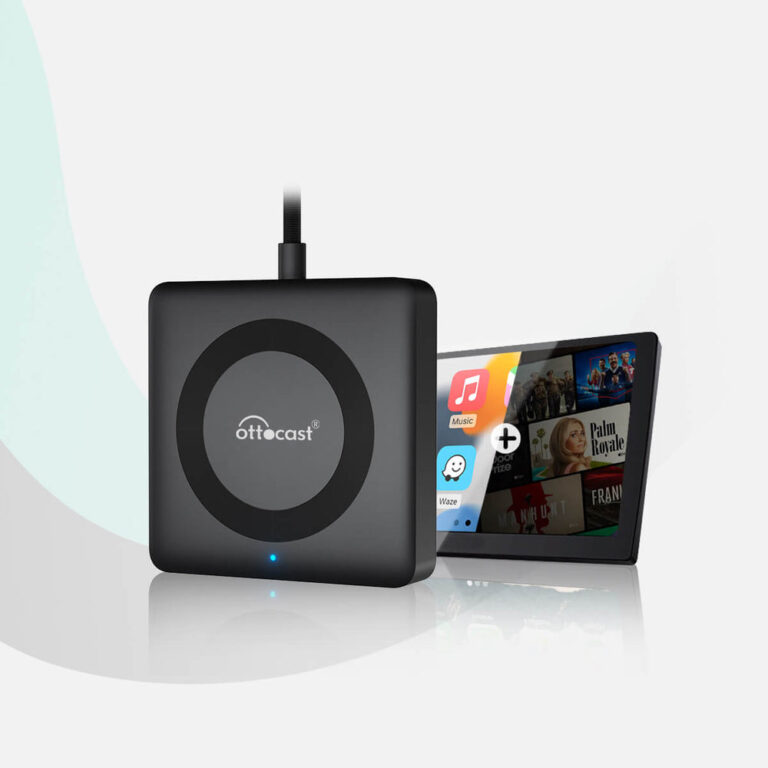
- Additional Features: The OttoAibox P3 offers HDMI output (to connect an external screen), a SIM card slot, and an SD card slot for storage. The Play2Video Pro focuses on streaming with its pre‑loaded YouTube/Netflix apps. The wireless controller (for U2 Smart) is a separate accessory that allows you to control your car screen without installation.
- Shipping and Delivery: According to OTTOCAST’s shipping policy, processing takes 1–2 business days, standard shipping is estimated at 10–15 days after dispatch, and expedited at 8–14 days. Tracking syncs 1–3 days after the tracking number is issued. For Europe, delivery estimates vary by country (e.g., Germany 7–12 days).
Common Mistakes When Buying Vehicle Electronics
Based on OTTOCAST’s return policy and product descriptions, here are pitfalls to avoid:
- Not checking vehicle compatibility beforehand. The brand explicitly warns: “If you’re unsure, contact us at support@ottocast.com.” A non‑quality‑related return due to incompatibility may incur a cancellation or return fee.
- Assuming all adapters can install any app. The Play2Video Pro includes YouTube and Netflix but states “Cannot download any other apps.” If you want full app freedom, you need an AI box like the OttoAibox P3 which runs Android 12.
- Overlooking the cancellation policy. If you cancel within 12 hours of payment and the order hasn’t shipped, there’s no fee. After 12 hours, a 5% fee (minimum stated on the brand page) applies. Orders that have already shipped cannot be cancelled; you must wait for delivery and request a return.
- Ignoring shipping estimates. Delivery times count from dispatch, not from the order date. Processing takes 1–2 business days, and estimates are 10–15 days for standard shipping. If you need the device quickly, consider expedited shipping (8–14 days after dispatch).
- Opening a chargeback instead of contacting support first. OTTOCAST notes that opening a bank dispute while also requesting a refund may delay the process and incur additional fees. Always email support@ottocast.com first.
Questions to Ask the Brand (OTTOCAST)
Before purchasing, consider contacting OTTOCAST support (support@ottocast.com) with these questions. The data doesn’t provide answers for all, but asking will help you:
- “My car is [make/model/year]. Does it support wired CarPlay or Android Auto? Which OTTOCAST product is compatible?”
- “How do I verify compatibility before ordering?”
- “What is the exact cancellation/return fee for non‑quality‑related returns?” (The policy mentions a 5% fee with a minimum, but the exact amount is not stated in the data.)
- “What is the warranty coverage for this product?” (The warranty policy is not stated in the data, so you should ask.)
- “For the OttoAibox P3, does CloudSIM require a subscription? Can I use my own SIM card in the SIM card slot?” (The product description mentions CloudSIM and a SIM card slot, but no further details.)
- “For the Play2Video Pro, which video resolutions and codecs are supported for YouTube/Netflix?” (Not stated in the data.)
Examples from OTTOCAST's Product Line
Here are three distinct OTTOCAST products that illustrate the range of vehicle electronics you can choose, based on their published descriptions:
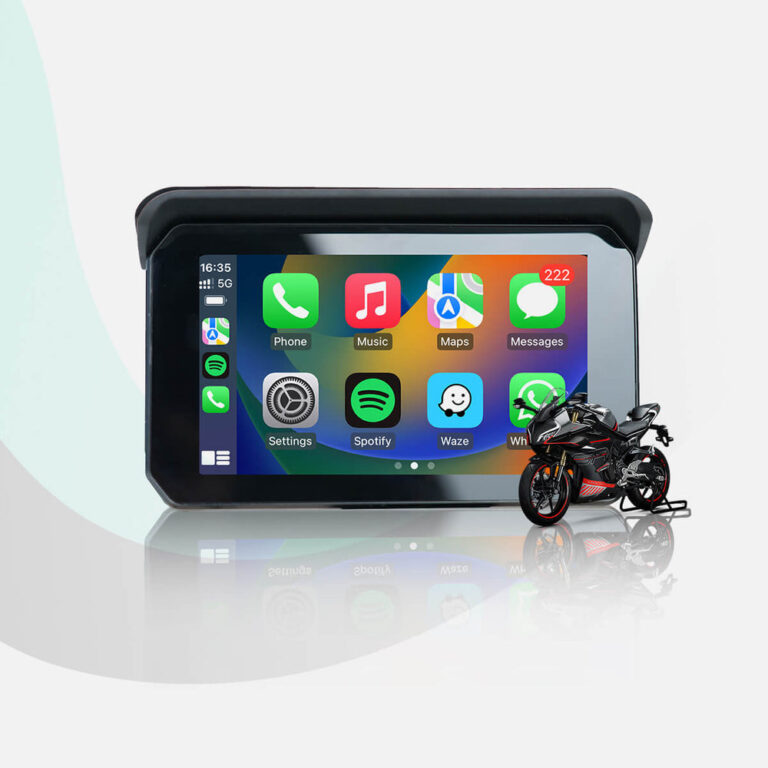
- c5-lite (CarPlay Lite C5 SE Portable Motorcycle GPS Screen): A standalone screen designed for motorcycles. It offers wireless CarPlay and Android Auto, no installation required. Ideal if your vehicle lacks a built‑in screen or if you want a portable option for multiple vehicles.
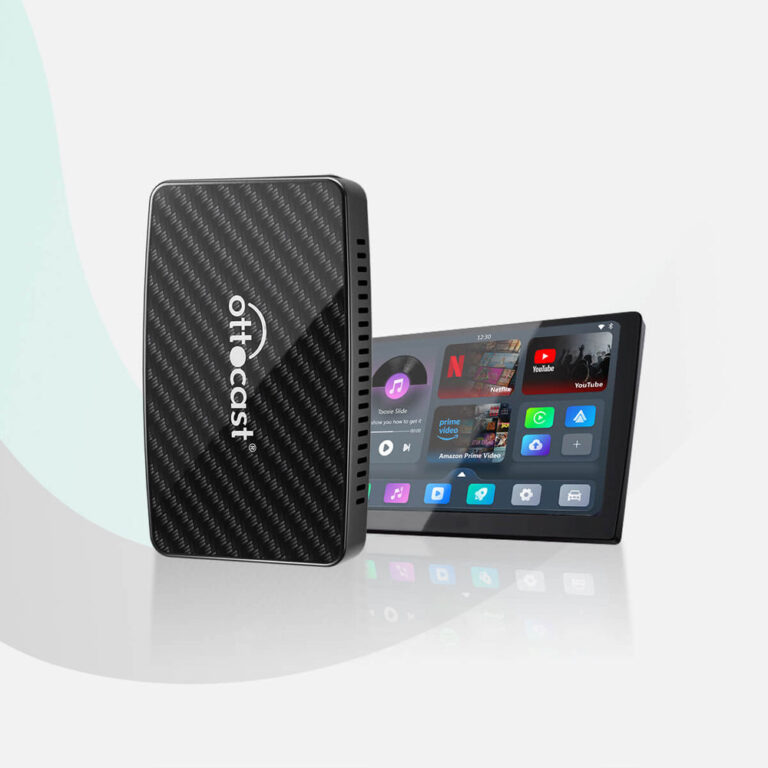
- play2video-all-in-1-wireless-carplay-android-auto-adapter (Play2Video Pro): A compact adapter that plugs into your car’s USB port. It provides wireless CarPlay/Android Auto and includes built‑in YouTube and Netflix apps. Note: you cannot download other apps. It’s described as “budget‑friendly” and “a hit among car enthusiasts.” Compatible with both Android and Apple phones.
- ottoaibox-p3-carplay-ai-box (OttoAibox P3): A more advanced AI box running Android 12 (OttoDrive 2.0). It supports wireless CarPlay and Android Auto, plus you can download any app from the Play Store. It features CloudSIM for internet connectivity without Wi‑Fi, an HDMI output for external screens, and a SIM card + SD card slot. This is the most feature‑rich option in the data.
Checklist Before You Order
Use this checklist based on OTTOCAST’s published policies to avoid surprises:
- ☐ Confirm your vehicle has wired CarPlay or Android Auto (if buying a wireless adapter).
- ☐ Contact support (support@ottocast.com) if unsure about compatibility.
- ☐ Decide which features you need: basic wireless mirroring, built‑in streaming apps, or full Android OS.
- ☐ Check the cancellation fee timing: if you might cancel, do so within 12 hours of payment to avoid a 5% fee.
- ☐ Review shipping estimates: standard 10–15 days after dispatch; expedited 8–14 days. Add 1–2 business days processing.
- ☐ Prepare for returns: non‑quality‑related returns (e.g., incompatibility) are accepted but may have fees. Contact support before opening a dispute.
- ☐ Ask about warranty, as it is not stated in the available data.
CarPlay Lite C5 SE Portable Motorcycle GPS Wireless CarPlay/Android Auto Screen
Play2Video Pro Wireless CarPlay/ Android Auto All-in-one Adapter
Frequently asked questions
How do I know if my car is compatible with an OTTOCAST wireless adapter?
According to OTTOCAST, you must check vehicle compatibility before ordering. Your car needs to have a factory head unit that supports wired Apple CarPlay or Android Auto. If you’re unsure, you can email support@ottocast.com with your vehicle details. Returns due to incompatibility are treated as non‑quality‑related and may incur fees.
What is the return policy if I buy the wrong product?
OTTOCAST’s policy states that returns due to vehicle incompatibility (not a defect) are accepted but are considered non‑quality‑related. You must contact support first before returning. Opening a bank dispute may delay the process. If you cancel within 12 hours of payment and the order hasn’t shipped, you receive a full refund. After 12 hours, a 5% fee (with a minimum) applies.
Does OTTOCAST offer a warranty on its products?
The warranty policy is not stated in the available data. You should contact OTTOCAST support directly at support@ottocast.com to ask about warranty coverage for the specific product you are interested in.
How long does shipping take?
Based on OTTOCAST’s shipping policy, processing takes 1–2 business days. Standard shipping is estimated at 10–15 days after dispatch, and expedited shipping at 8–14 days. Tracking syncs within 1–3 days after the tracking number is issued. Estimates vary by destination, with specific European country estimates provided (e.g., Germany 7–12 days).
Can I download any app on the Play2Video Pro?
No. The Play2Video Pro includes built‑in YouTube and Netflix apps, but OTTOCAST states that you cannot download any other apps. If you want full app downloading capability, consider the OttoAibox P3, which runs Android 12 and supports app downloads.